a few of my favs that i haven't seen in anyone else's list yet...
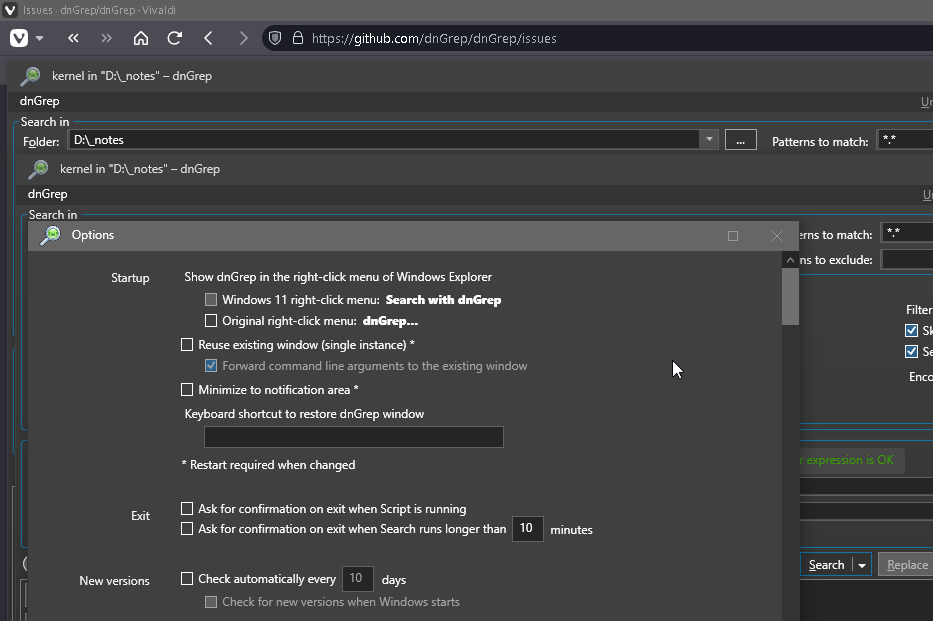
dnGREP webpage - Powerful search for Windows. -- I love this one, its easy to script, use it daily in my AHK apps as it has robust CLI eg, Run, %dngrep% /f "%ahk%" /st %mode% /pi "%dnGREPIgnoreASD%" /pm %dnGREPMatch% /s* %find% one click\hotkey and I'm searching inside the active files of my current project. there's Everything integration as well, use EV to search files system wide, while dngrep searches inside of the found files. dnGREP Github the developers are great and involved! I've posted with issues\bugs and feature request which they implemented in short time.
Typora Paid - Markdown Editor. -- My default WYSIWYG .md app. i used Obsidian for a long while but the Mandatory Vault System drove me away. for everyday use, i have 9 harddrives with readme.md on everyone of them and you can just double click to quick read (or edit) it using obsidian, it must exist in the almighty vault! Typora is bit more simple, built for mac users, its like notepad for .md just open, edit, save, and done! anywhere.
Flow Launcher - a robust alt+space launcher tool with many plugins (don't go too crazy, less is more!) which allow for even more customizations and cli options. I'm still using an older version, v19.5 its faster, portably on drive X: jumping between win 10\11 is seamless! it has native dopus integration I've match all my dopus alias's in keywords or simply put a name link you start folder. search browser bookmarks, open windows, services, control panel and settings, process, environment, etc etc etc all from one box. powertoys new "cmd palette" is attempting to emulate this app.
Notepad++ with Notepad Replacer: Replace Notepad the Easy Way by Binary Fortress Software - it makes a simple registry hijack key to send anything that would default to opening notepad too Notepad++ ** (or the text editor of your choice, the installer lets you pick which to use) instead. NOTE! while this does nothing to notepad in sys32 you should know you will not be able to use windows notepad.exe with this installed. It 100% makes Notepad++(or your choice) the default! and now that notepad has ai, I'm okay with never seeing it again, not that i have in 7+ years any. its as simple as Run, "%pathto%\NotepadReplacerSetup-1.6c.exe" /NOTEPAD="C:\Program Files\Notepad++\notepad++.exe" /SILENT
System Informer - an overpowered mashup of Task Manager and Process Explorer. <-- when they can't find or let you kill it, system informer will. Any of the performance graphs can placed task tray for easy monitoring and access.
Registry Finder - for power users - Search the entire windows registry in seconds, see all results in a list view! save favorites, keeps of history of changes! and more. supports cli as well, i use ahk to send searches to %regf% via selected text, keys or flow launcher.