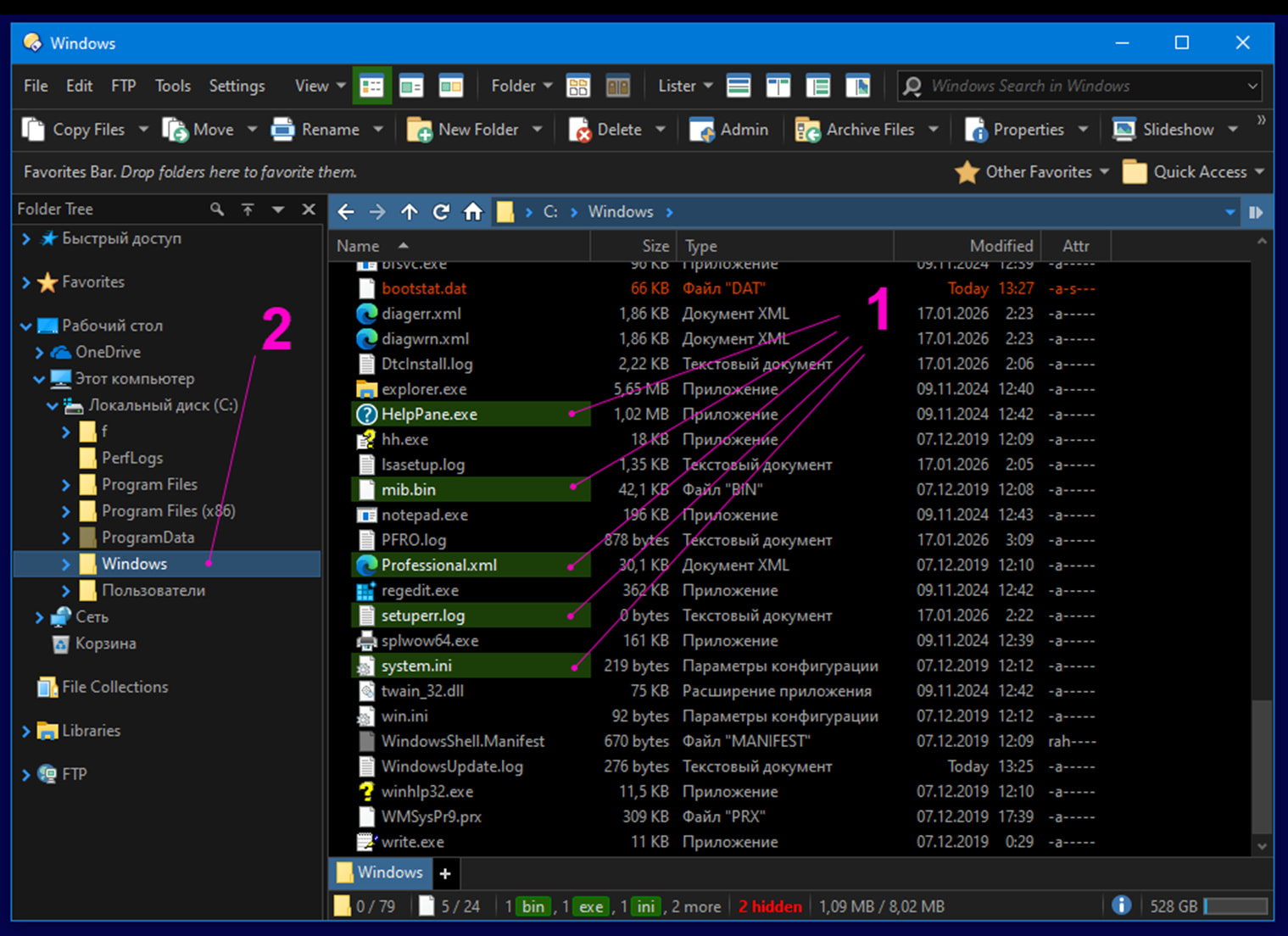
Selection of files in panel Files -- is active.
Selection of folder in panel FolderTree -- is unactive.
All operations (copy, delete) applicable for selection in panel Files.
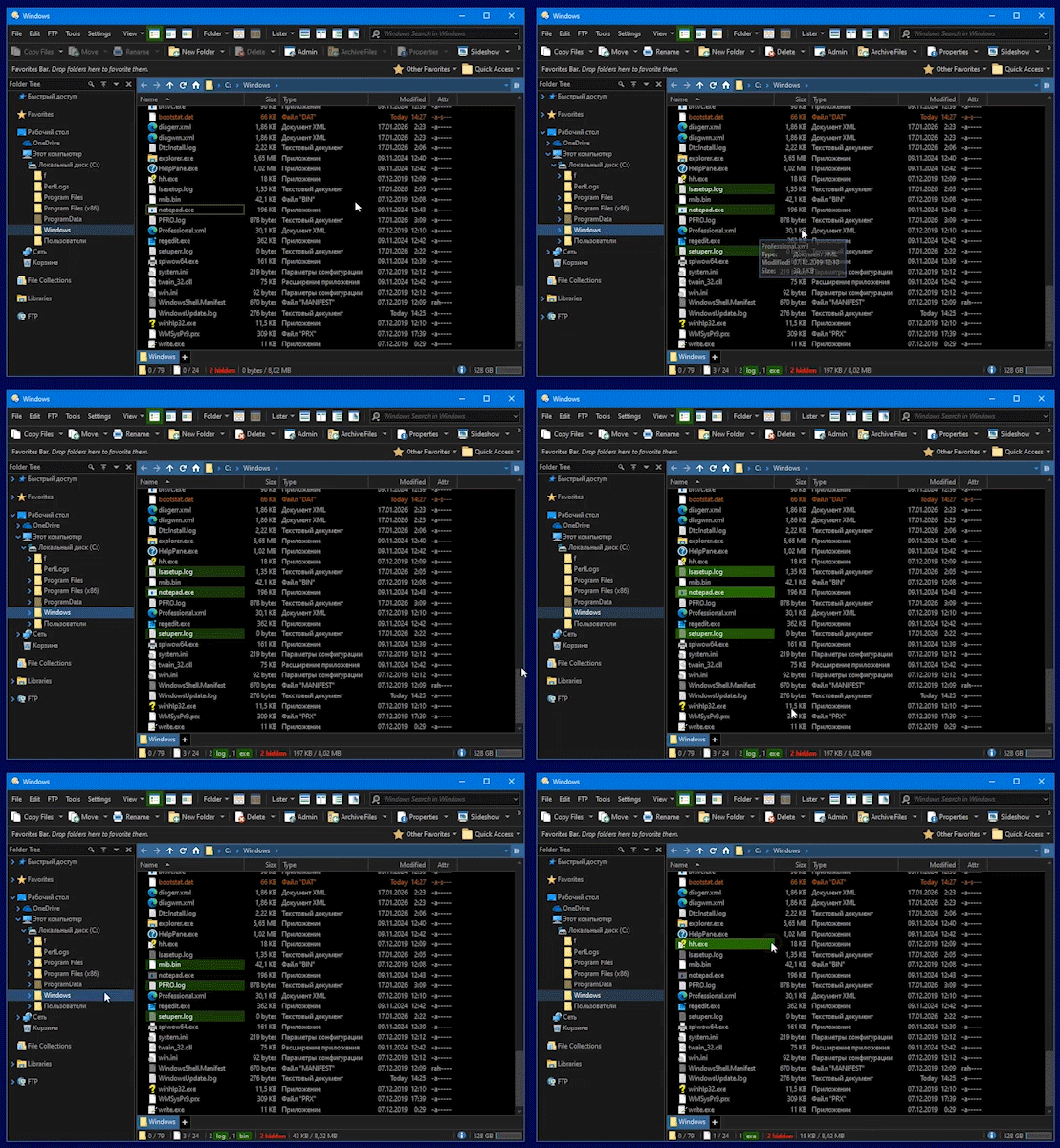
select [click] folder in panel FolderTree.
Selection of files in panel Files -- is unactive.
Selection of folder in panel FolderTree -- is active.
All operations (copy, delete) applicable for selection in panel FolderTree.
If i select [click] panel Files, selection of files, will hide.
Question:
What panel or region need select [click] for activate panel Files and save selection of files?
For do some operation with selected files in panel Files?
Some test:
I can it do, if [click] on scrollbar on panel Files.
But, some times, if application window is big and list of short, scrollbar doesnt exists.
In 13.23.5 we made a couple of changes to make it easier to give focus back to the source file display using the mouse without losing the selection:
Added Preferences / File Displays / Mouse / Allow file selection when clicking to give focus option. If turned off, clicking a file display that doesn't have input focus won't select/deselect files - instead, it will only gain the focus, and you'll need to click again to change file selections.
Clicking the current source tab, or the background of the tab bar of the source file display, now gives input focus to the file display if it didn't already have it. Previously the file display would only get focus if it was the destination and the click switched it to the source.