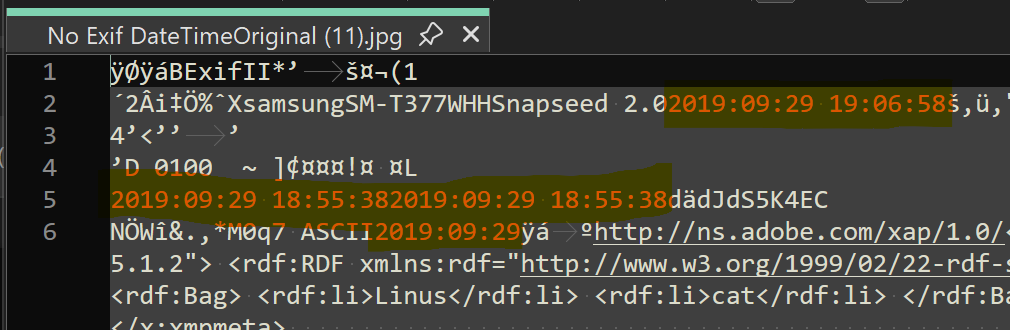
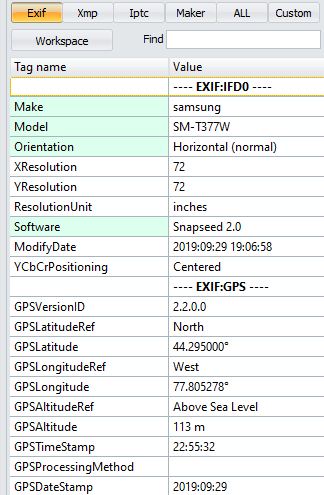
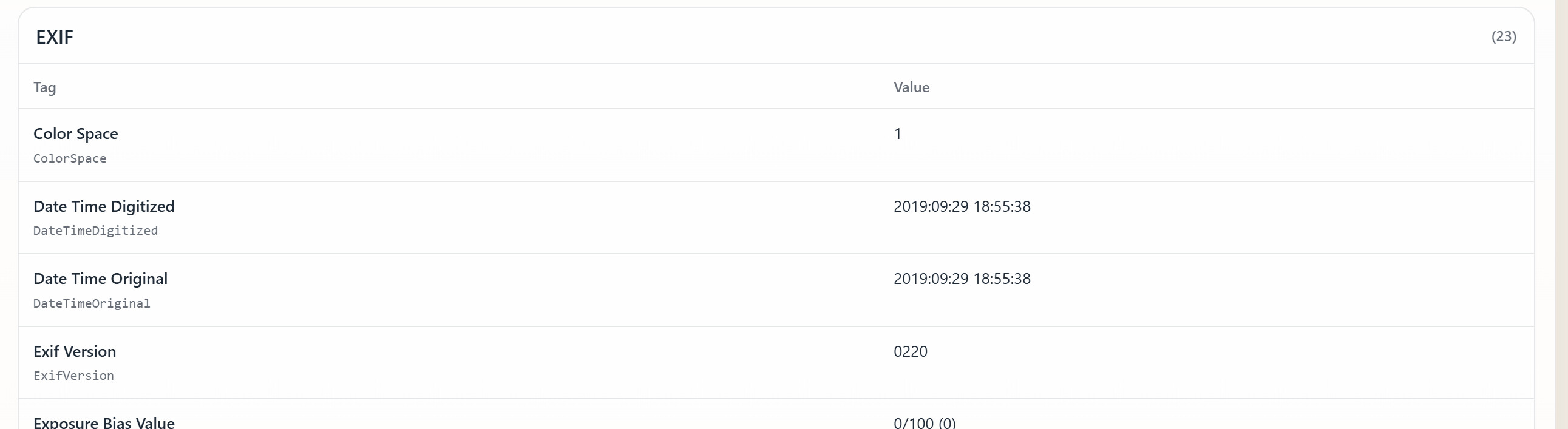
I have some JPEGs that have a date displayed in the DOpus Date/Time Original field but that, according to ExifTool, have no Exif or XMP-Exif DateTimeOriginal.
So, where is the date in the Date/Time Original field coming from?
In the screenshot below, the EXIF DTO column displays the Exif DateTimeOriginal field from the Exiftool Plugin.
Yes, that date is in some date fields, but according to ExifTool, none of these photos have a date in the EXIF DateTimeOriginal field, so that field should be empty.
According to experts on the ExifTool forum, "Exiftool is reporting that the EXIF format is invalid and has skipped the entire ExifIFD group." It's not reliable.
So, while an EXIF DateTimeOriginal is displayed by some apps and services, it is not displayed by ExifTool and most of the photo applications I just checked , including Lightroom Classic.
I wish Directory Opus used ExifTool so that photo dates and other photo metadata displayed was consistent with photo applications.
Also, I have tried a few ways to add a 'good' Exif DateTimeOriginal using DOpus, so that a date appears in that ExifTool plugin column, but I have not succeeded.
If I edit Date Taken in the Metadata Pane, there is still no Exif DateTimeOriginal displayed by the ExifTool plugin.
If I copy the File Date Created to the Date Taken field, same thing: No Exif DateTimeOriginal is displayed by the ExifTool plugin.
But if I edit the Date Taken in File Explorer, that works! Same with Adobe Bridge.
So, there doesn't seem to be any fix using Directory Opus. I tried making a copy using 'Convert', and I converted .JPG to JPG.
Most other applications also don't all use ExifTool, so things will never be completely consistent across different software.
And you're now asking for Opus to be made worse in this particular instance, to make it ignore a tag it can parse and not display information which it has. If things were the other way around, and ExifTool was showing the tags while Opus rejected them, I'm sure you'd be asking us to make Opus more lenient rather than asking ExifTool to reject the tags.
We don't know why ExifTool is rejecting the tags, so we couldn't tell you how to make it accept them. That's something you'd need to ask them.