Good question. 
I haven't actually compiled a non-default configuration, because I don't need it.
I have enough trust in the source code that it works as described.
The reason is as follows:
If you only know the standard 8x8 DCT block size as used before JPEG 8, then I guess it is difficult to comprehend the claims, because there is no lossless operation in this condition to make definite statements about preserved bit depths in the JPEG (DCT) process.
A good example is Google's Jpegli attempt: They seem to have some vague clue about the feature, and so can only make a vague 10+ bits statement without an ability to verify the claim:
In fact, everyone who ever implemented a JPEG codec knows that you need 11 bits for the DCT coefficients in the "original 8-bit formalism" as they call it.
I have previously always believed, and that is what people usually believe apparently, that the three extra bits are just some kind of precision reserve for the DCT calculation caused by mathematical reasons.
It is really difficult to make any definite claim about preserved bits in the 8x8 DCT case due to the relatively complex calculations with 64 values involved in the process.
And now come JPEG 8 and JPEG 9 into play.
This is what those Google and ISO folks want to avoid like the plague for various reasons.
And that ignorance becomes the obstacle now for them which prevents a clear comprehension of the issue.
JPEG 8 simply makes the DCT block size variable, you can use anything from 1x1 to 16x16 now, not only 8x8.
I call this feature also SmartScale, because it is directly related to one of the fundamental properties for image representation, which make the substance of JPEG (ignored by everyone else!).
The 1x1 case is basically a no-op (no operation), thus allowing to avoid any calculation and thus allowing lossless coding within the DCT mode of operation, which is not possible in the 8x8 case as mentioned.
JPEG 9 just adds a reversible color transform (document) to make the lossless coding more effective.
At that time I didn't know the feature which now makes JPEG 10, so a "workaround" had to be applied to save an extra bit in the calculation.
Another thing which worried me in the lossless coding operation was the fact that a quantization factor of 8 had to be used to achieve the mentioned no-op effect in combination with the 1x1 DCT (which is actually a division by 8, or right shift by 3, in the inverse DCT case on the decoder side).
In the normal 8x8 DCT case you would use a factor of 1 for maximum quality.
Using a quantization factor of 8 means that you actually suppress 3 extra bits!
While covered by the calculation effort for the 64 values in the 8x8 DCT case, this fact becomes blatantly obvious in the 1x1 case where only one single value is processed.
Well, it works, but it is strange somehow, and so I kept pondering over the issue.
If 3 bits are somehow suppressed in the lossless operation, isn't there a way to make use of the extra bits for any reasonable purpose? In particular considering that we needed an extra bit for the reversible color transform? Can we get this extra bit somehow and avoid the workaround?
So this pondering led first to the prospect of the GCbCr color transform for lossless application mentioned in the description in the JPEG 10 source code, but not yet implemented (planned for later...).
Then gradually the full feature has been revealed.
I guess that the feature is already applied in some places, with a vague comprehension similar to the Google example due to the 8x8 cover effect.
I think that the feature is probably applied in digital camera firmwares, with an implementation similar to that in JPEG 10.
That explains why JPEG is still commonly used also in high-end digital cameras, although the "experts" keep telling you that 8 bits per channel aren't enough.
So what is the lesson to be learned from the story?
Study JPEG 8 and JPEG 9, do NOT ignore them!
This is the key to understand JPEG 10, even if only using it in the default configuration, as I am currently doing.
As an example:
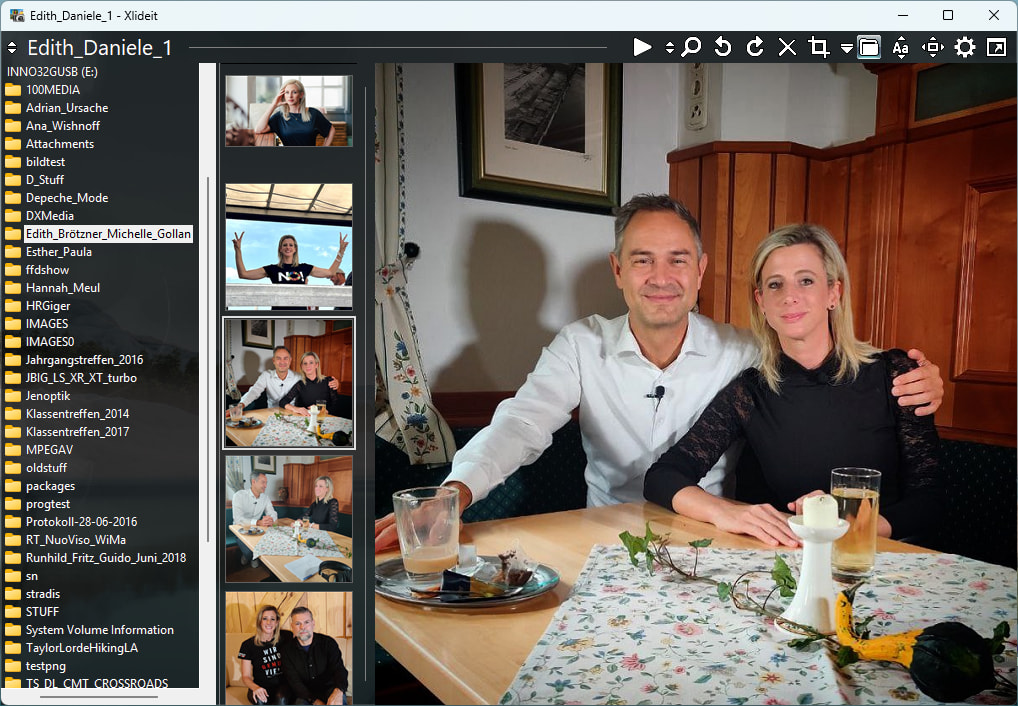
The Xlideit screenshot above was captured as PNG, but the forum software strangely converted it to JPEG when uploading, which I didn't want.
Apparently the software found it too large and detected it as rather a photo and so converted it to JPEG to save space.
Now I wanted to keep a lossless copy of the original here for me locally, and I converted the PNG to JPEG 9 lossless ("cjpeg -rgb1 -bl 1 -a" on the commandline with BMP intermediate, as I usually do).
The resulting lossless JPG is smaller than the PNG! (~800 versus ~900 KB)
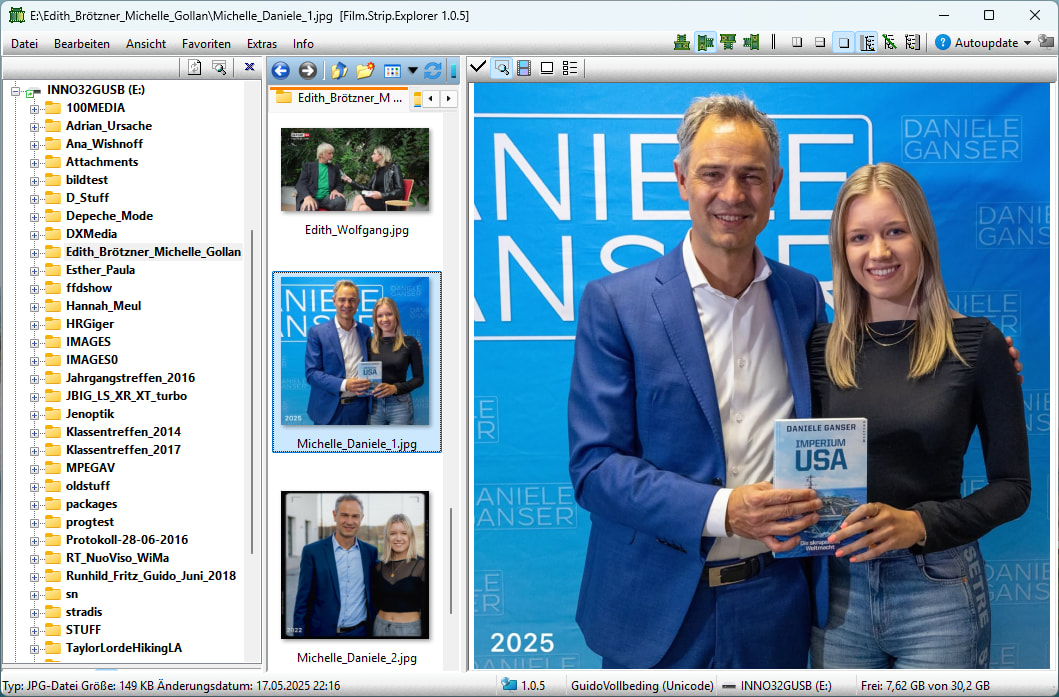
Then I did the same for the Film:Strip.Explorer screenshot, and this one is a bit larger.
The explanation for the difference is:
The second one has a larger part with regular non-photographic structures which benefit PNG compression.
The first one also has a slight transparent background with desktop image shining through visible in the folder tree pane, which disadvantages PNG and benefits JPG.
Notice that JPEG is currently not particularly optimized for the lossless coding case (can be done later if required), it uses just the given coding functions for photos.
This is similar to what is done in JXL (Junk XL ), because they have "adapted" the framework for that capability from JPEG 8.
With that framework, you could basically merge a whole PNG engine into JPEG, but I won't do that because I can't maintain it.
I have previously done some tests with the projected GCbCr lossless mode which improves compression moderately.
Regards
Guido