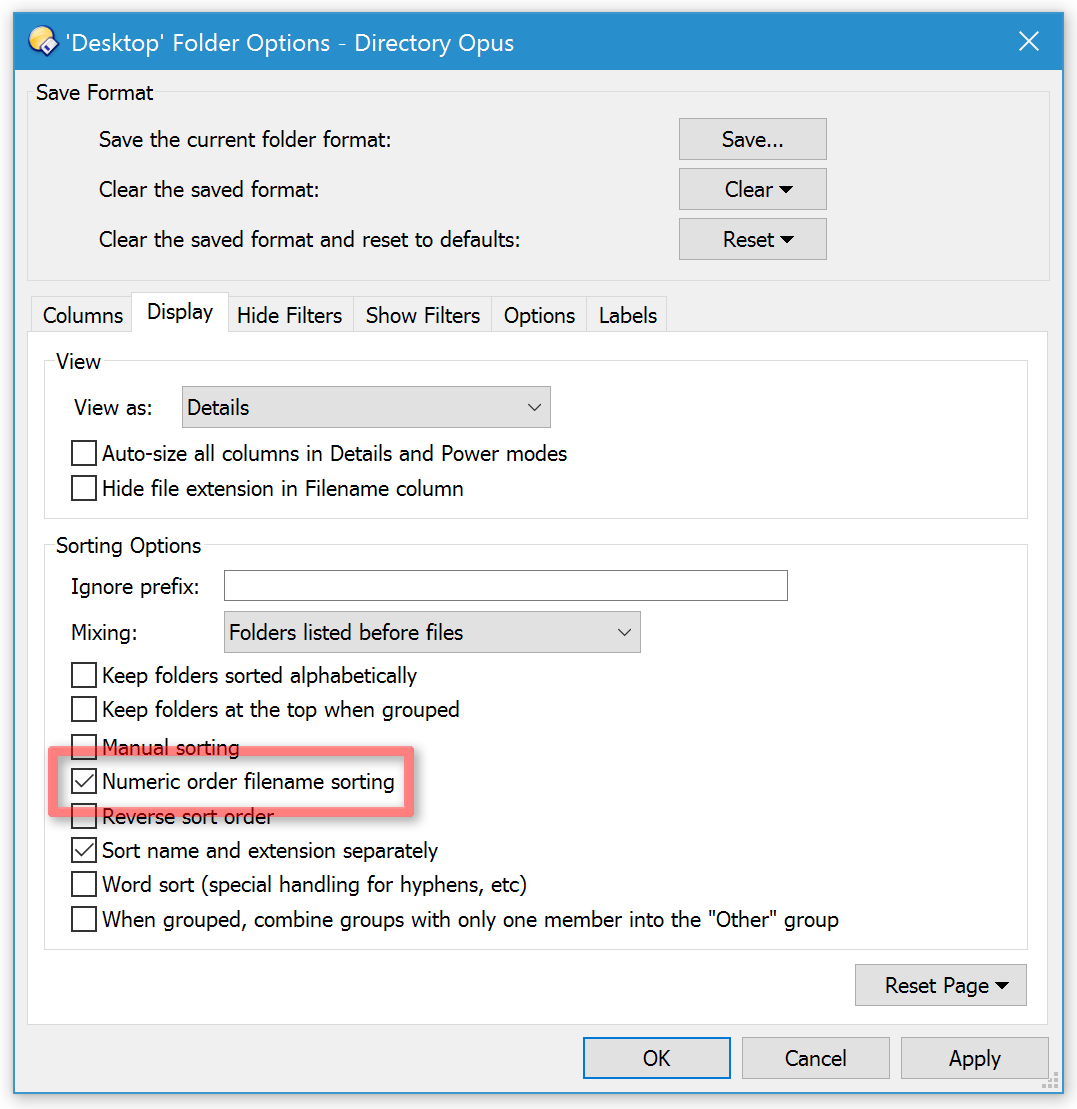
Note that you want to do the opposite and turn off numeric name sorting.
To explain further, with numeric sorting enabled, the highlighted example in the screenshot above is sorting the folders as:
"4" (then "caf...") [first selected folder]
"6" (then "b29...")
"6" (then "f1a...")
"16" (then "da1...)
"66" (then "f0a...")
"84" (then "d5d...")
"86" (then "d40...")
"90" (then "bae...")
"577" (then "fc9...")
"42155" (then "b2f...") [second selected folder]
This is the option you want to turn off:
(See Folder Formats: Quick Guide for how to turn it off for all folders.)