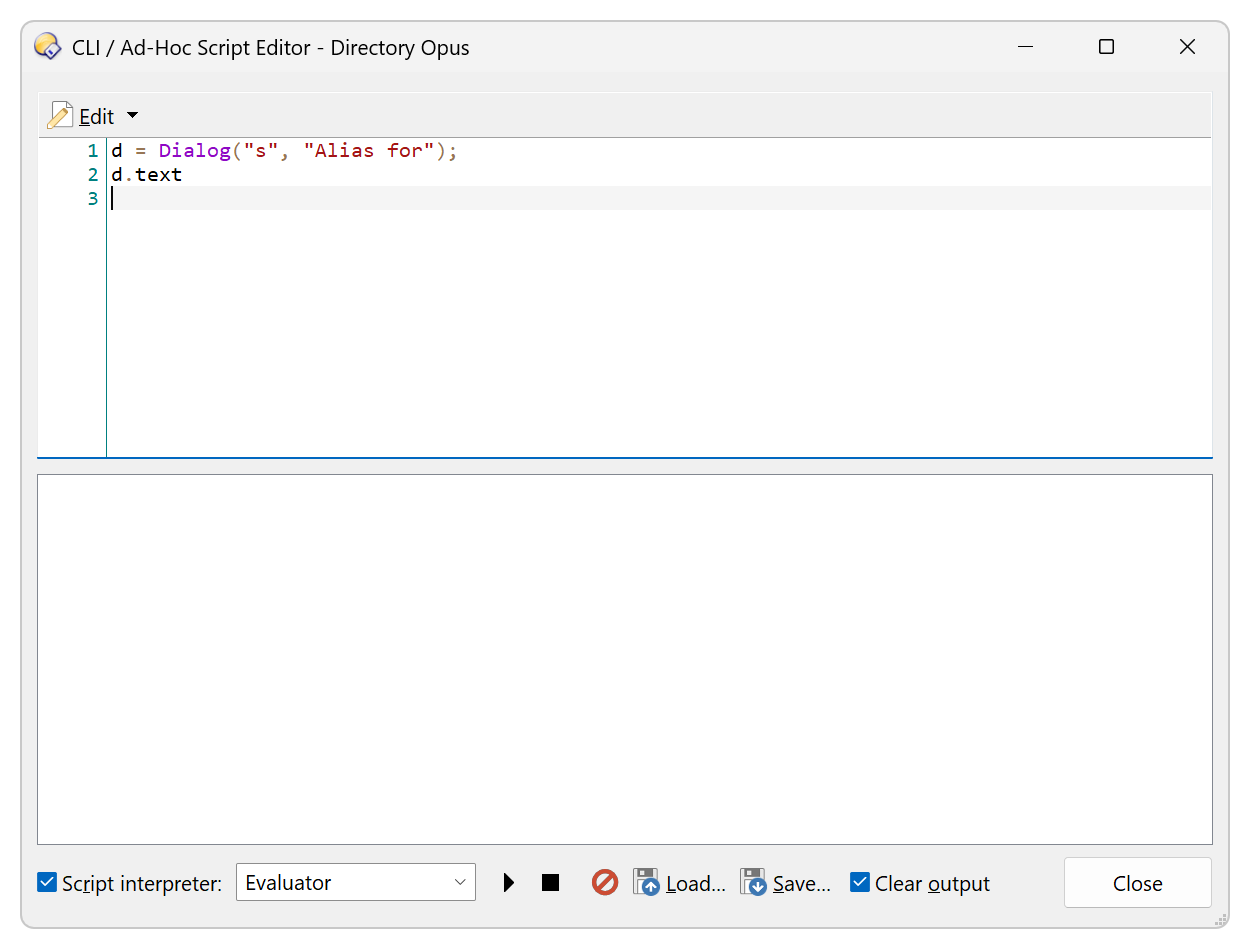
The {dlgString} can almost be replaced with an Evaluator Dialog() , but the returned value is a map, one part of which contains the new alias name .
It has the form of [choice: (button number), text: NewAlias] .
I don't know how to specify only that part.
I found the problem.
It removes the alias if Resolve(path, "aef" ) returns true.
The original code in this thread has an @if:=!!alias which runs Favorites ALIAS=delete NAME={=FilePart(alias)=} if alias = Resolve(path, "aef") is true.
This clause seems to be intended to prevent two alias names with the same path.
This also replaces alias paths built from aliases with an alias built from a path.
To keep this clause and also fix the problem we can move the clause to below the dialog and add a check of what button was pressed.
Edit: The line Favorites ALIAS=delete NAME={=FilePart(alias)=} was missing quotes.
It should be Favorites ALIAS=delete NAME="{=FilePart(alias)=}" .
It is fixed above.
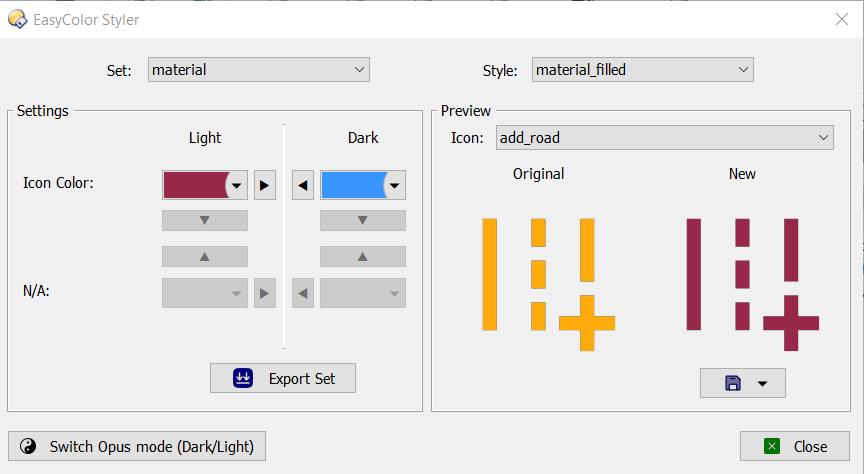
I found an icon that works well for this button.
It is an SVG icon found in @PassThePeas' EasyColor SVG iconsets .
The add_road icon found within the Material Filled icon set looks fine and can be colored to your liking in both light and dark mode.
Thank you all for your contributions! The latest version from @David is working wonderfully.
Since this is related to folder aliases, may I ask if it would be possible to create a button to delete all user-defined folder aliases for the selected file paths, or for the source path if there is no selection, after displaying a confirmation dialog?
A path can have multiple aliases, so this functionality would delete all user-defined aliases (not built-in aliases) associated with the path.
The following example command in the documentation indicates that the alias name must be given: Favorites ALIAS=delete NAME=MyAlias
@a815 deserves much credit here.
His code broke through the hard part of getting started even though I misunderstood his !! syntax until later.
All I did was attempt to fix this and in the end it actually works !
But the reason it does now work really did involve a bit of luck and some patience.
Be happy we have this !
If anyone was able to create a script, as Leo pointed out, to delete all aliases for selected folders or sourcepath if there's no selection, could you share it? Thank you.
 .
.