- images : can't get any local images to display - copied to same folder or not
- insert image dialog - no context menu when trying to paste text into address box
- images: some urls not displaying, even though they are images
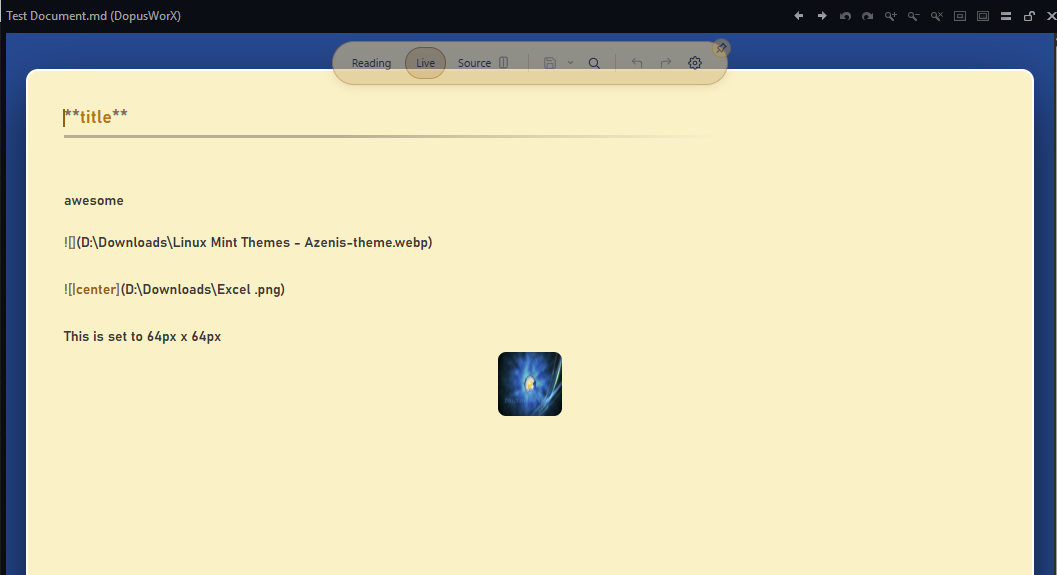
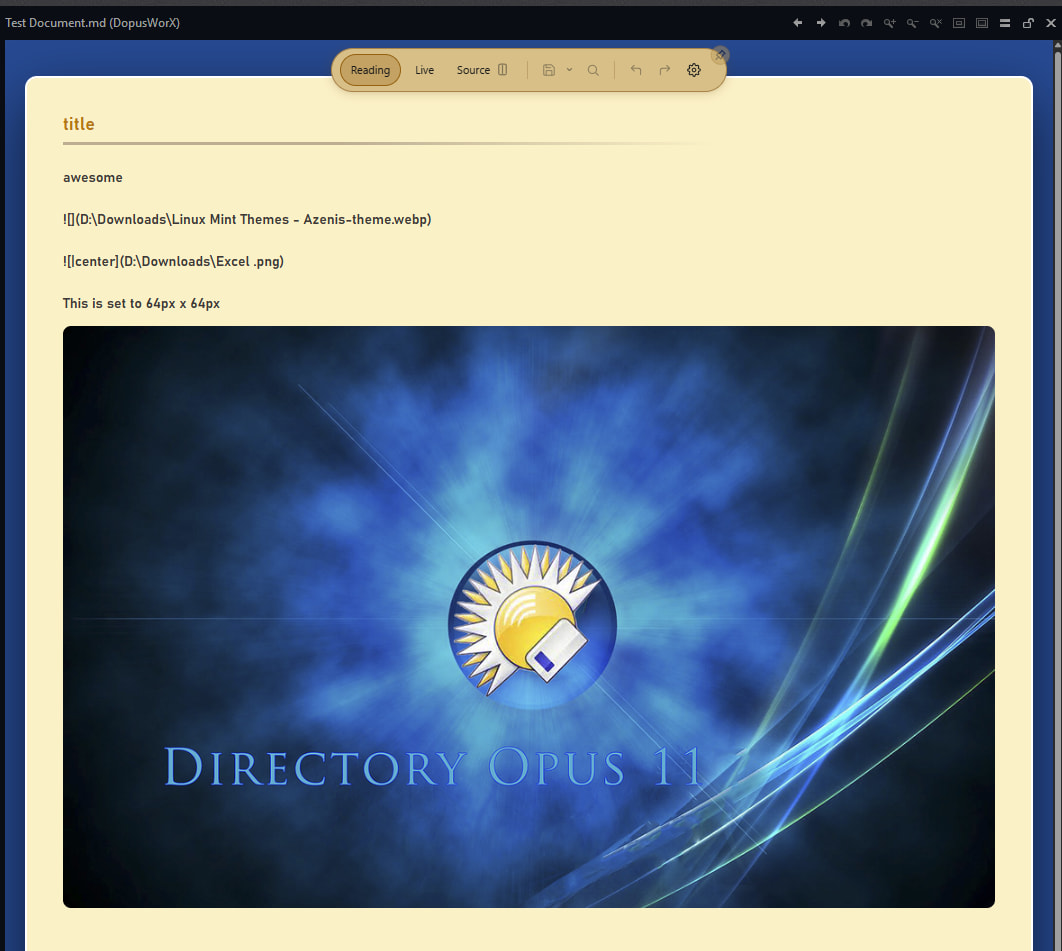
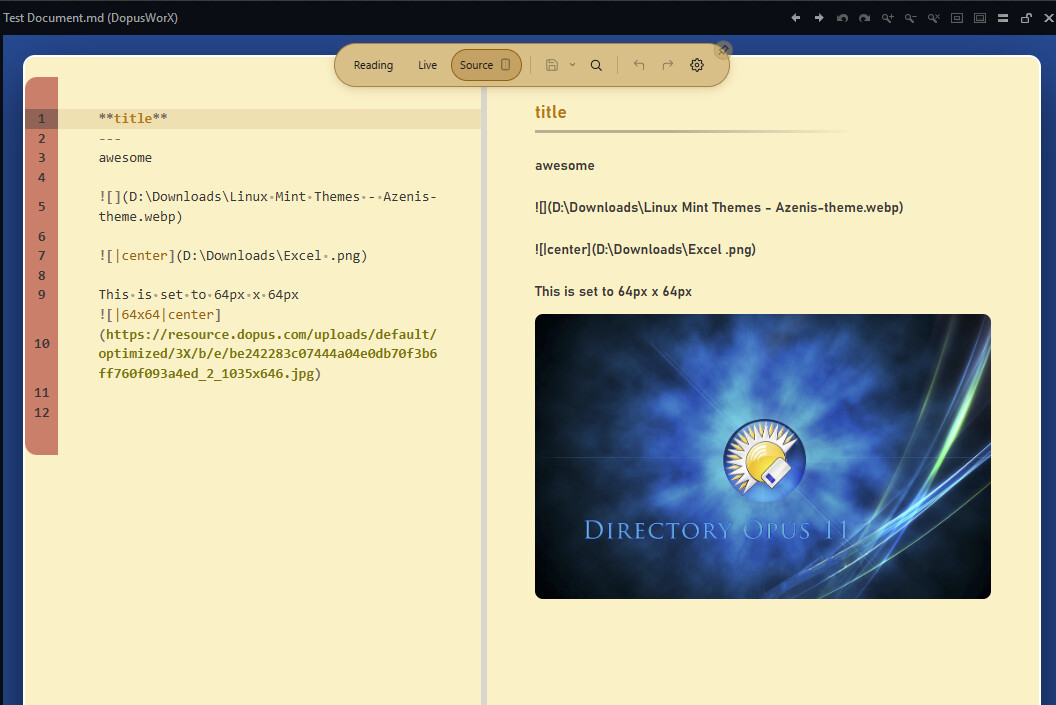
- images: setting width, height, width and height has no effect

1 Like

Hmmm ....
Double-clicking an equation .md opens in Reading mode here with DopusWorX_v1.0.0-beta.5 .
I did a restart after installing though.
Middle of night here. 

Still on 13.23.9
1 Like
(v1.0.0-beta.5)
This is the md filetype left double-click command being used:
Show POS 1120,550 SIZE 1880,1080
Also same behaviour in Viewer pane.
Thanks I will look into it and others below..
Some of them are intended behavior but will add option to turn off or tighten up docs.
Do images work in live mode though?
How are multiline footnotes formatted: see image
The footnote number and return icon (which do not seem to be active) are showing after the footnote in reading mode and before the footnot in source mode.

1 Like
Something like this.
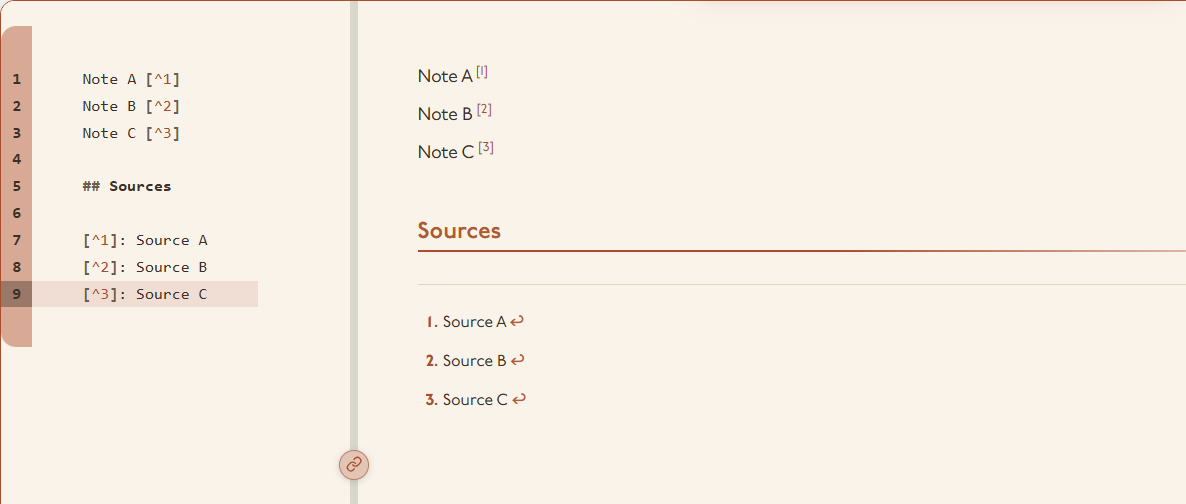
I'm not sure about the curved arrow, but it always appears at the end of the footnote regardless of text, hyperlink, or whatever.
1 Like
I have addressed all these in the lates build. I will release it in the coming hours or so when I get a chance (I apparently have another paid job I must focus on  )
)
2 Likes
Instead of repeating myself, here are the release notes for beta6. You know the drill. Thank you for your continued vigilance and bug squashing.
DopusWorX 1.0.0-beta.6
Footnotes rebuilt so they work properly in Live mode, plus find in Reading, gutter line selection, and a batch of image and editing fixes.
Added
- Footnotes in Live mode rebuilt from scratch. You type the note straight into the real source with no separate edit box, multi-line footnotes work and stay put, an empty footnote leaves a "click to add text" placeholder, and each footnote has a delete control that removes it and its references together so numbers reuse from one. The number and return arrow centre what they jump to.
- Gutter line selection in the editor inspired by @galaxyhub request. Click a line number to select the line, drag the gutter to grow the selection, Shift+click to extend, Ctrl+click to add or remove a line, and the up/down arrows then walk the selection. Works in code, HTML, CSV and Markdown source.
- Insert Table button on the editing toolbar, beside Insert Image. A dialog lets you pick the size from a hover grid or type columns and rows, choose where the table sits on the page (left, centre or right), and toggle a header row and a header column. Works in Source and Live.
- Copy a table as CSV. Right-click a markdown table in Reading or Live and Copy offers "Table as CSV".
- Alt+double-click any text in Reading to jump into Live with the cursor on the word you clicked. A plain double-click still selects a word to copy.
- Find and replace overlay. A floating palette, Ctrl+F in every mode, and find now works in Reading by searching the rendered page. Single find UI, so Edge's own find bar no longer pops up over it.
- Alt+Left and Alt+Right step backward and forward through a document's views (Reading, Live, Source for markdown; View, Source for HTML), and Alt+Up and Alt+Down open and close the split preview.
- Ctrl+R and F5 do the app's own refresh (keeping unsaved edits) instead of a full reload, and Ctrl+P prints.
- Document updates and minor UI tweaks.
Fixed
- Footnote numbers, the return arrow, and in-page links like
[text](#heading)did nothing in Reading. They navigate now. - Local images referenced by a Windows path (
C:\pics\cat.png) showed in Live but were blank in Reading. Fixed. - Image width and height were ignored in Reading, showing images at full size. They size correctly now, matching Live.
- Tables with merged cells (colspan/rowspan) and column scope lost that structure in Reading. They render correctly now, and ordered-list start numbers and time values were restored by the same fix.
- Image alt text no longer keeps the sizing tokens, so
reads as just "cat". - Inserting a local image whose path has spaces, backslashes, parentheses or a hash (
Screenshot (1).png) no longer produces a broken link. - Find in Reading matches inside
==highlight==marks and across inline markup like**bold** text, and no longer goes stale after a refresh or jumps back to the first match on Enter. - Edge browser shortcuts (Ctrl+J, Ctrl+H, Ctrl+D, back/forward and others) no longer leak into the viewer.
Grab on the release page or install from the settings menu:
Repo: https://github.com/HyperWorX/DopusWorX
At your service.
HyperWorX
4 Likes
Great stuff 
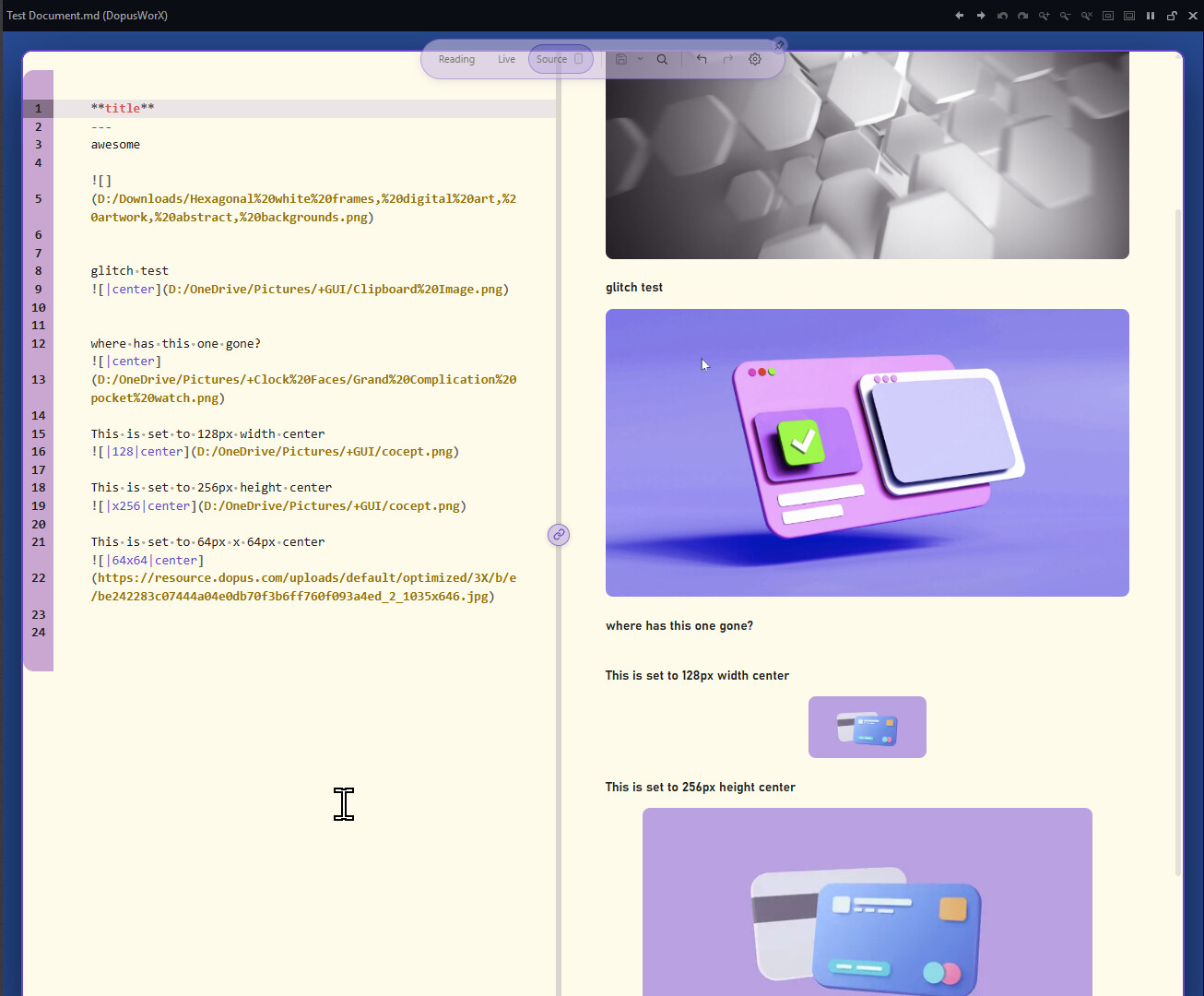
Getting mixed results with local images
- when inserting, they rendered correctly in viewpane
- then double-clicking the md (Show command, for stanalone viewer) the local images that are not in same folder do not render
- after an Opus restart - no local images showed in either viewer or viewpane
- inserting a new image and most of them rendered in viewpane
- double-clicking md file, to show in viewer and same result, see ss
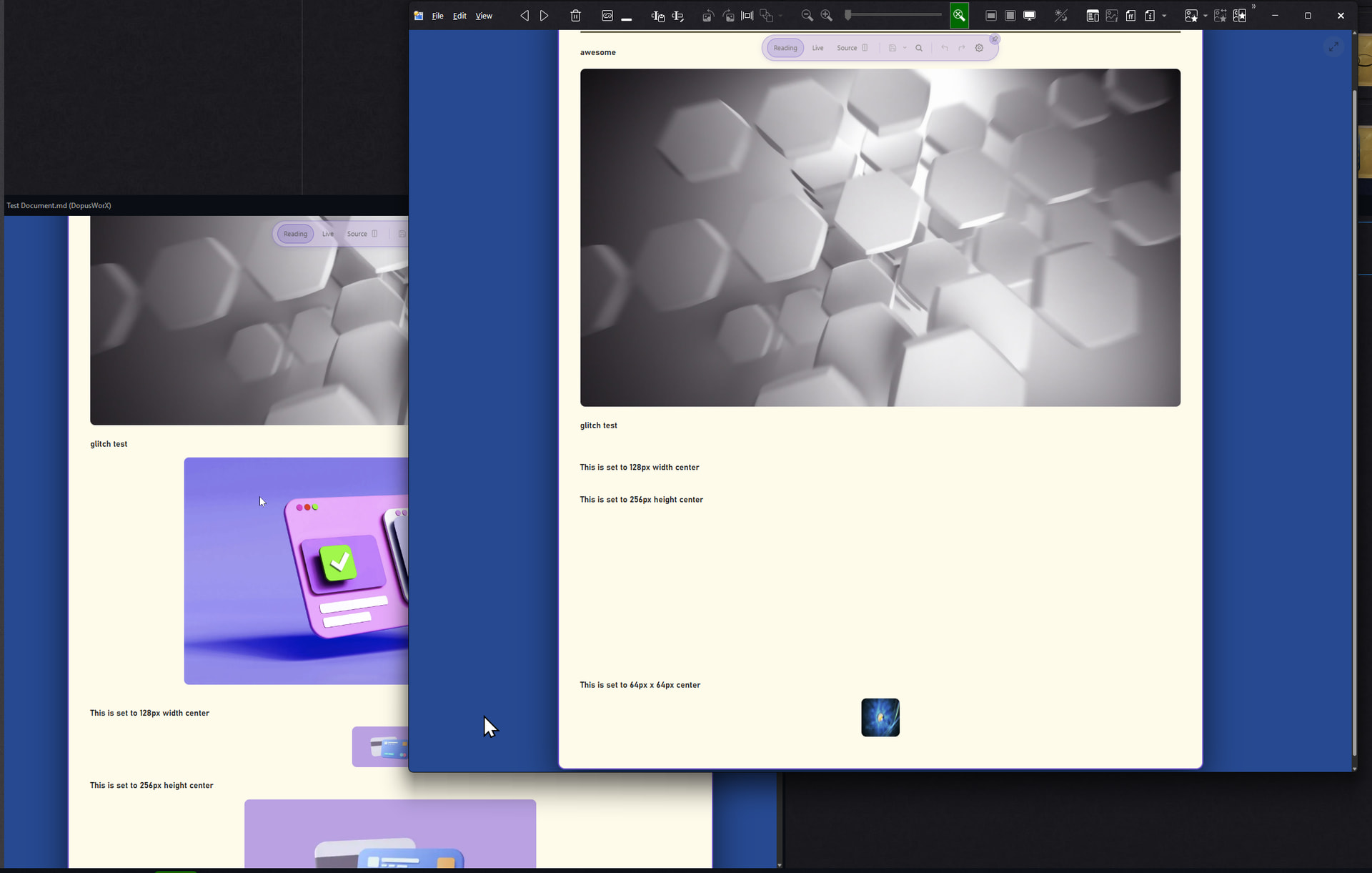
top image is in same folder, the 3 purple images are in another folder, there is a missing local image, see ss below.
1 Like
Thanks - just installed and works!
When opening the viewer, pressing the gear button on top, immediately closes the preview window. I'm using the "popup" viewer, pressing SPACE-key here, btw.
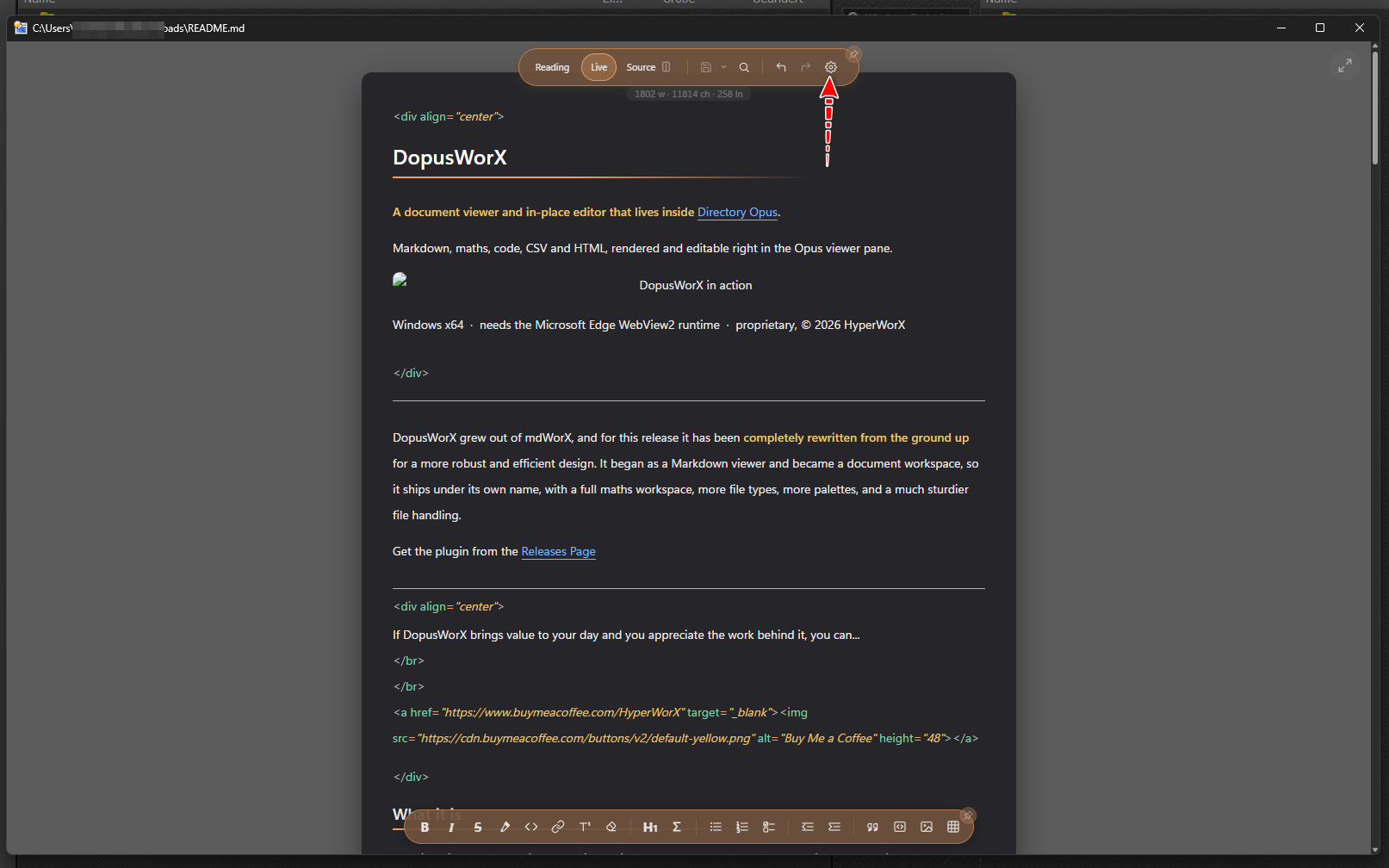
This does not happen, when double-clicking the file performign the same actions.
Pressing any other button, though, works without closing the window.
1 Like
same for me. in quickshow mode opening settings closes plugin's window (i think, that's by Opus design)
1 Like
It is. I've since spent a genuinely unreasonable amount of effort hacking around a design choice the Opus devs made deliberately and correctly, purely so it can behave incorrectly on request.
The focus-loss behaviour being intentional made it tricky to find a workaround that doesn't just reopen the file as a standalone window. I found a sneaky one, but it leaves open the question of what Quickshow is actually for in this case. What's being asked is a Quickshow that sometimes isn't quick at all (settings stays up when the document loses focus) and behaves normally every other time.
So the implementation comes down to which behaviour you want @fkast @Micky et al:
- Close both. Settings is open, focus is lost, both windows close together.
- Stay then revert. Opening settings from inside Quickshow keeps it open through focus loss while settings is up, then reverts to normal Quickshow behaviour once settings closes.
- Stay live. Same as 2, but it stays open as a standalone viewer rather than reverting.
- Space for standalone. Or perhaps what you really want is that Space becomes the trigger to open a standalone from the start, either when DopusWorX is claiming the file or globally for all viewers.
My own workflow barely touches this, so the call sits with the consensus here. I'd rather not expose it as a per-user toggle in DopusWorX settings: primacy should stay with the native feature configuration.
Here is latest release beta.7. I have gone with 2 above as the most intuitive but it remains open for next release if needed. @galaxyhub the issues you came across were largely by design, but I have rescoped and hardened the usage to make it more clear on how it works to avoid future confusion.
Install from settings or from repo script:
https://github.com/HyperWorX/DopusWorX/releases/tag/v1.0.0-beta.7
DopusWorX 1.0.0-beta.7
Local images outside the document folder now survive restarts, Insert Image embeds a copy by default, the right-click menu and Insert Table dialog are tidied up, and opening Settings from QuickShow no longer closes the popup.
Changed
- Insert Image now defaults to embedding a copy beside the document, so the image travels with the file. The old copy-to-folder checkbox is replaced by a Storage choice: Embed a copy (default, portable) or Link in place (an external reference that does not travel with the document). For a web URL, Link is disabled when Allow remote images is off. Sizing and alignment are unchanged.
- The right-click menu in editable views is shorter: Insert image and Insert table are one Insert submenu, and Find and Replace are a single entry since they open the same overlay.
- The Insert Table dialog is rebuilt as a centred card, with the size grid as the focus, Cols x Rows beneath it, Position as a segmented control, and Headers as toggle chips, with no dead space.
- The math symbol grid reflows to the pane width instead of a fixed eleven columns, so a wide pane fits more symbols and a narrow one fewer.
Fixed
- Local images referenced by an absolute path outside the document's own folder went blank after the viewer or Directory Opus restarted. Their folders are now rebuilt from the document's own references on load, so they keep rendering across restarts.
- Opening Settings from the gear while previewing a file in QuickShow (the Space key popup) closed the popup straight away. Settings now stays open over QuickShow while you use it, then QuickShow returns to normal once you close it. The double-click viewer and the Lister preview pane are unchanged.
- Scrolling inside the math panel no longer scrolls the editor or page underneath.
Security
- The image route that serves out-of-folder files now refuses anything in the Windows system directory, regardless of the allowlist.
1 Like
initial tests of latest good, many thanks -
would love epub and mermaid support (no rush)
1 Like
That's good. Epub I have explained the obstacles somewhere before here or in mdWorX thread. Mermaid I funninly enough already had wired in but wasn't sure on demand as it adds 1or 2MB to installer. Let me just activate it in the next release and you can test the stability of it.
It would be nice if the install/uninstall/doubleclick and fileassoc commands would read DOPUS_DIR from the registry instead of using a hardcoded path. My install path is "C:\Program Files\Directory Opus" and I have to manually change the path with every update.
This line is working fine here:
for /f "tokens=2,*" %%a in ('reg query "HKLM\SOFTWARE\Microsoft\Windows\CurrentVersion\App Paths\DOpus.exe" /v Path ^| findstr /i "Path"') do set "DOPUS_DIR=%%b"
2 Likes
Apologies that should have been done ages ago and I don't know why there has been regression. There should be no hard coded paths at all. Thanks for providing the code. It will be in the next release.
1 Like