Hi,
How can I enable thumbnail previews for SVG files in Directory Opus 13? Thanks.
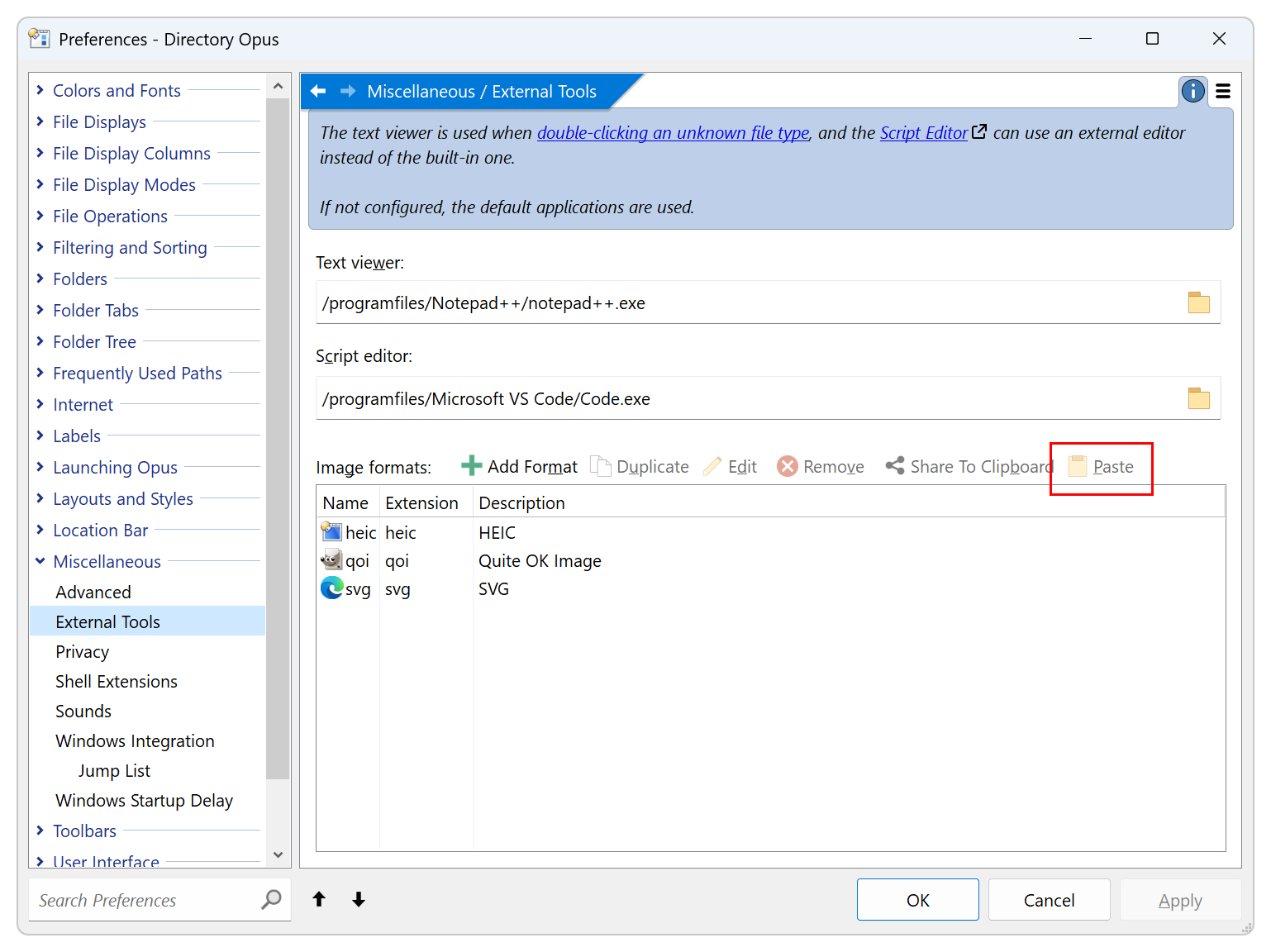
Install ImageMagick, then go to Preferences / Miscellaneous / External Tools and paste
<?xml version="1.0"?>
<ext_image_format desc="SVG" ext="svg" flags="0" input="/programfiles/ImageMagick/magick.exe %in% -quality 1 %out_png%" name="svg" output="/programfiles/ImageMagick/magick.exe %in_png% -quality 75 %out%" thumbs="/programfiles/ImageMagick/magick.exe %in% -quality 1 %out_png%" />
You can use this one, it is light and fast:
https://github.com/ThioJoe/win-svg-thumbs-rust
For the detail look here:
https://youtu.be/NDOrpjHkhWM
You need Directory Opus 13.19.
Thanks all, it works.