Install Update ".EXE" Problem

Hello everybody,
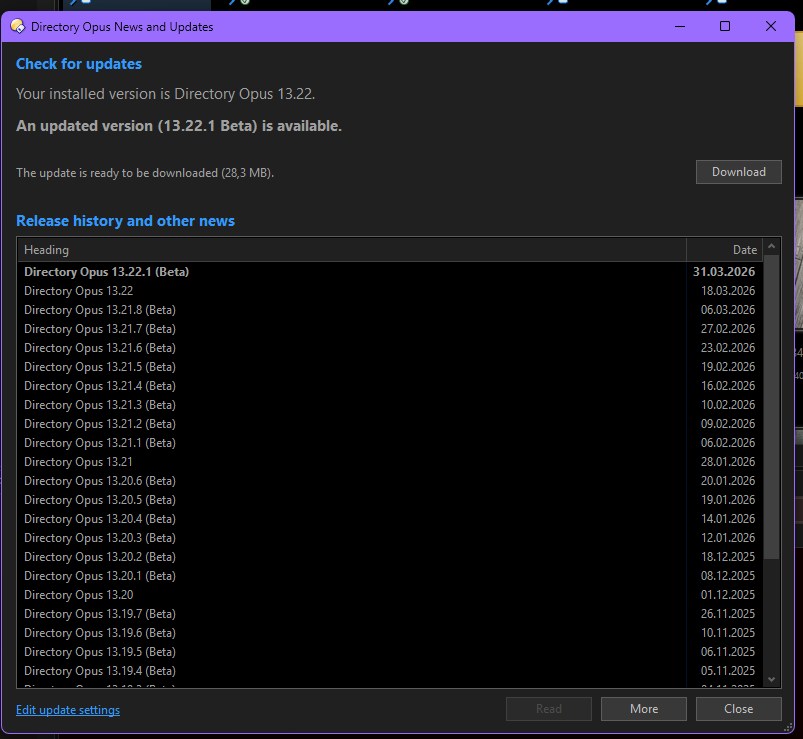
I get a message saying there’s a new update available.
Then I select ‘Download’ and that works fine.

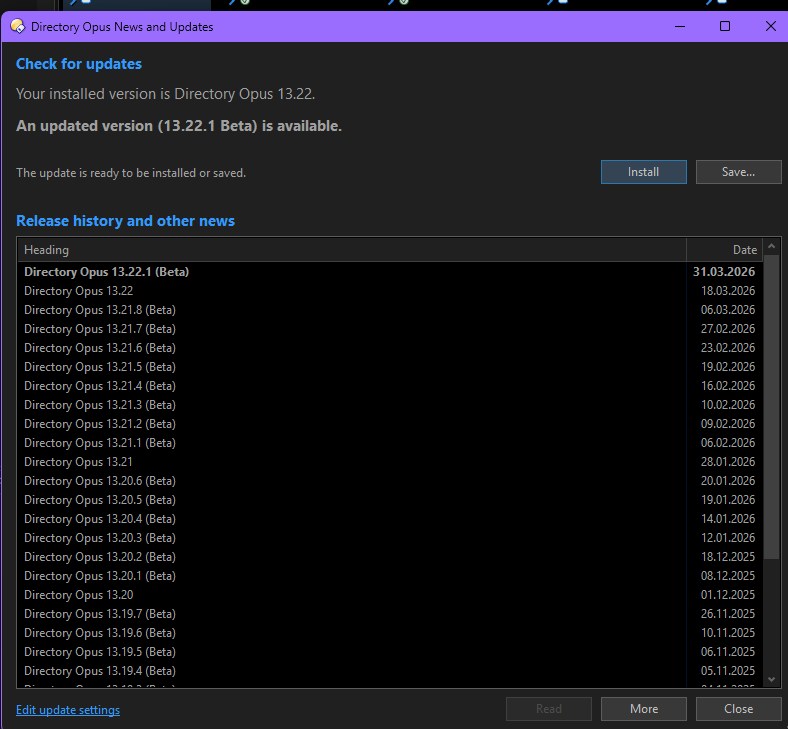
But when I select ‘Install’, that’s when the problem arises.

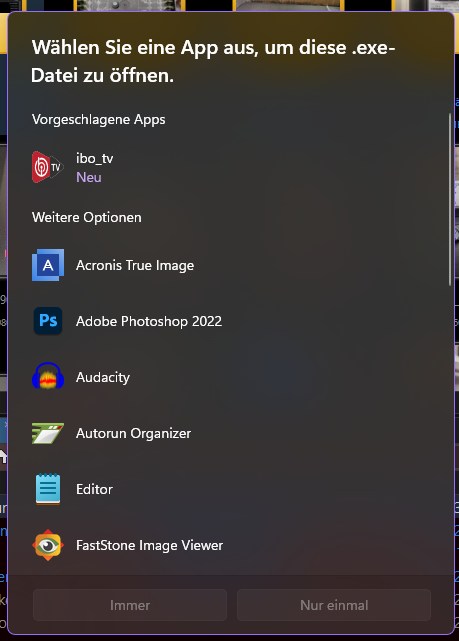
It asks which programme should run the ‘.EXE’ file :thinking:

All other files on the computer work perfectly. If I then select 'Save', it saves the new version and I can launch it from the desktop without any problems. This problem has been going on for a few updates now.

What on earth is the problem here?
Thanks all for the Help

lg
André

If you save it and then double-click it within Opus, does it run then or ask you which program to use?

Thats work fine with no problem.
all .exe files under Opus runs fine.
Only the Update fails...

lg.
André

Please try this in case it's the same problem:

(If there's nothing in the exe OpenWithProgids, please see the reply directly before that one for how to save a registry diagnostic for the exe type, and send us the results of that instead.)