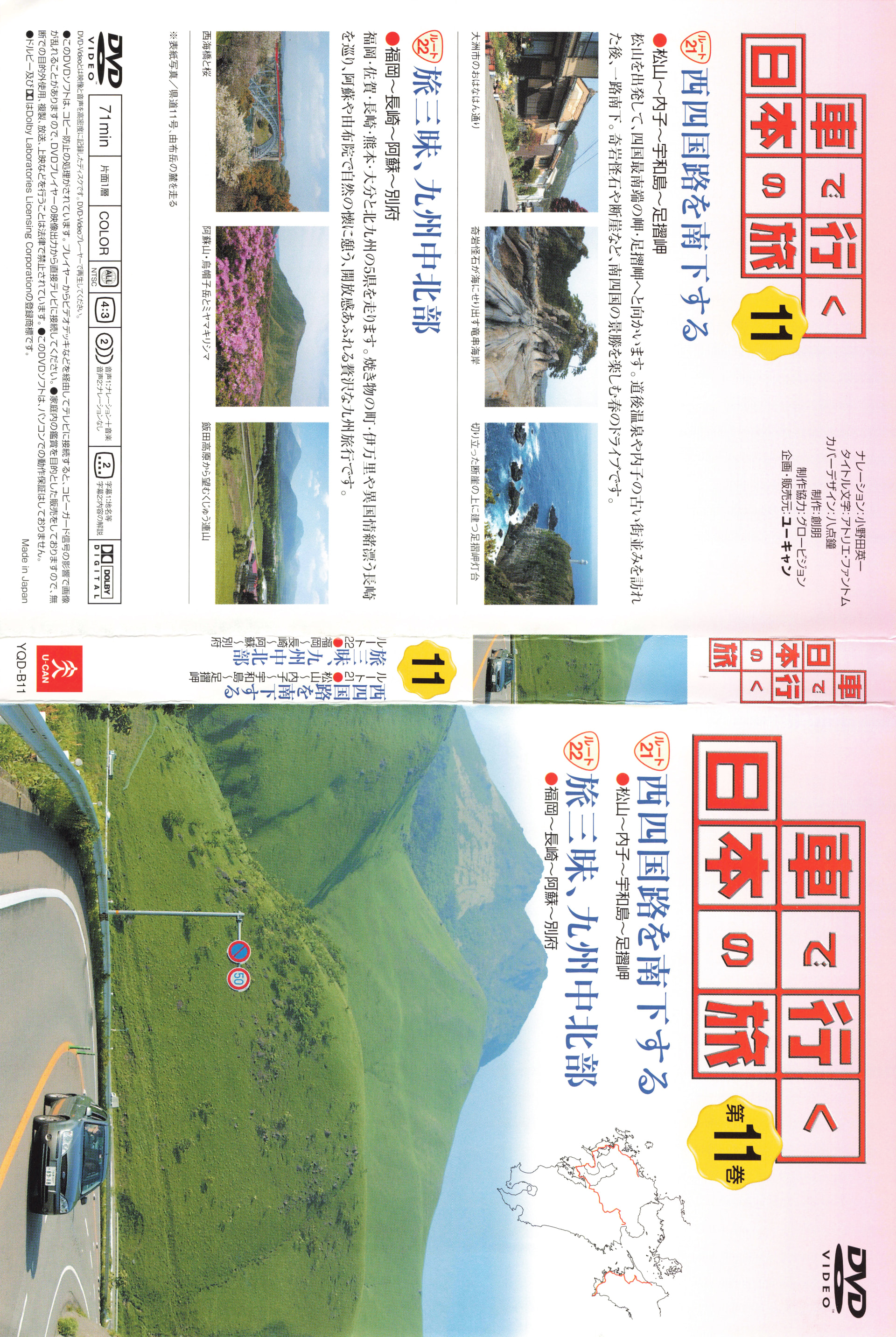
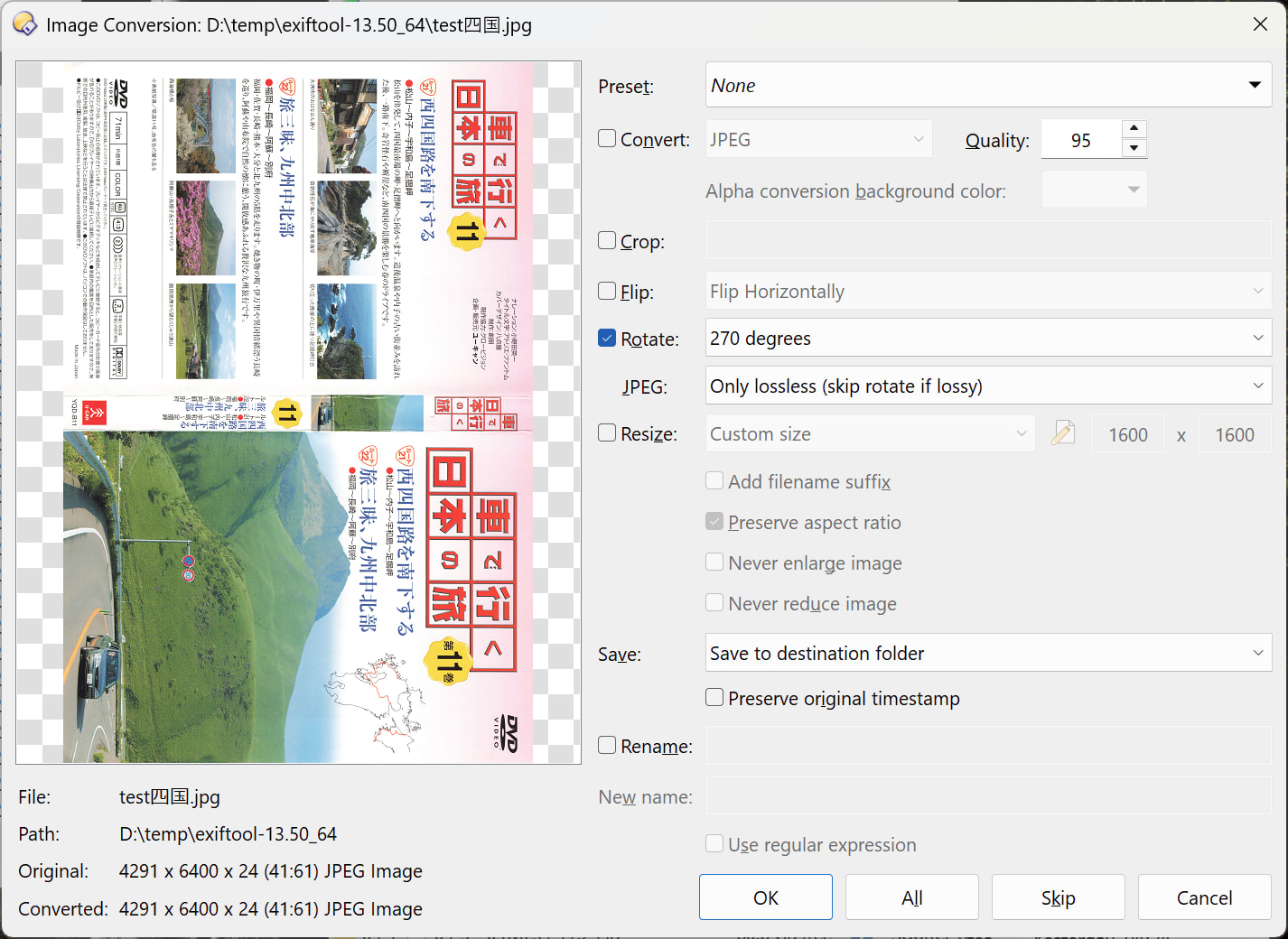
I tried losslessly rotating a JPEG with the IMAGE command. It aborts if you tell it to only use lossless mode. Meanwhile, the "jpegtran" application can rotate it without issue, and is confirmed lossless. So clearly there is some difference between how they operate.
The issue with jpegtran is that it doesn't support unicode for file names, and changing the codepage doesn't seem to work either.
jpegtran rotates ANY image without loss, but it does something at the edges in case of odd dimensions.
So the interesting thing is what the dimensions and the subsampling parameters of your images are. The subsampling parameters determine the MCU (Minimum Coded Unit) block size, which is a multiple of the DCT block size. So the MCU block size is typically 8x8, 16x16, 16x8, or 8x16 for 1x1, 2x2, 2x1, or 1x2 subsampling. The dimensions should be multiples of the MCU block size for "perfect" operation, depending on the transformation.
F:\>djpeg -v sample.jpeg nul
Independent JPEG Group's DJPEG, version 10  25-Jan-2026
Copyright (C) 2026, Thomas G. Lane, Guido Vollbeding
Start Of Image
JFIF APP0 marker: version 1.01, density 1x1  0
Define Quantization Table 0  precision 0
Define Quantization Table 1  precision 0
Start Of Frame 0xc2: width=1920, height=2864, components=3
    Component 1: 1hx1v q=0
    Component 2: 1hx1v q=1
    Component 3: 1hx1v q=1
...
End Of Image
Interesting parameters are in Start Of Frame (SOF) marker:
Subsampling is 1x1 => MCU block size is 8x8.
Dimensions are divisible by 8 => should work perfect with any transform.
The dimensions are also divisible by 16, so should also work with the other common subsampling settings.
I checked by rotating it 270 and then 90 degrees, converting both the original and the (twice) rotated images to BMP and then comparing the binary files (identical, so rotation was lossless both times).
The forum may have modified the image, so a zipped copy or the one with the problem might reveal something.
Yes, but jpegtran can rotate it anyway. IIRC it relies on setting the dimensions of the decoded image in metadata, with the cut-off part being junk. I've checked, the output is pixel for pixel the same, only rotated.
I'm trying to get exiftool to work as well as that can do it just with the metadata, but it doesn't like Unicode file names even though it claims to support them.
It is the case mentioned above. jpegtran can rotate it, but it leaves a thin strip at the bottom which you may not notice.
This image has a 2x2 subsampling, so the MCU size is 16x16.
4291 leaves a remainder of 3 in division by 16 (4288 is next multiple).
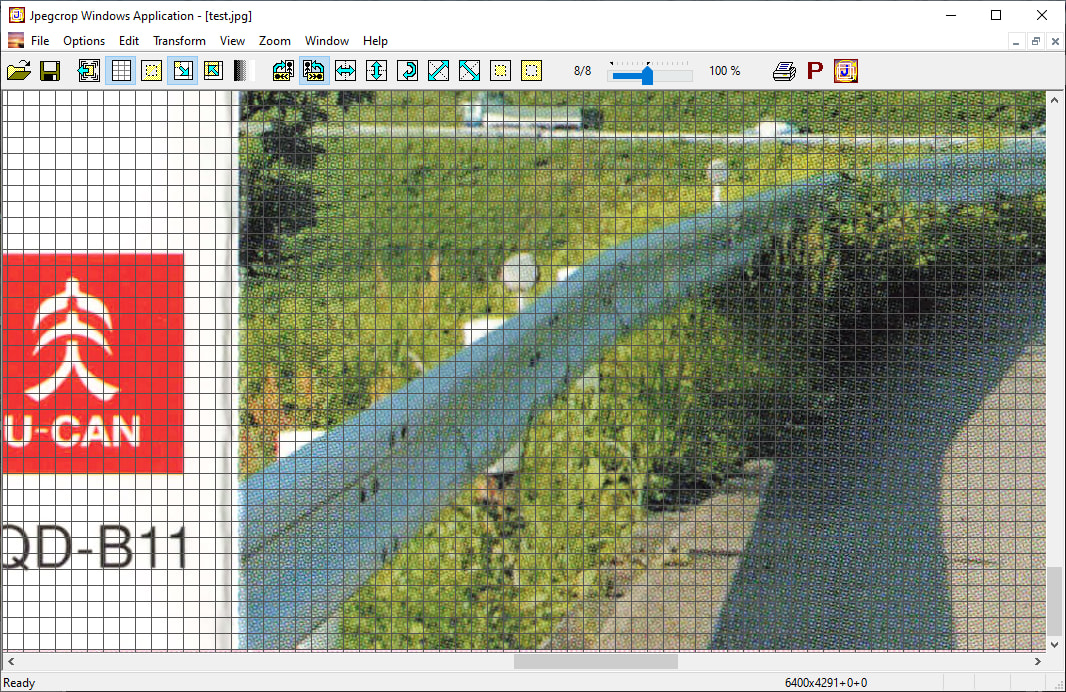
The thin 3-pixel strip from the right edge is copied to the bottom edge.
I have written the Jpegcrop program specifically for the purpose to visualize such situation:
I don't know what to tell you, there is no line and no difference when I do it. But okay, the method you are using does not work for this. I will try to get exiftool working. That seems like the more ideal solution anyway, if only it could cope with non-ASCII characters.
Are you sure the problem is ExifTool and not something else, e.g. running ExifTool via a DOS .bat file?
There are threads on the ExifTool forum about running it with UTF8 command lines, although I've not read them in detail (requires a login just to read them, annoyingly).
Well it doesn't work from a CMD prompt in Windows Terminal, and I couldn't get it to work from DOpus. I did read those threads but they don't seem to relate to this issue.
I kind of wonder if it supports UTF-8 filenames for writing, as in you can name the output file based on a UTF-8 tag, but not for passing in file names on the command line. Something like that.
Unicode itself is a bit of a disaster, and Windows support for it is pretty terrible too.
It IS lossless in the sense that the inverse operation will give the original!
And it is the ONLY way to achieve this, that's why it's implemented in that way in jpegtran.
If you want to edit the EXIF rotation field (not rotate the pixels themselves), you can do that in Opus using the metadata panel or SetAttr META command.
If you don't see the described effect then it is fine for you and you can leave it as it is and be happy with it.
Just note that there IS this effect, and there are options if you WOULD notice it.
I admit that it is subtle in this case, but I CAN see it.
Look at the example given in the Force lossless rotation of JPEGs thread where it should be more obvious.