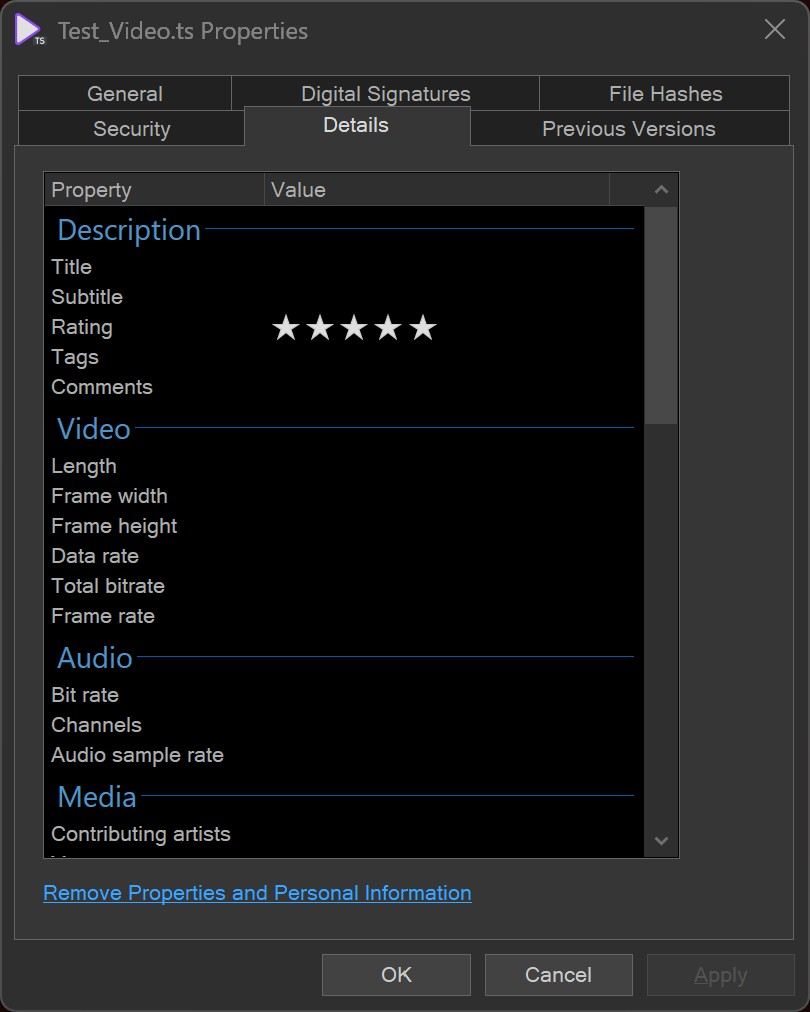
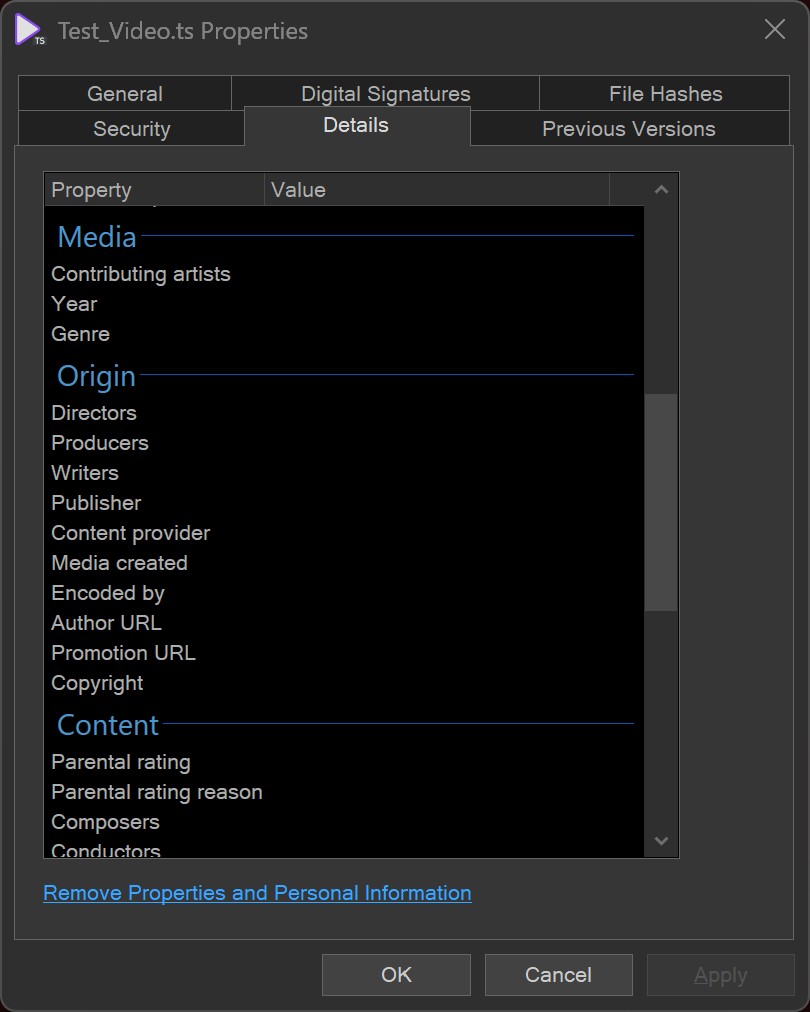
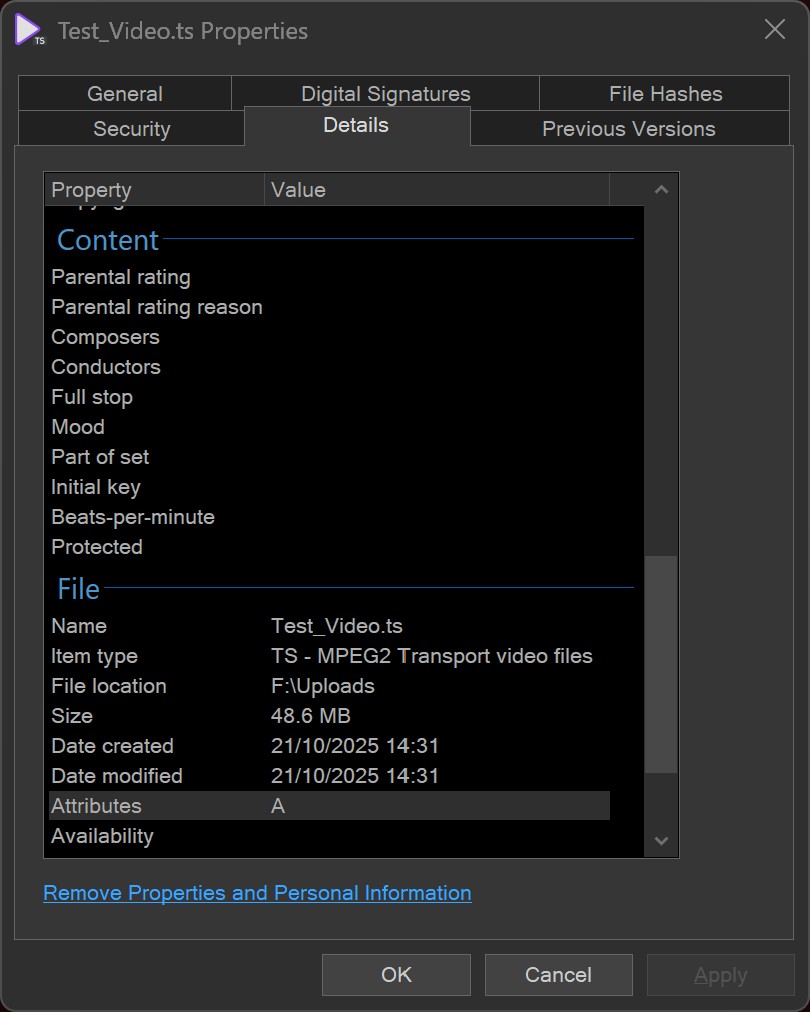
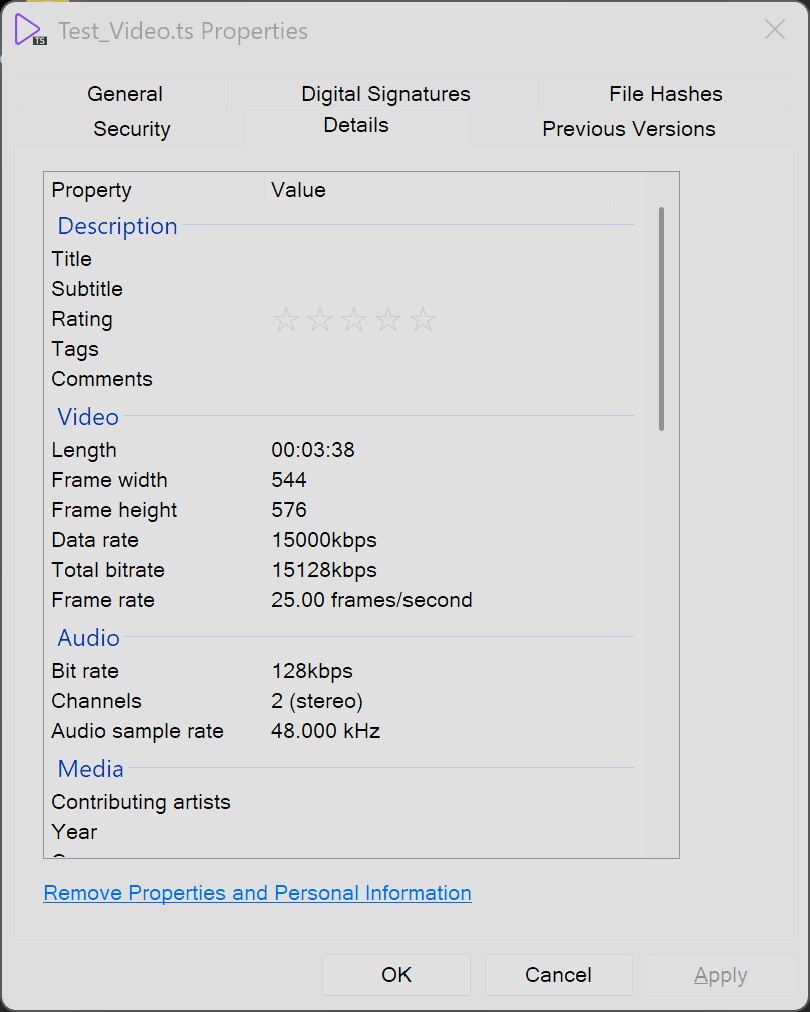
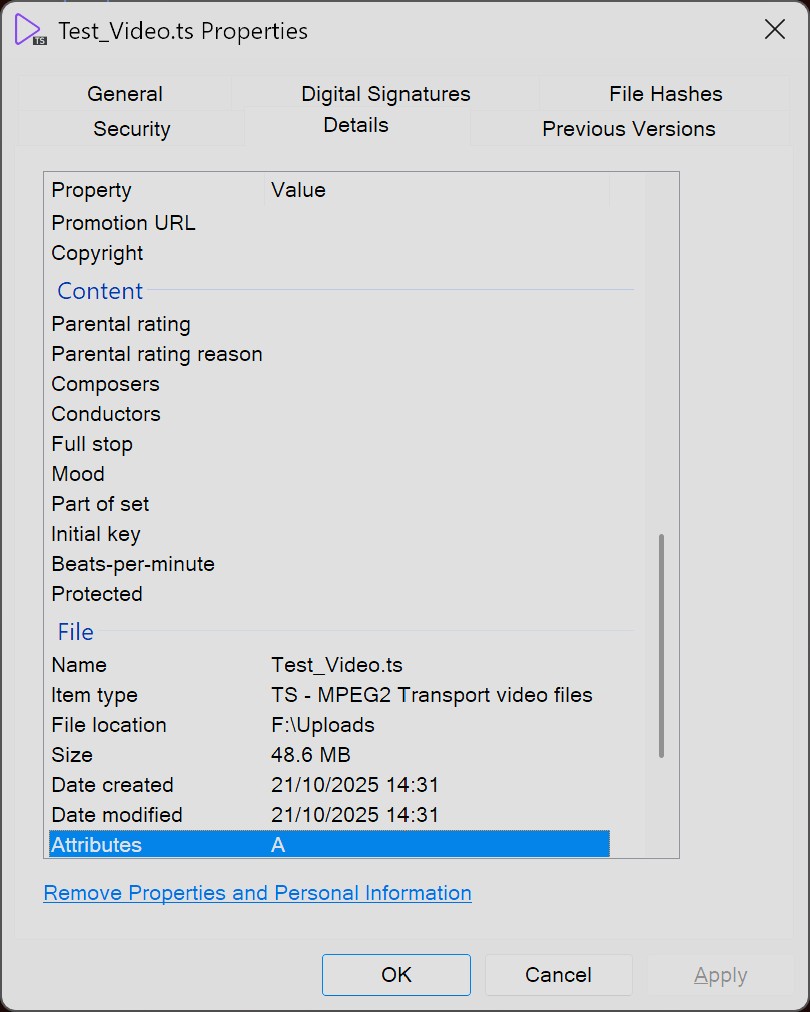
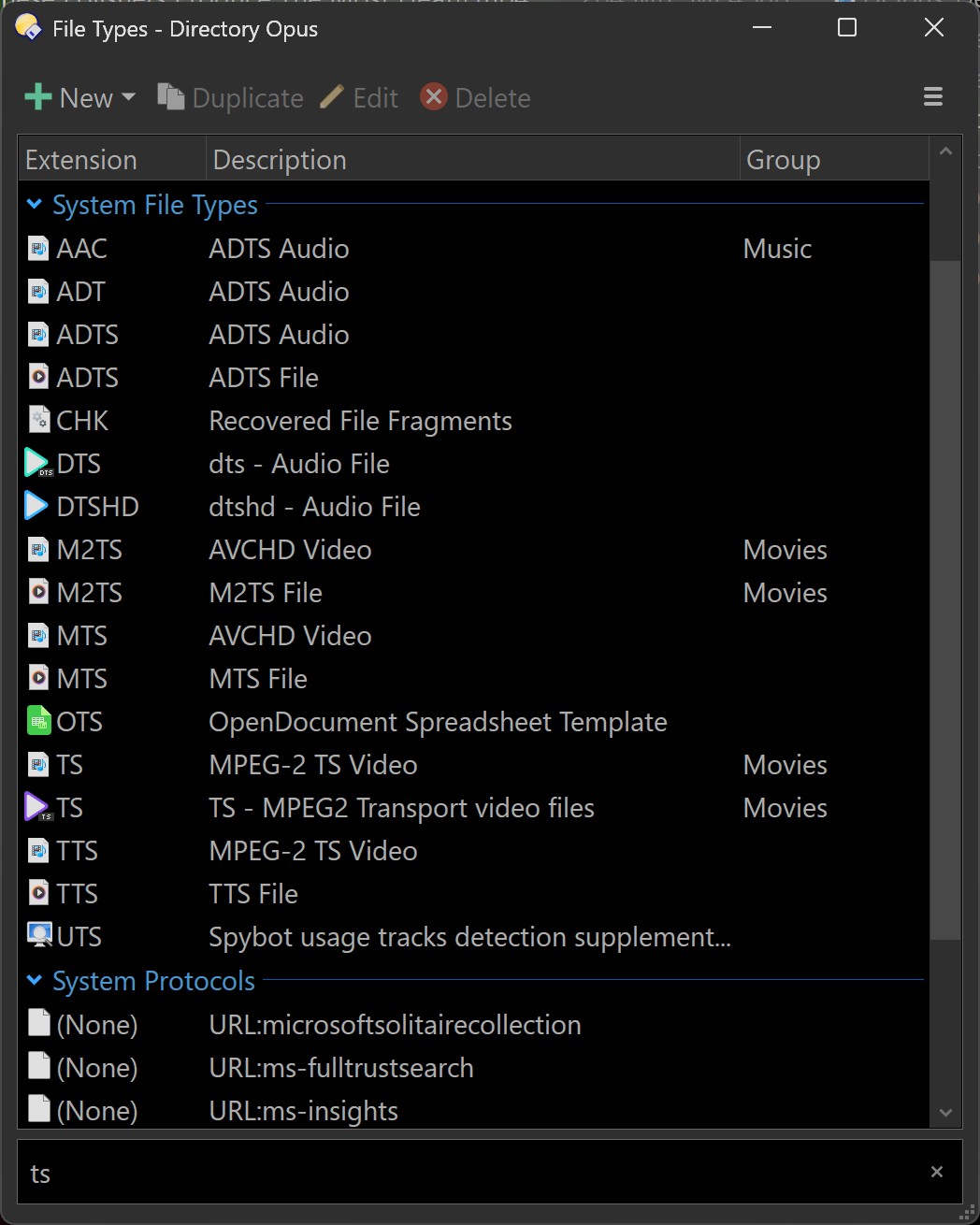
Recently DOpus stopped showing metadata for .ts files on Windows 11. I believe it was after the upgrade from 13.17 to 13.18, though I don't know if that was the cause. The information shows fine in Windows Explorer via right click on file then the Details tab. The only information DOpus shows in the Details tab is in the File section at the bottom. The issue is still present with DOpus 13.19.
The Properties dialog is part of Windows, not part of Opus, and we have little control over it. Presumably you see the same for ts files in Property dialogs opened via File Explorer?
I don't know why they'd be different unless something was blocking dopus.exe from reading the file (which can't be the case as the infotip details are shown for it).
We aren't involved in any of the information the Properties dialog shows. All we do is ask Windows to open the dialog for a given file path.
That just means the type has been overridden via the Open With mechanism in Windows (or similar).
It doesn't affect what's in the Properties dialog. That's opened by path, not by file type.
(If you're on ARM, that might explain the difference, but otherwise it's very odd for the Properties dialog to show different data when opened by different processes.)
No, I'm currently running an AMD Ryzen 7 5800X 8-Core Processor.
I did also try temporarily elevating the permissions of the Lister in DOpus, and elevating the security permissions for the ts file to Full Control, without any success.
I have a range of other video files, which the Details tab seems to operate correctly with. Is the application associated with a file used to extract the file information?
Can you suggest any other diagnostics or potential fixes for the issue?
The difference might be due to Opus blocking the "MF MPEG Property Handler" DLL by default. Go to Preferences / Miscellaneous / Shell Extensions and see if that's listed under the Blocked category. If so, right-click it and choose Allow to unblock it and see if that fixes the problem.
Nice one, Jon, that was exactly it and it fixed it right away
I'd also tried disassociating PotPlayer with all files, and associating MPC-HC 64 with all possible files, and a reboot and the issue remained.
Was this something that was changed recently, as it used to work?
Many thanks, both to Jon and Leo for your assistance, it's greatly appreciated. I've now got the restored functionality and the added convenience of the infotip too, I'm a happy camper.
I'll start another thread here soon for my other DOpus issue, which is long standing, high CPU usage.
Have you considered adding bookmark functionality to the Preferences? That way when you're fiddling with settings repeatedly, you can go straight to the ones you want.
It was first blocked in 13.17.4, and is blocked due to a huge number of crash reports related to the component. Microsoft's MPEG 2 property handler is really poorly written, unfortunately.
(The infotips, column etc. in Opus don't depend on it for metadata; we use MediaInfo instead.)