When exporting columns, only enabled ones will now be taken into account.
Added some protection to prevent invalid characters in keywords.
Fixed the possibility of having 2 or more custom columns with similar names (different match case), since they could cause confusion or problems when using those columns elsewhere in Opus.
This is more than I could have ever dreamed of. I never imagined I could display so many columns in Directory Opus. I can't find the words to thank you. From the bottom of my heart, I am eternally grateful.
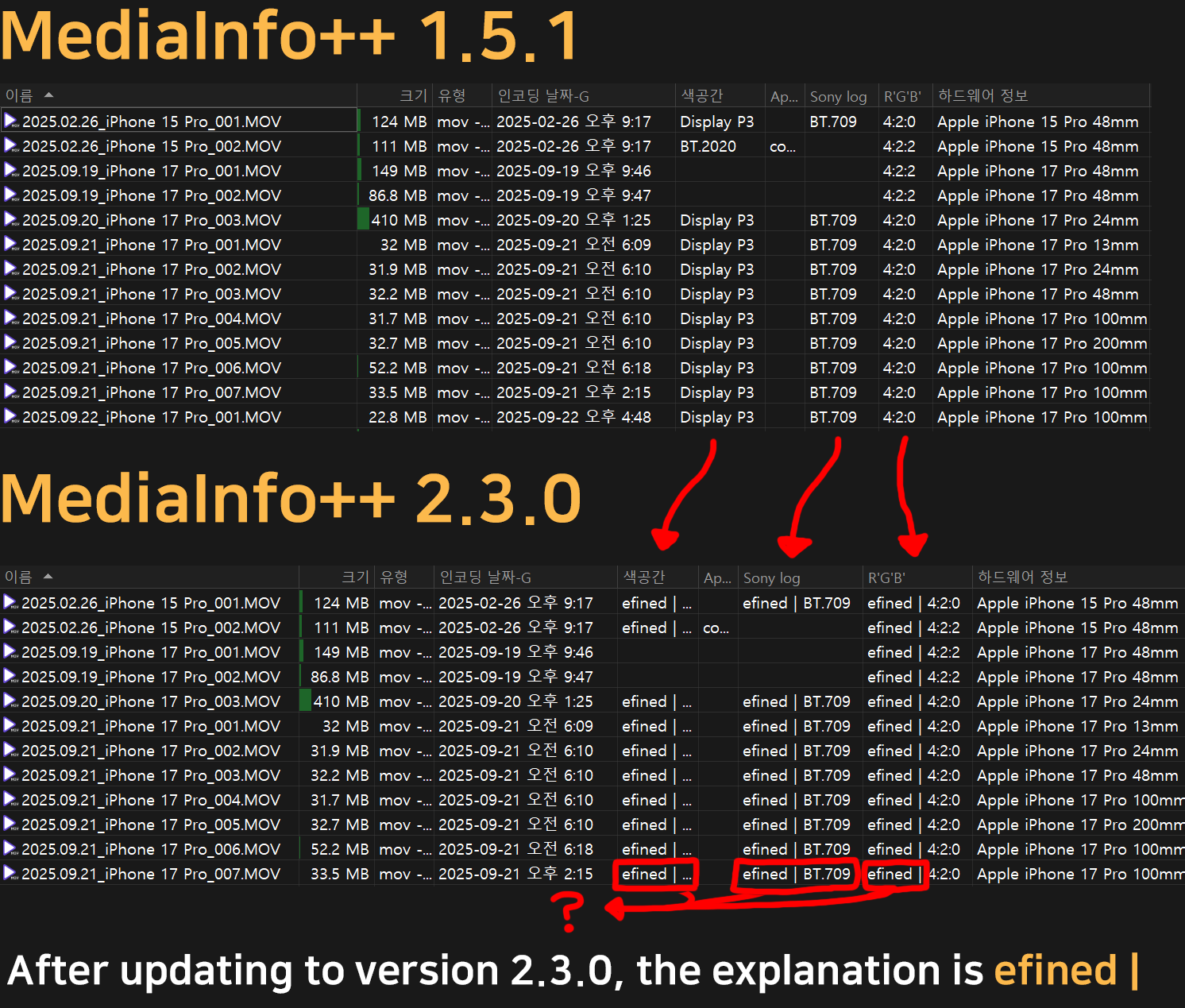
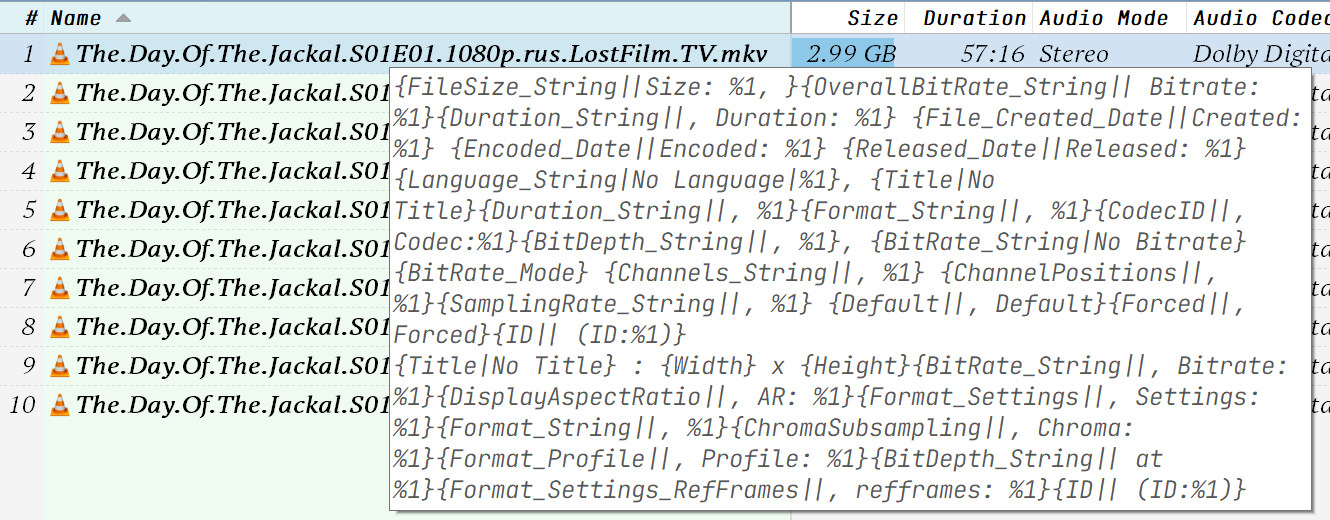
Hi! I was managing the video well through your MediaInfo++ script! So I was happy, but when I updated it to v2.3.0 this time, the word "efined |" suddenly appeared like the attached picture, disturbing the information
I don't know what's changed, but I thought it was because Directory Opus is beta, but it's the same even if I update it to the official version (13.19) So I want you to fix this problem
So I rolled back to v1.5.1, no problem there
The other program MediaInfo++ itself is the latest version as of now, and I installed version 19 of DOpusScriptingExtensions V19, which you told me to install, but it still hasn't been modified, so I'm writing to you
Thanks for the good script though! Thanks to you, I'm helping a lot with organizing the video, but I hope you can fix this! Thanks!
(And I put up a 1.6.1 script and it says 1.5.1 in the information there)
Wow!! It worked out at 2.5.0!!!
Support for Conformance Tags (Errors and Warnings) from any section. There are now two new entries in the General section: General_ConformanceErrors and General_ConformanceWarnings. Both show the total number of conformance-related entries across all sections.
New arguments: DUMP, which lets you save the MediaInfo report to a file for the requested files, and AS, to choose the format (json, txt, csv, html, and xml).
Fixed an issue that caused tags inside "extra" to not show for sections like Video or Audio.
Other minor fixes.
Since I recently learned MediaInfo can list conformance issues, I added support for that in the latest release. Now General_ConformanceErrors and General_ConformanceWarnings show the total number of issues reported (across all sections, not just the container). Note that the columns don’t show the specific issues, only the number of reports. To see more details, use the DUMP argument on files that have issues.
You can also use these new columns to find damaged files with conformance errors/warnings via filters, etc.
To move your data from the old name (which Opus will treat as a different script), it is recommended:
Export your columns using MediaInfo++.
Uninstall MediaInfo++. When prompted to delete the configuration folder, choose NO.
Install this new version (v.4.0).
When prompted to start with the configuration, choose NO.
Go to /dopusdata\User Data, create a folder called OpusMediaInfo, and move all files from /dopusdata\User Data\MediaInfo++.
Open the Column Editor (with OpusMediaInfo CONFIG) and import the columns saved in step 1.
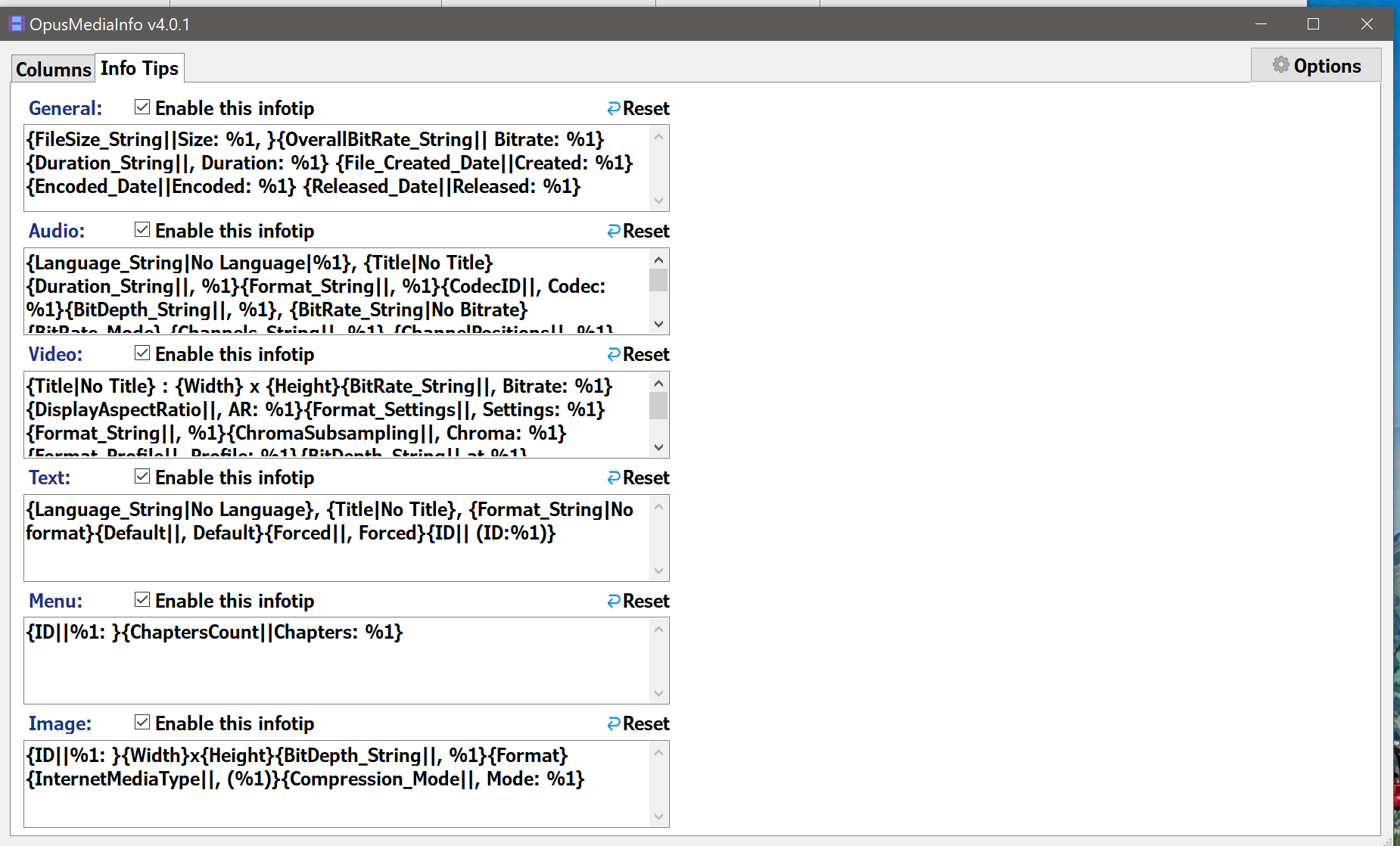
Go to the Infotips tab and choose which infotips you want to enable.
Additionally, you can run a search in /dopusdata from the Find panel, looking for the text "scp:Mediainfo++" to see where the old name of the new columns is still being used (buttons, evaluator columns, etc).
Hi, thanks for the update! I wanted to report a couple of issues I encountered while upgrading:
1.
Regarding the instruction to "choose NO when prompted to delete the configuration folder," I noticed that this prompt does not appear when deleting the old version (v3.9) of the script. It only seems to trigger when deleting the new version (v4.0).
2.
When upgrading to the new version and following the prompt to open the columns panel, the script asks to select a video file.
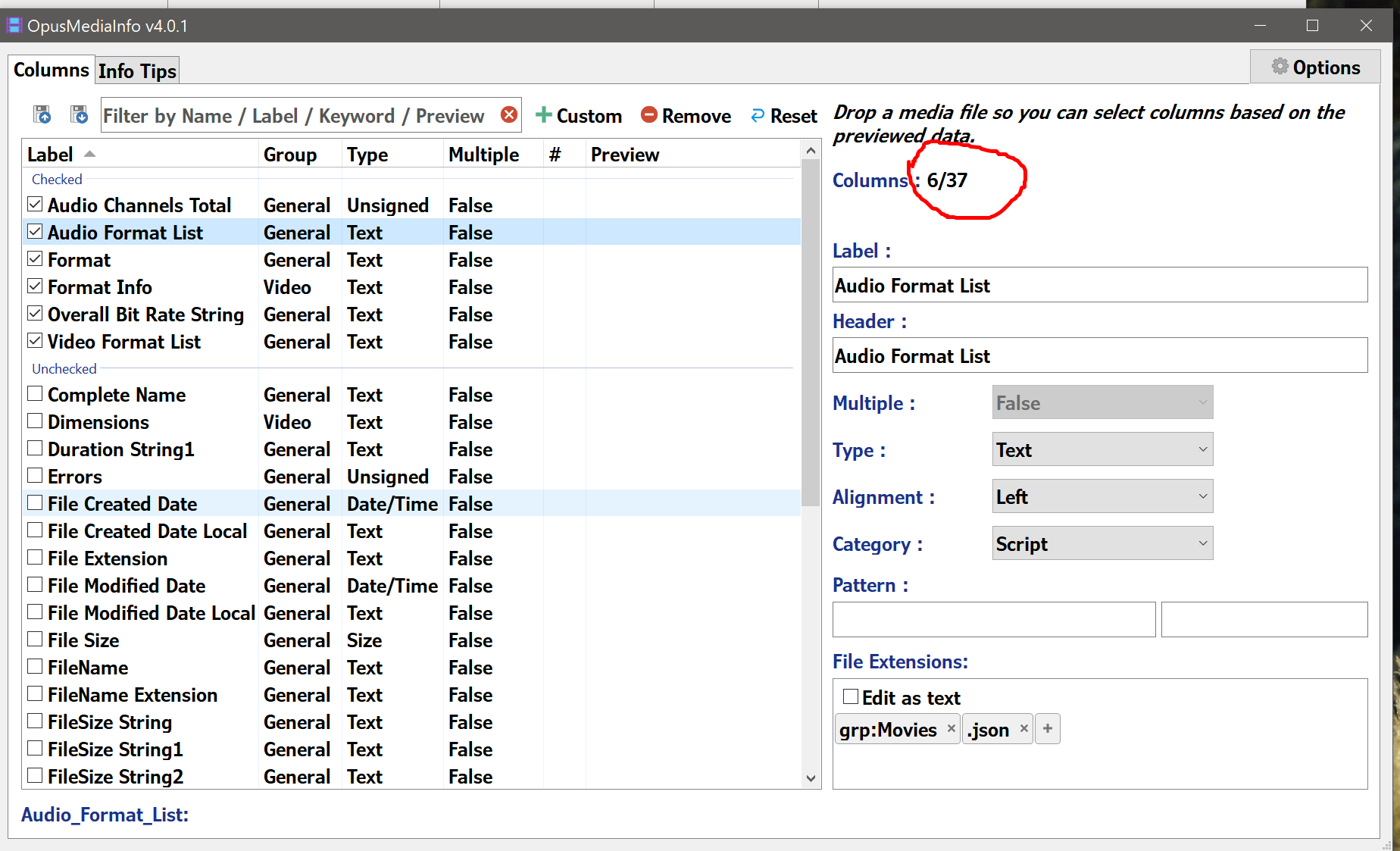
I've noticed that the columns available in the config panel seem to depend entirely on the metadata of that specific file. This can lead to "missing" columns that are impossible to recover through the config UI later.
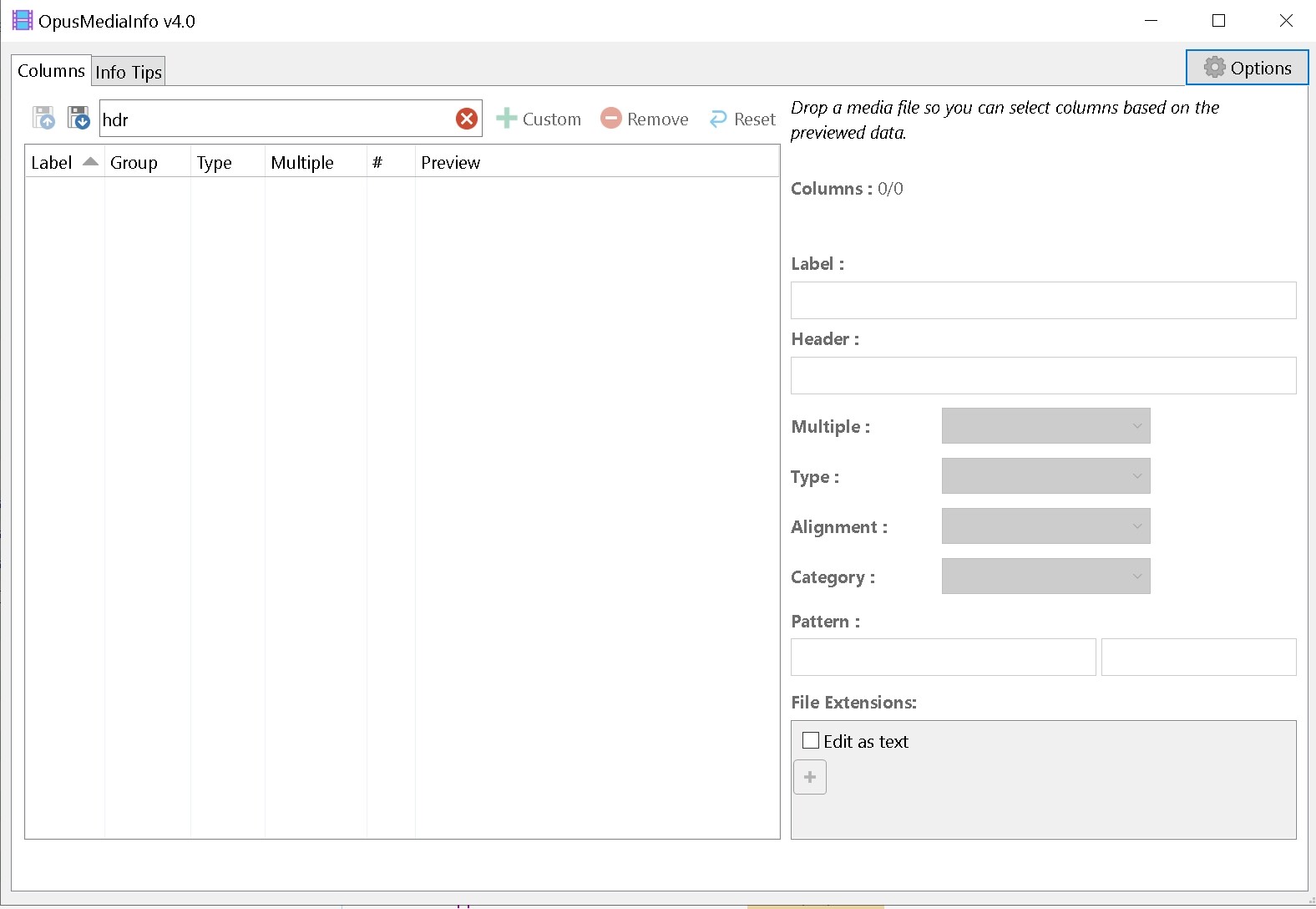
If I select a standard video file during setup, HDR-related columns (and others) do not appear in the script panel at all. They aren't just empty; they are completely absent from the list. Even though close the panel and reopen that, these columns still invisiable. I also cann't find them in Custom.
And I found that if I select an actual HDR video, the HDR columns reappear and remain visible in the config panel from then on.
In short, It seems some columns are only registered/displayed if the sample file contains those specific metadata (not null). If the file lacks them, the columns seem to be "permanently" hidden unless re-activated with a different file that have these metadata.
I'm not entirely sure if this is by design or a bug. Because I think it would definitely be better to display all possible information at once, regardless of whether the source file contains that metadata or not.
It's both. Also it looks like you didn't follow the recommended steps, or you didn't copy all your files from the older script or were you trying to import someone else's columns?
Initially on the beta versions (when there was feedback), the script did have a list of predefined fields, but I noticed that for some it was confusing, and it didn't cover all the possible entries that might exist, and it would be impossible to do that through that approach. That's why I switched to only showing the fields as they appear, and saving the viewed ones to a file for later use. (That's the file that you didn't copy apparently).
The issue should occurred with Custom columns, which were introduced later (when there was no more feedback). And only during the preview. It could be a problem if you try to edit those columns while using someone else's config or if you haven't registered all the columns that the Custom column references.
It's quite easy to fix. Expect an update in the next days, when I'm less busy. Thanks for the report. It would also affect its Exiftool counterpart, so double thanks for that.
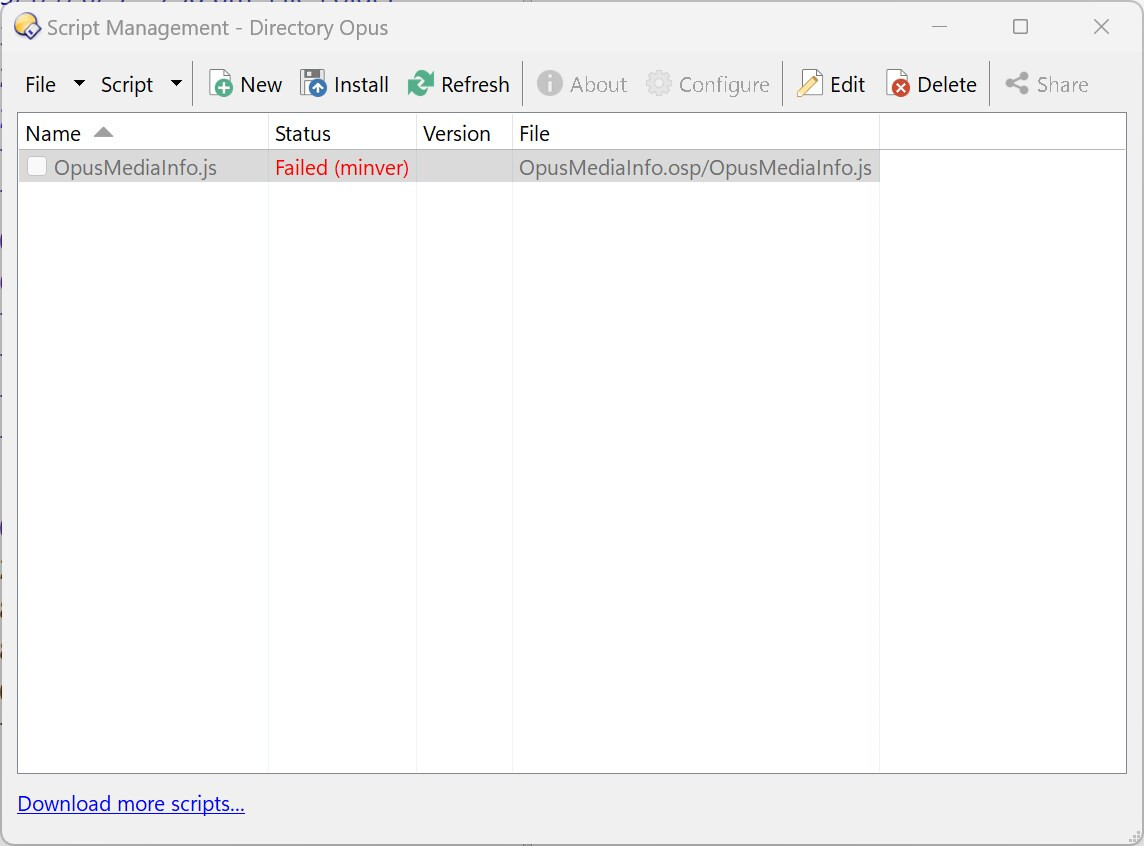
Sorry I really am a noob but I installed the DOpus-Scripting-Extensions by @PolarGoose and then installed v4.0 of the script, but under script manager I get this error:
Failed (minver) means that your current DOpus version is lower than the minimum version required by the script.
Double-click the script to view the code. In function OnInit(initData) you will see a line that reads initData.min_version = '13.21.1'. This represents the minimum version required by the script.
Thanks I assumed I was running the latest as I usually keep it updated. It appears I am running 13.21 as I didn't have the beta version 13.21.1 installed.
Drop a media file of your choice. Then the infotip previews will become available.
The "seen fields" (aka columns) vary depending on the files you have previewed. Every time you preview a file, all the fields found by Mediainfo in that file are remembered for later use.