Latest release can be found here:
Amazing. The amount of work that you put into this is remarkable.
I'm surprised that your GUI is fully written in DOpus. It is not easy to make something so functional with a very limited GUI library.
Thank you for the plugin. I'm also glad that DOpus-Scripting-Extensions is useful. Actually, you added MediaInfo functionality there 
Thanks!
Where this concept would really come in handy, IMHO, would be with your Exiftool columns addin. Hopefully the GUI part can serve you as a basis.
Yes, you have done an amazing reference implementation for similar scripts. I will look into it. Thank you. However, I cannot promise that I will have the time to implement something similar.
Trying to use this to verify mxf files for a Duplicate File comparison so I can sort by Format Profile and then select the file that is empty (corrupt) in this column but the column has stopped populating. Initially 309 out of 4853 duplicate groups had Format Profile values but upon restarting dopus no files appear to have values in this column.
The column logic appears correct - mxf is listed under extensions, and dragging these same files into the MediaInfo++ editor shows full field population. Any insight or diagnostic advice appreciated.
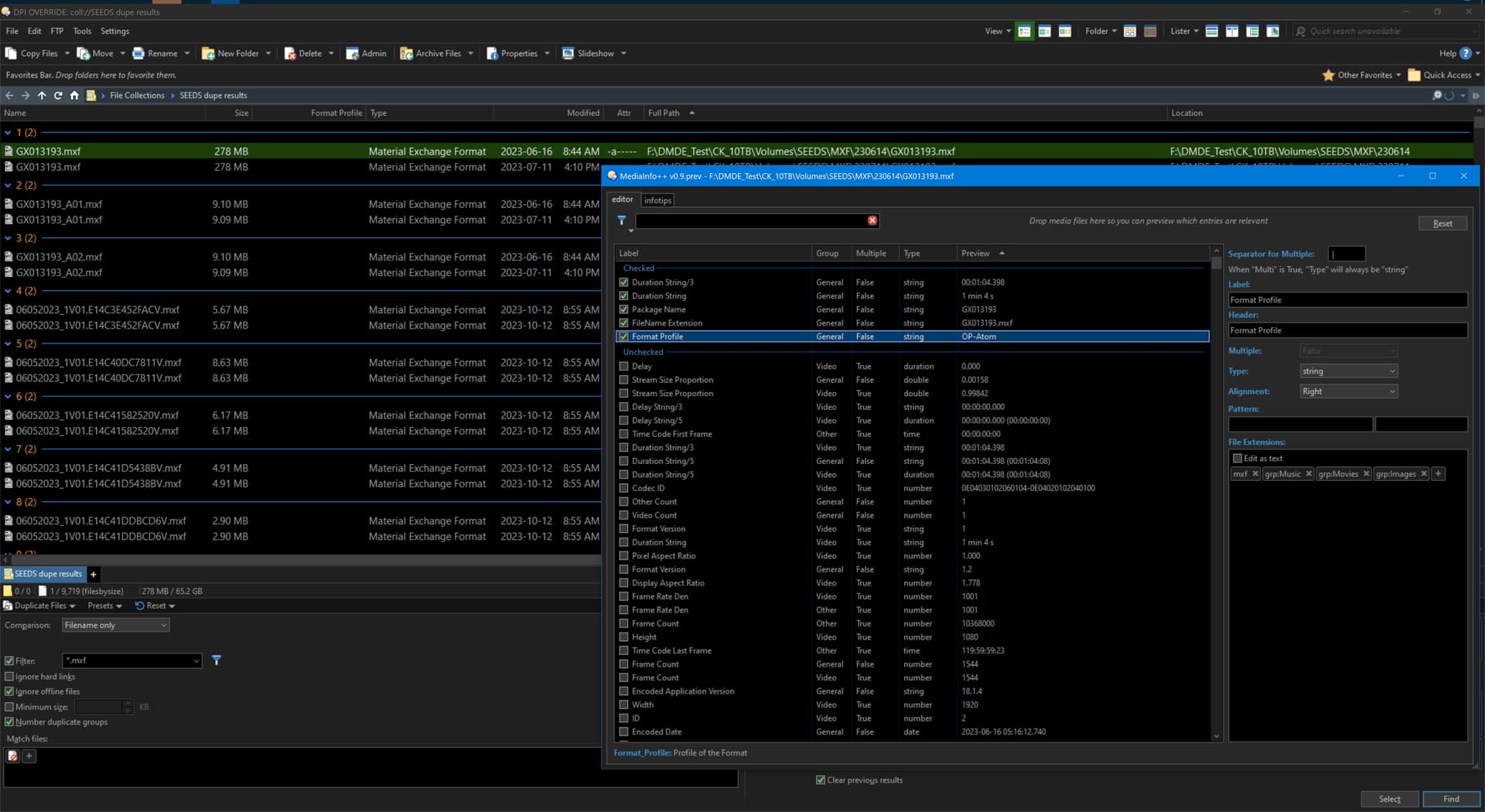
In the exts field, try using .mxf (with the dot) instead. I think I got that part wrong when I described it above. The correct would be "with the dot included."
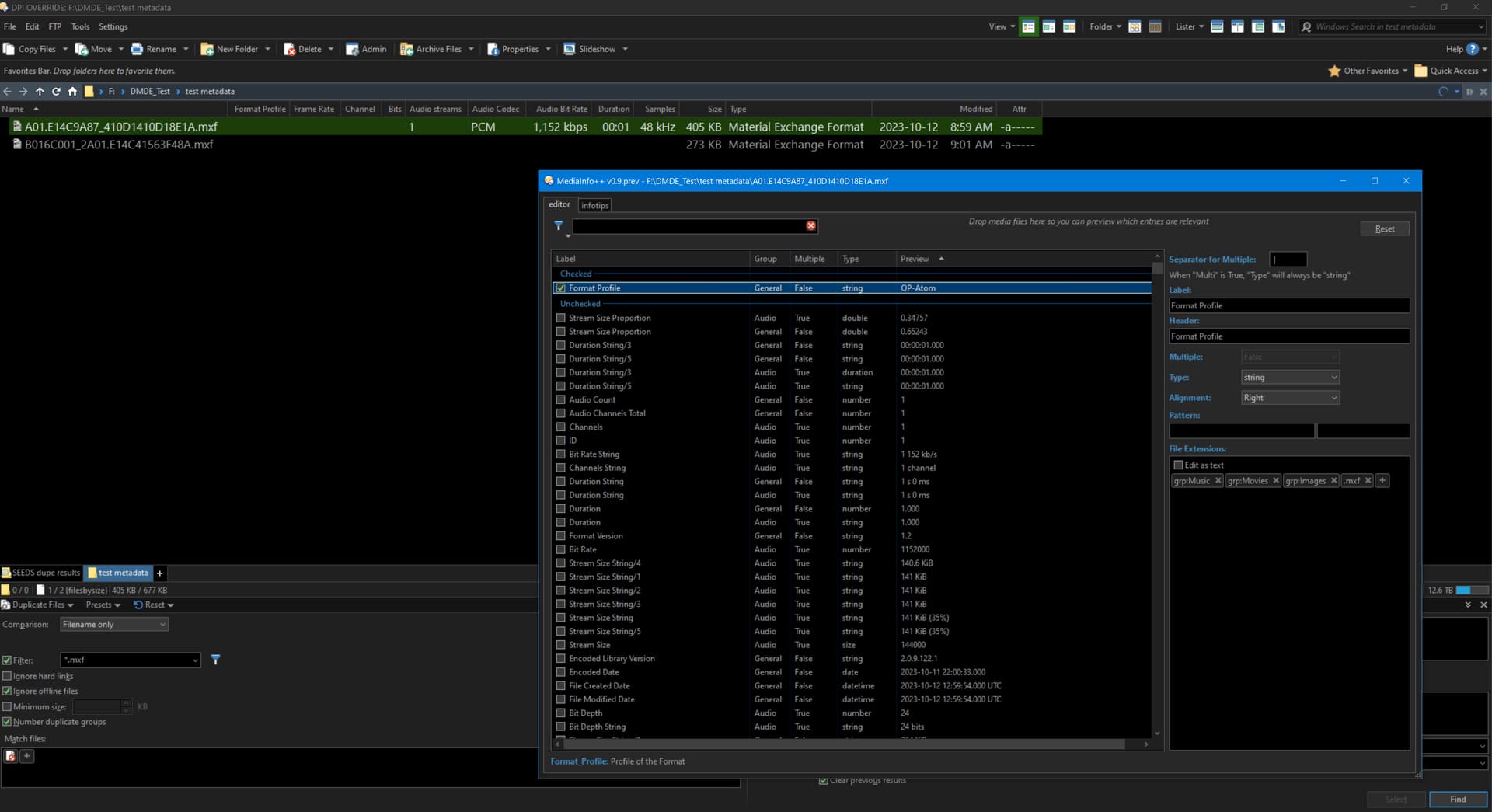
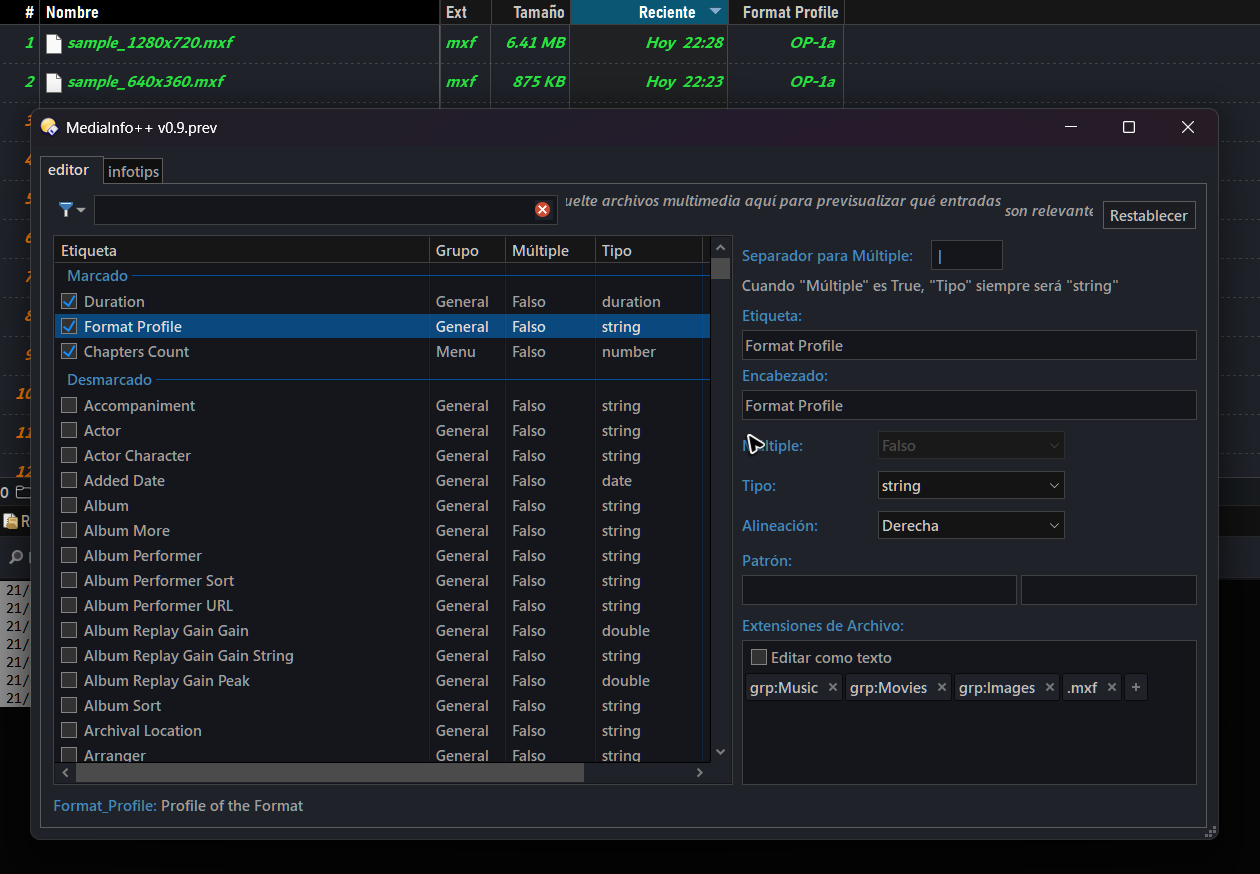
Also, please note that any changes you make won't take effect until you close the command's dialog and if the edited columns were already in use, refresh the lister.
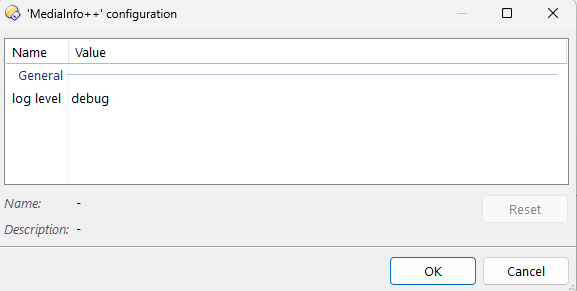
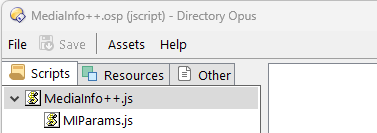
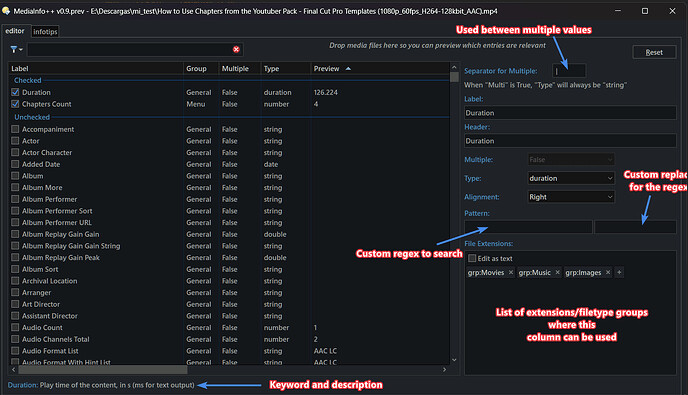
MediaInfo++ CONFIG
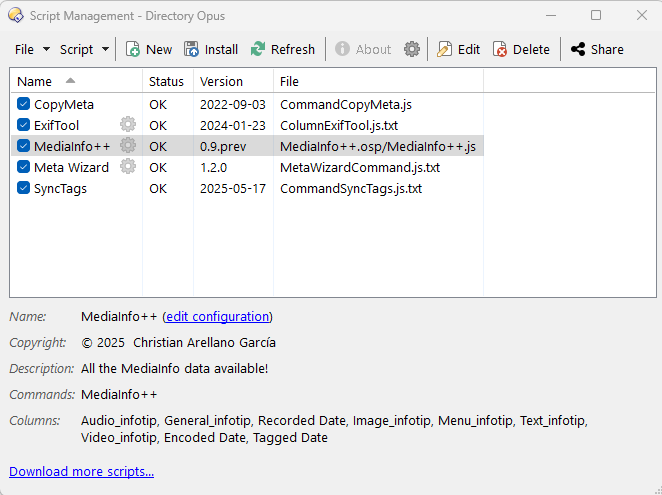
Put the command in a button.
Or type a > then MediaInfo++ CONFIG
I modified this line in the script:
if (value === undefined) return 'X';
This way, I can differentiate between files that failed to return a value (likely corrupt) versus those not yet scanned.
However, MediaInfo++ still stops scanning at around 309 duplicate groups.
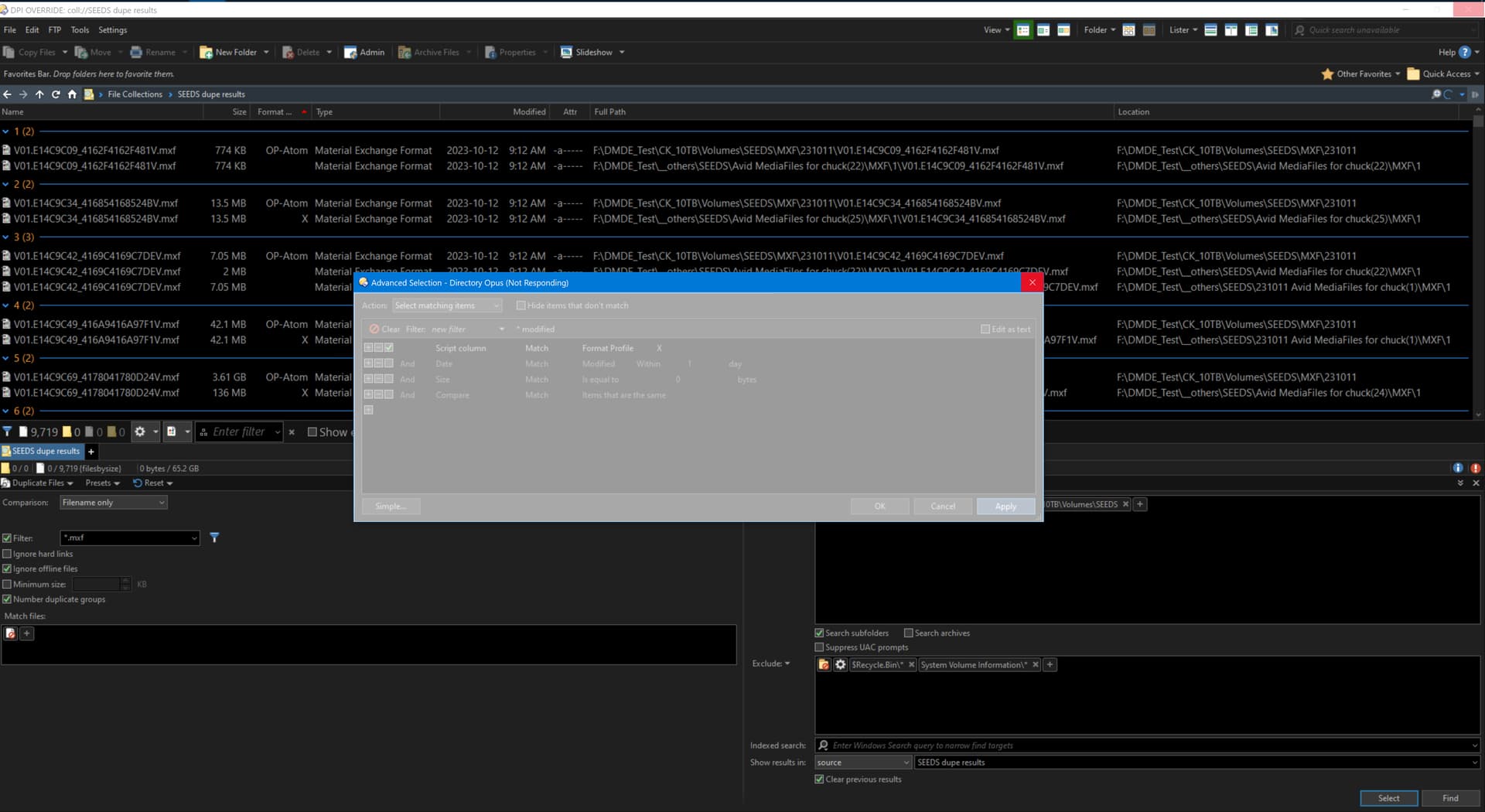
I then used Advanced Selection to select rows where the Format Profile column shows "X", but Directory Opus became Not Responding. Is this because it's triggering MediaInfo++ to rescan all files in the result set rather than using the already-scanned "X" values?
Any advice on avoiding the rescan or ensuring values are cached before selection?
I misunderstood your answer at first. So, to clarify, the column is working now, but for some reason it stops after processing ~300 files?
The script does not use caches, in the tests I did I saw that it was not necessary, since the retrieval was very fast. I have not tested with the file type you mention in the quantity you mention.
Could you put aside the duplicate check for now and focus on the columns value? That is, wait for the data to finish calculating. How long does it take, if at all, to complete, or does it also stop at 300 files? You can use debug mode to see the file currently being processed.
Yes, it consistently stops after scanning ~300 files.
Here’s the log output:

It includes only the final 179 .mxf entries — the earlier entries were pushed out of the Directory Opus script log buffer, even after I increased it from 1,000 to 10,000 lines. Anticipating this, I manually copied the top intro portion of the log before it was overwritten during the duplicate results scan.
P.S.: it doesn't take long before it stops, maybe a minute, the log timestamps can attest to that.
Thanks.
Please try this version, it has a cleaner log and some minor fixes in the configuration dialog.
As ofr the issue, here's what I found/ my point of view:
Since I don't have that kind of files you mentioned, I tested with around 2.000 videos of 500-2.000 MB each.
- It doesn't stop at 300 files, it completes the whole batch.
- It took about 3:30 minutes, which seems normal to me.
- Memory usage doesn't spike or grow significantly; it stays surprisingly stable.
So according to this, unless there's something specific to those filetypes, I don't see any issue with the script itself.
My guess is it's not halting—it just takes time  , and it's hard to tell how many files have been processed or are left. With the version I gave you, it'd be easier to track that.
OTOH, I'd expect similar timings if you used any built-in metadata column or thumbnails (does it show thumbnails?) for those files. It depends on other factors, like disk type, file sizes, etc.
Still, an in-memory cache might make sense, so I'll keep that in mind. Since this script hasn't gained much feedback, and given how many hours it took me to build this script, it may be a while before it's implemented—if I even keep publishing updates for this project.
I forgot to explain infotips, so I've updated the main post, also you can see some examples in the default infotips if you any doubt about it.
Installed v0.9.1prev. Here's the log:
froze at #361
buffer only went as far back as #180. I pre-saved the startup part of the log and joined the two logs together.
Could you please:
- Enable seconds and milliseconds for the script log (option is in Preferences)
- Copy ~500 of those files to a collection, then enable the column there.
No need to rerun the column editor each time for logging purposes.
Does the column populate there?