Removal of unnecessary space when displaying in thumbnail mode

Hello,

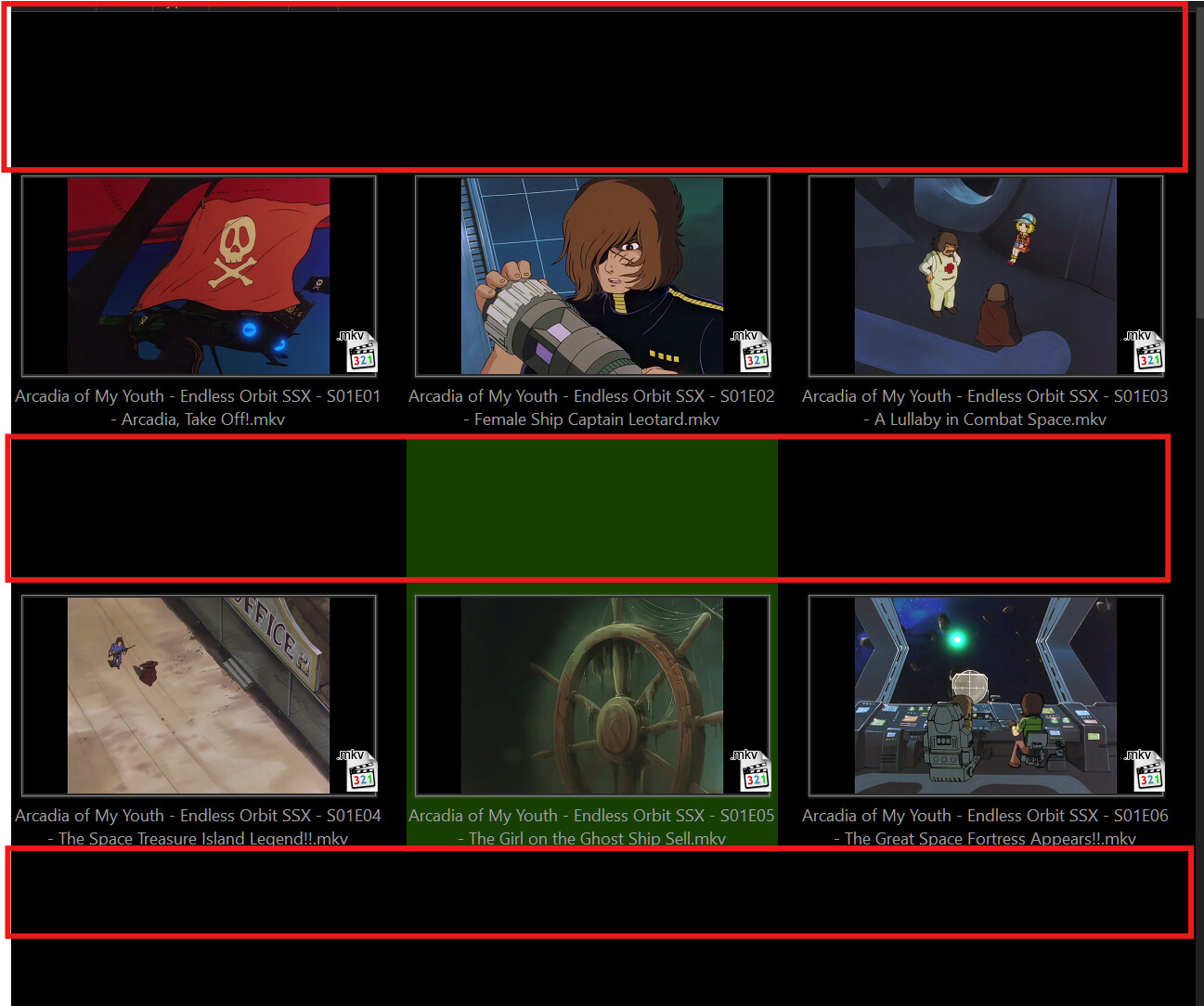
I can't seem to get rid of these useless empty spaces when I view my video/photo folders in large thumbnail mode.
I've looked everywhere in the settings, without much success.

I must have missed something.

Do you have a solution?

Best regards


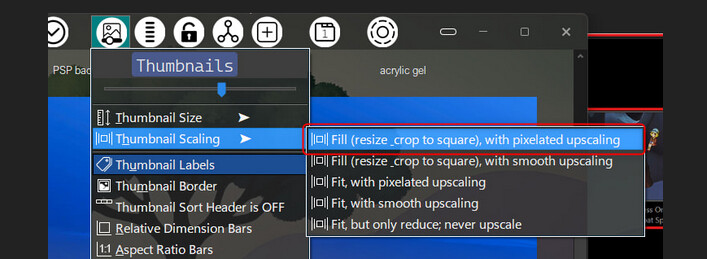
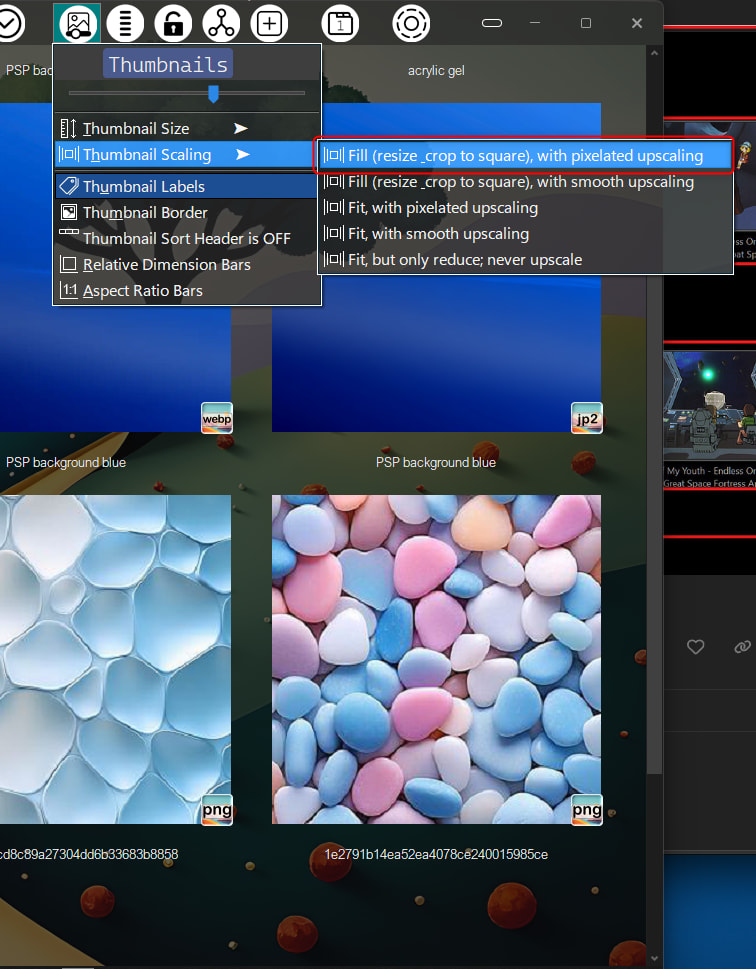
You want to change aspect ratio of thumbnails, not sure where that is on normal DO config. I have mine in custom thumbnails menu button.
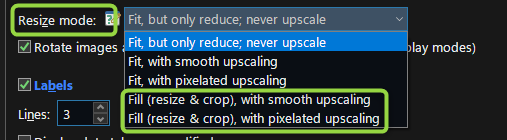
Can also be set in Prefrences/File display modes/Thumbnails
1 Like

Hello,

Thank you for this solution. So, is it impossible to remove this space while keeping the native format of the photo/video?

Best regards

Can i ask you witch theme are you using ?

What do you mean by “keeping the native format”?

Have you tried changing the thumbnail size in Preferences?

Alt Dark.dlt (16.8 MB)
Alt Light.dlt (7.0 MB)
The themes are a work in progress.
The iconset on the top bar was made using Iconset Maker - #27 by galaxyhub and the icons in the menu are mostly from a set I posted ages ago Express Dual Fine Small (Full dark/light mode Icon Set)
:slight_smile:

1 Like

Can you share these scaling buttons?

Express Dual Fine Small Thumbnails.dis (6.6 KB)
Put at top of icons list, so that it overrides any others.

here is menu button for it
Thumbnail Labels.dcf (11.5 KB)
click button - toggles thumbnail labels on/off.
press - shows thumbnails menu.

3 Likes