Tab moving not possible

I can't move the tabs anymore. They open as new windows, so I have to move them back into the lists.

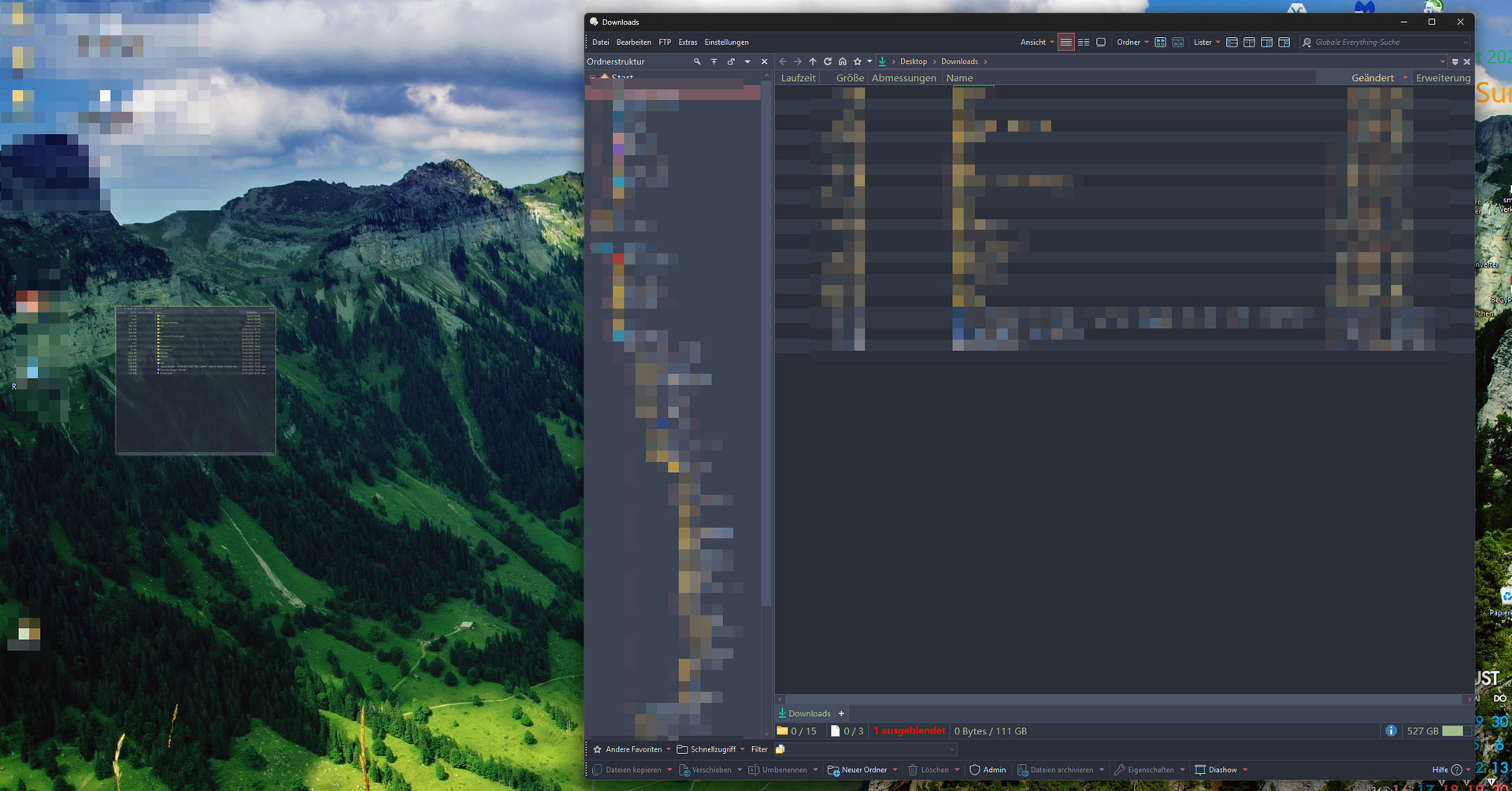
Here's an example using a new Lister with two tabs. I want to move the one at the back to position one.

Then the tab closes, and I'm left with this window.

Is this a problem with the graphics card or the drivers?

Does it only happen when two tabs have the same path? (If so, are any scripts installed, especially one that de-duplicates tabs?)

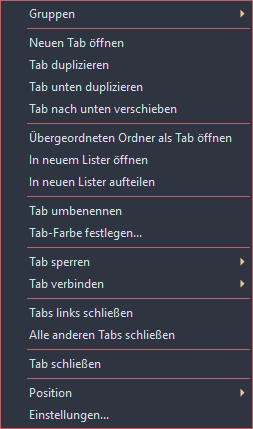
How are the tabs being moved? Does the same happen for both drag & drop and moving tabs for the right-click menu?

no scripts

It happens when you drag and drop with the mouse. It doesn't matter how many tabs there are or whether it's a single-pane or dual-pane list.

I don't see an option to move a tab in the right-click menu

Works fine here, even with my clunky office mouse and my crooked fingers. But I also only have a simple iGPU, and the graphics drivers have been the same for months.

You can use these commands to move the tabs left and right:

Go TABPOS=-1
Go TABPOS=+1

Just my 2p on this: Two fundamental rules on every known Windows system, when something behaves in unexplicable ways: (1) Restart the offensive app (in this case DO). (2) If it doesn't help, reboot.

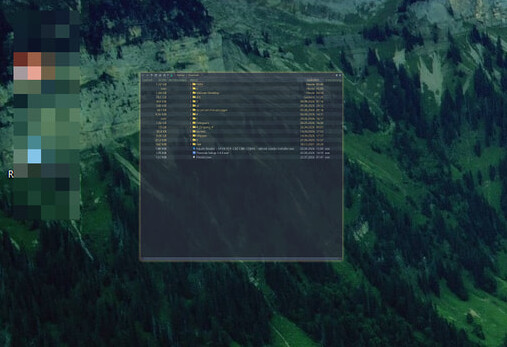
Now I'm on a computer instead of a phone and can see the image better, I notice the drag image of the tab on the left:

Was the mouse still over the tab bar when this was taken?

Is that preview still there after releasing the mouse button, or was the button still down?

Which Opus version are you using?

DP completely uninstalled.
Completely cleaned the registry using HiBitUninstaller.
Restart.
DP 13.25 reinstalled.
Tested the tabs. Same result.
Test immediately after reinstallation. No restore of settings.

That "drag image" could be a "drag queen" on the desktop, one who'se name starts with the letter "R" which you can still see, and someone the user did not want us to see :smiley:

This is the latest version. This happens immediately after I click the left mouse button and try to move the tab. The mouse pointer isn't included in the screenshot.

Yeah, that little window pops up there, which is why I included it.

Was the mouse button still down when the screenshot was taken?

Where was the mouse on the screen at that time?

The drag image is nowhere near the tab bar, so it looks like something is confusing Opus about mousse coordinates.

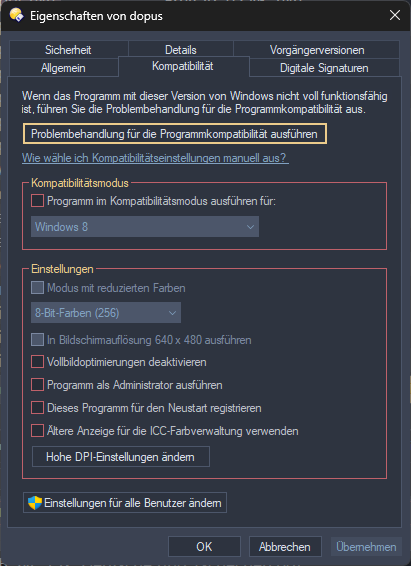
Make sure none of the compatibility settings in Windows are turned on for Opus, especially the DPI-related ones:

i have recorded a video

In the video you are dragging the tab past the left end of the tab bar, which is supposed to split the tab to a new window. (Same as with Chrome's tab bar, for example.)

When I do the same thing on a test computer, nothing happens at all. And I can close the tab again, but that doesn't work here.

The tab jumps off my mouse, and I can't get it back.

It should come back once then mouse is back over the tab bar.

Did you check the compatibility settings I mentioned?

Until not too long ago, I didn't have any problems at all, but suddenly it's acting so weird. I suspect I’m the only one experiencing this, so there must be something installed or configured on my system that’s causing it. The issue is annoying, but figuring it out right now isn’t important enough. So I’ll just have to live with it. Maybe it’ll go away if I restore from a backup of the OS. It could have—the bug is known.

And I actually noticed that problem in the previous version as well.

Did you check the compatibility settings I mentioned?

there is nothin activated