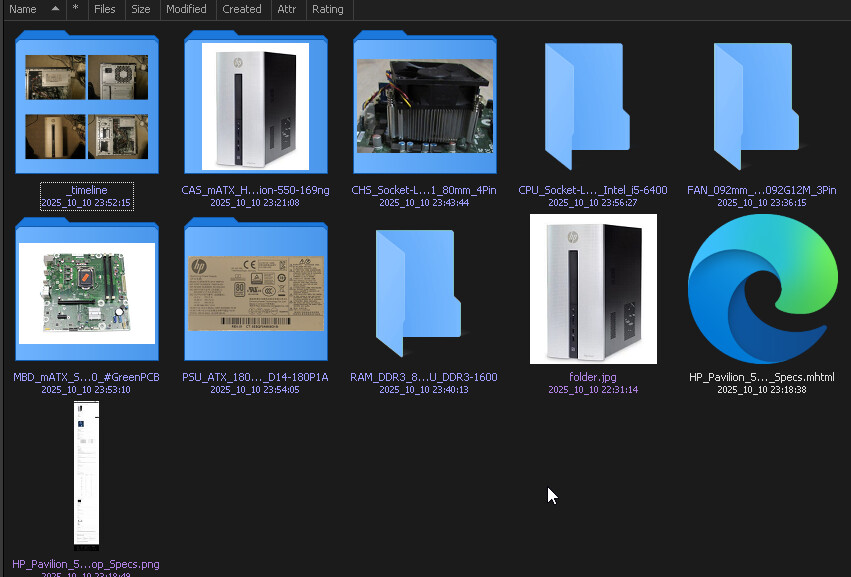
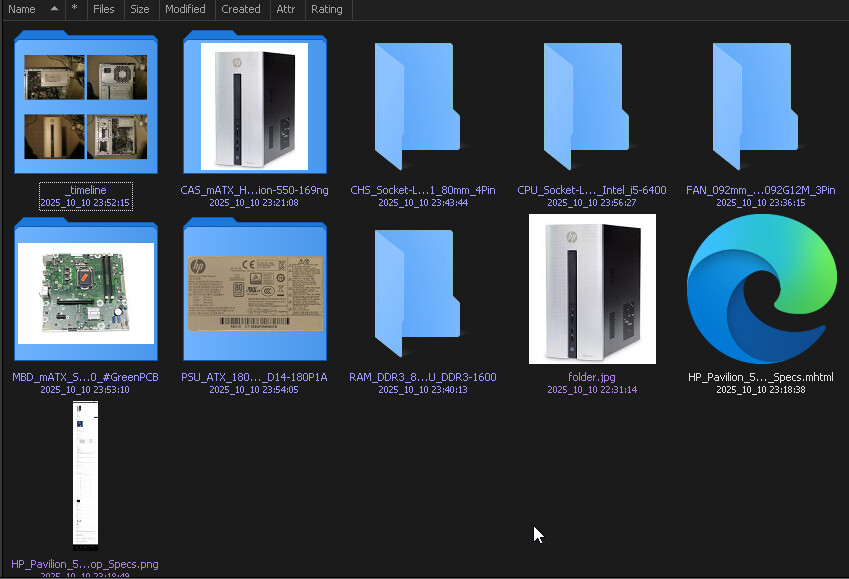
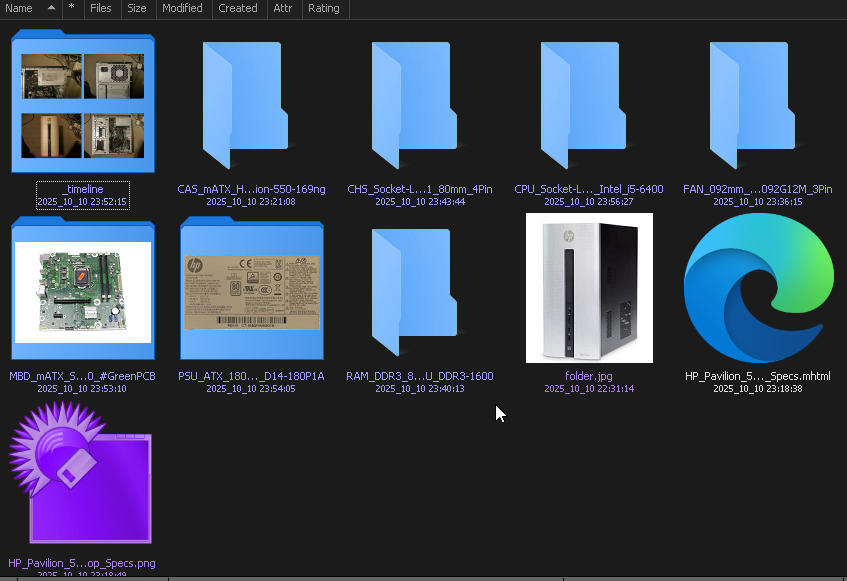
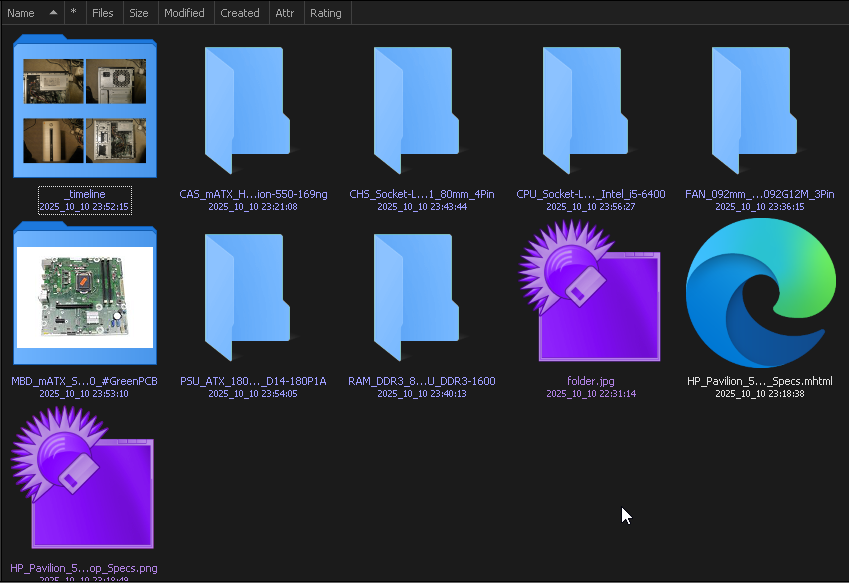
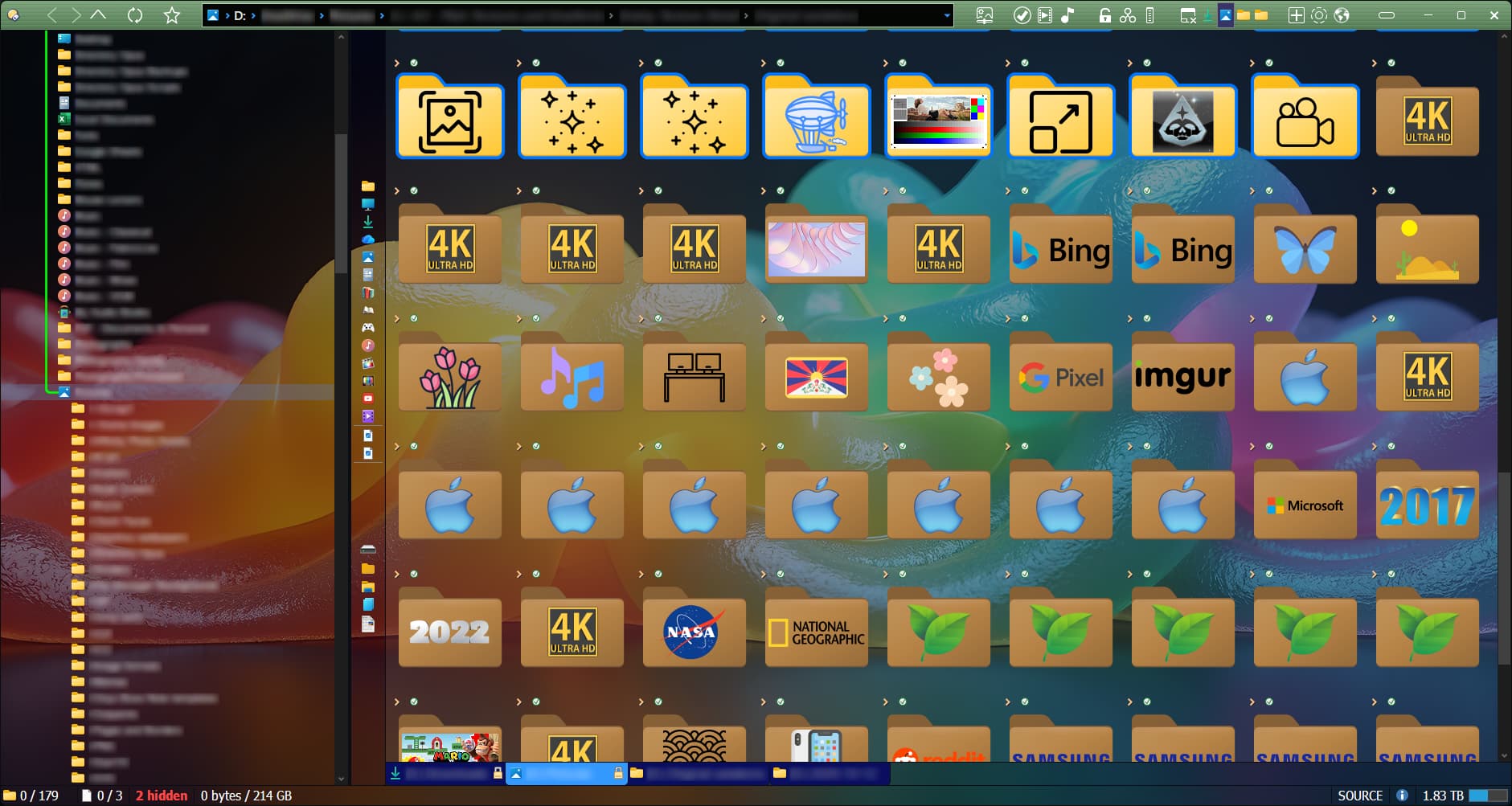
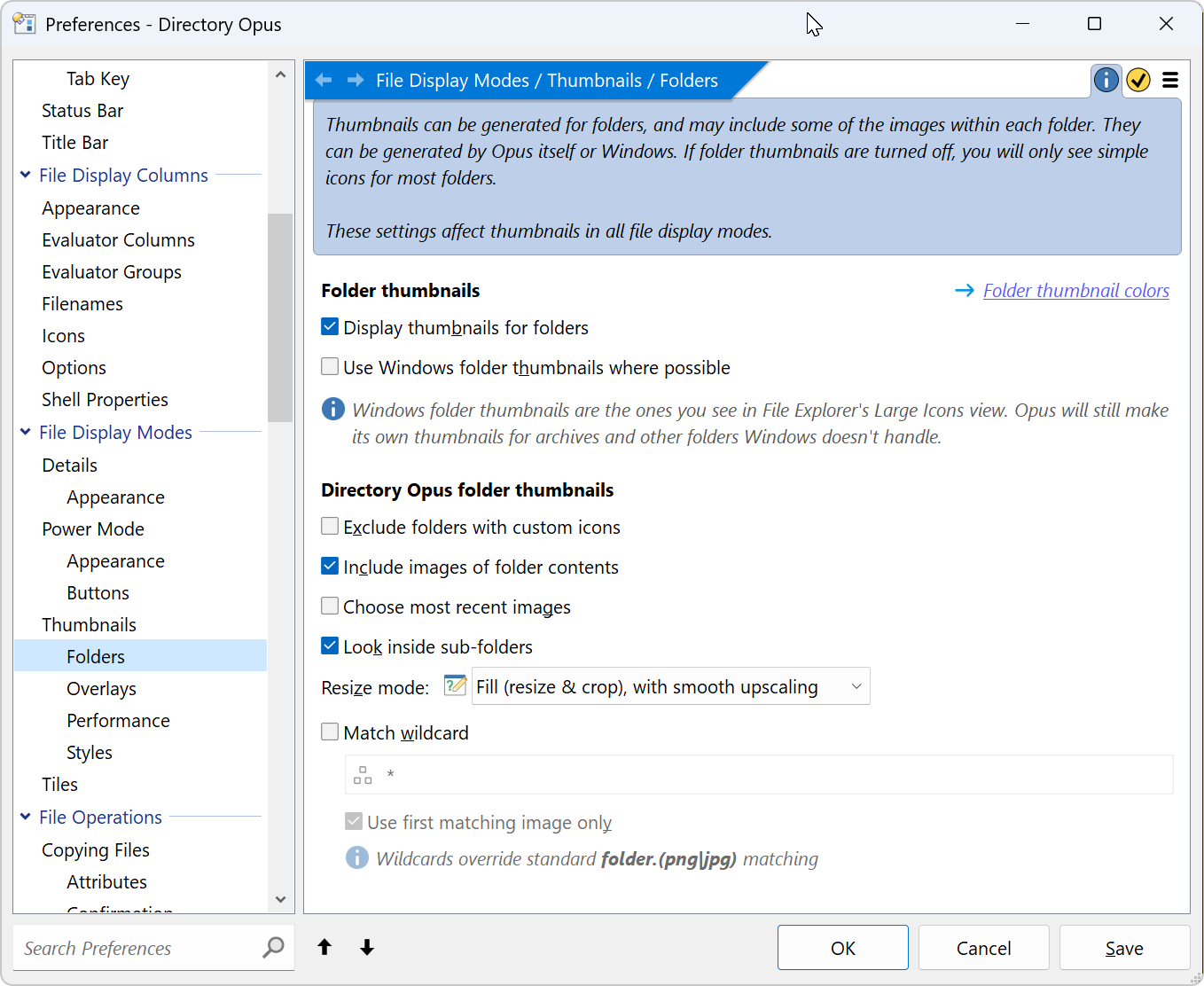
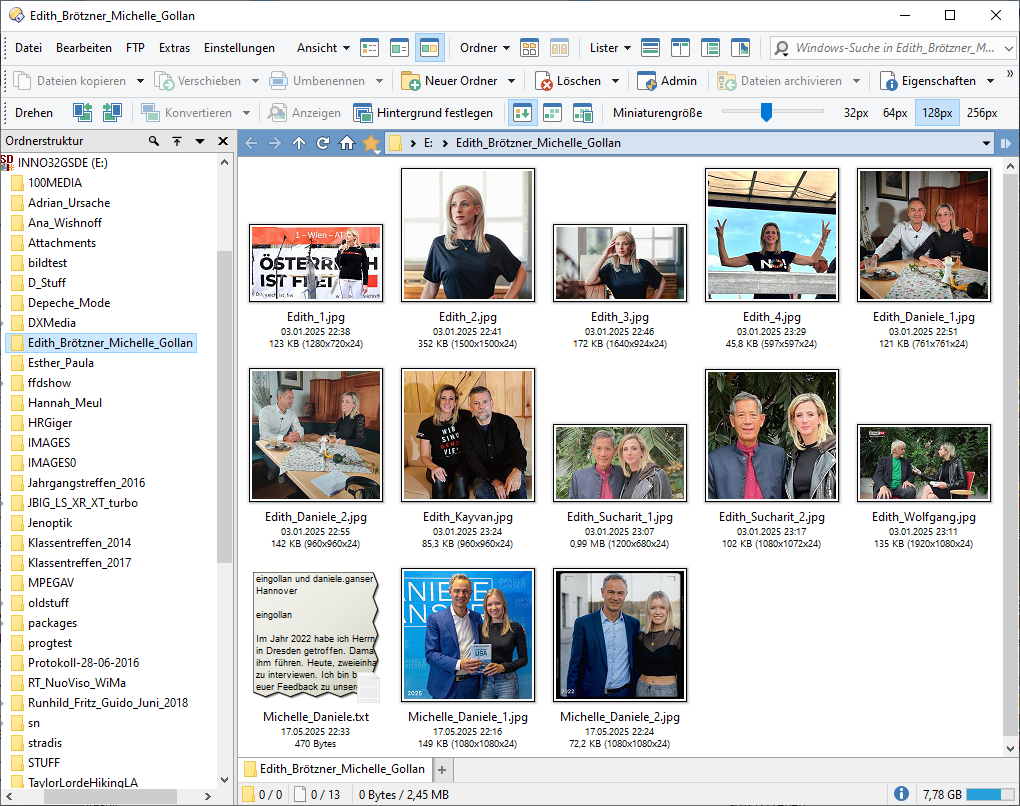
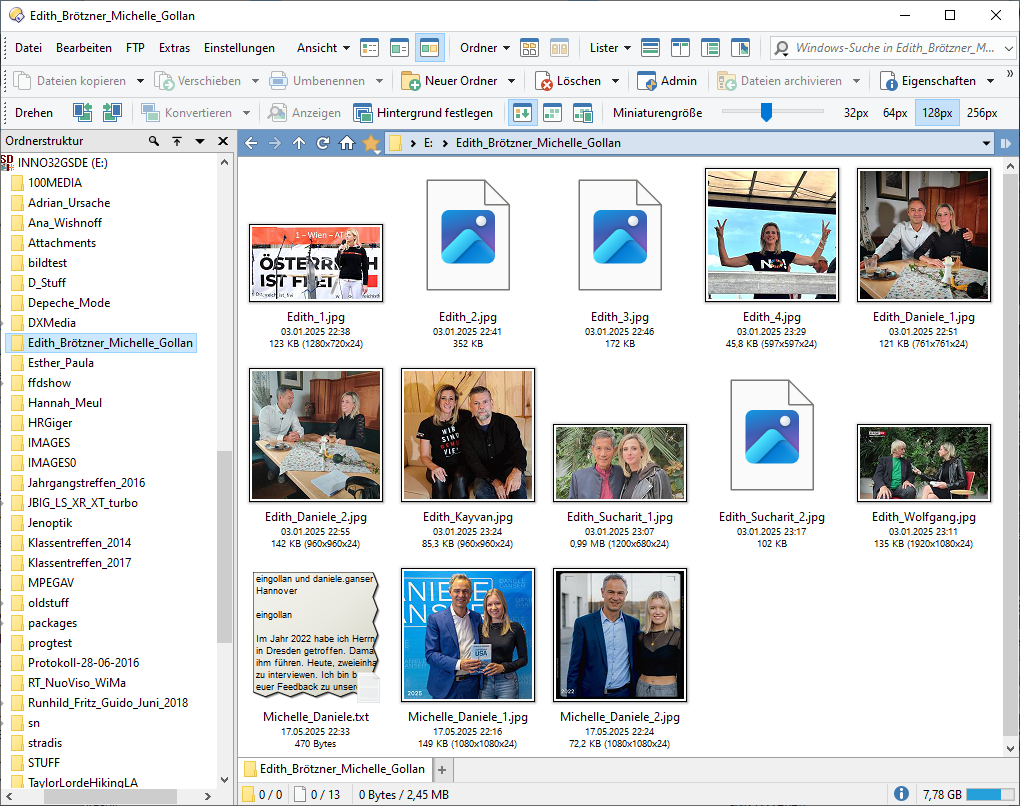
I don't know.. I gave it some time to recover (months), installed latest Beta version as well now, but the thumbnail generating is not working nicely any more. I tinkered with the settings, cleared chance, enabled / disabled compression and folder types, tried around with "Go REFRESHTUMBS" but no..
The only time the thumbnails seem to be generated as expected is, when the application (DO) is re-started, but afterwards things start to crumble. Hitting F5 will give random thumbnails for folders, next F5 press will give you thumbnails on other folders and the ones visible before are now gone. See below 3 screenshots taken in a row, with F5 pressed in between. If I remember correctly I stopped working on my "catalogue" some time ago because of this issue, but we need this to get back to normal soon! o)
Is there a known issue regarding this or am I the only one? o)
It's all local folders and files. That "folder.jpg" in the screenhots, it will display fine as a thumbnail, but might fail to display if I enter that folder where this "folder.jpg" is located. It's kind of weird and chaotic and generating / loading thumbnails for these few files might take several seconds, something is not right.
Ok, sorry for opening a new thread then, I did not search the forum, but I scrolled through the first page of threads to find related topics.
It seems it's not just me then, which is good! o)
I will try and see if I can provide the necessary dumps and analysis, need to close some tabs first I guess, DO is stuck now with the blue circle for hours, it definitely has a cold of some kind!? o)
I also experienced the exact same problem as you some time ago, and it's really bothering me. Honestly, I'm really curious about the cause of this problem. Maybe someone can explain it. I believe the cause of this problem is not in Dopus but in Windows.
When this issue occurs, it's not just the thumbnail folder that's affected, but also the thumbnail files. Dopus often takes 3-5 seconds to display a small number of PNG thumbnails (around 20). And the most severe I've experienced is the EXE file icon becoming a zip icon. It was so bad that I had to reinstall Windows 11 from scratch last month.
I reinstalled Windows 10\11 every 6 months. It kinda needs it if ur a heavy desktop geek. It help sprren everything up. 80% of my fav programs are potable for that. I keep doupus fresh...
Funny enough my 5 year old install of win7 {offline} is still going okay. Haha
I've found an issue which can cause a delay of several seconds before thumbnailing certain types of images, but it would only affect these image types:
HEIC/HEIF
AVIF
DDS
(Definitely affects HEIC/HEIF with the current version of Windows 11. Not sure if the others are also affected or not yet, but I'll test those when I have a fix for HEIC/HEIF.)
If those types are mixed in with others in the folder, they may block thumbnail threads for a few seconds, delaying the other files as well (depending on the order and number of threads/blockages).
Not sure if that explains what everyone is seeing, but it may explain what some people are running into, at least. It's possible there's more than one issue here.
Still investigating how to fix the issue I've found, but we should have something for it soon. From what I've seen so far, it looks like a bug in Windows or Microsoft's codecs when called from multiple threads at once, although I may be wrong and haven't fully got to the bottom of it yet.
Leo,
the issue here is with viewing cached thumbnails with standard settings, not specifically generating the thumbnails, and many folders with only JPEG images.
This is the correct view.
After changing folder and coming back, there is more and more delay of display for random groups of items.
Finally, after about 5 rounds of changing folder and coming back, a random group of items will not display at all, after 10 minutes waiting:
I am also experiencing the behavior described by @guido with jpg files.
The same thing happens with pdf files.
This seems to occur when there is a certain amount of data!
This is particularly strange with dual display.
The PDF is available as a preview in the source (left), but is missing in the target (right).
When scrolling (up/down) in the directory, the existing ones often disappear.
Switching to another directory and back does not help.
In most cases, the directory visited is then no longer correct.
Only when Opus is completely closed and restarted are they available again.
Sometimes the system even has to be restarted to get a complete display.
The yellow directory folders are often displayed with a black background.
3 with black, the rest of 5 remain white.
Unfortunately, there is no example available at the moment.
New files that have never existed before are often not stored in
C:Users\Tester\AppData\Local\GPSoftware\Directory Opus\Thumbnail Cache
Will existing *.db files get a new modification
This has been increasingly noticeable since 13.17 and is now permanent with 13.18 + betas
on various systems running Win 10 (22h2) and Win 11 (24h2+25h2).
The data location does not matter (local, external USB, NAS).
With One Drive, the behavior is even worse!