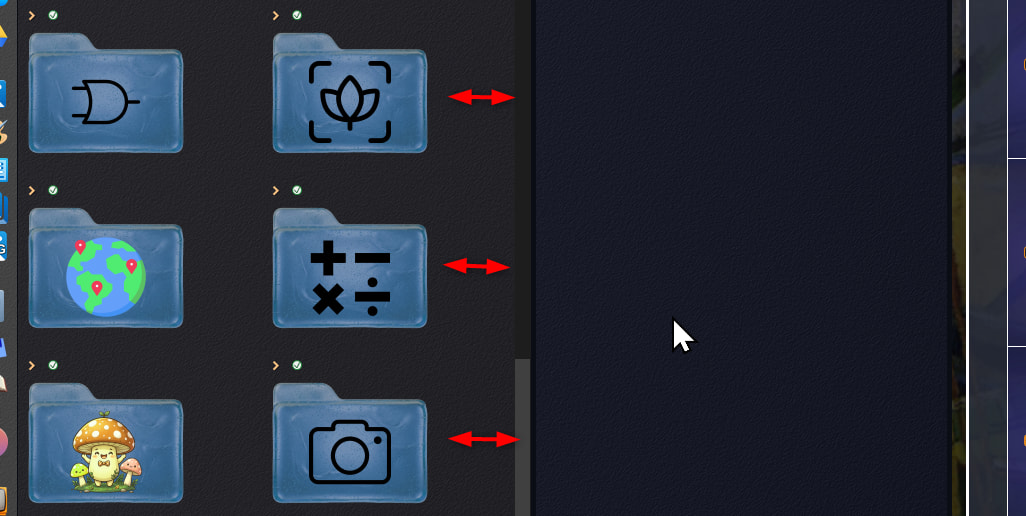
can we have an option to center thumbnails in available width please 
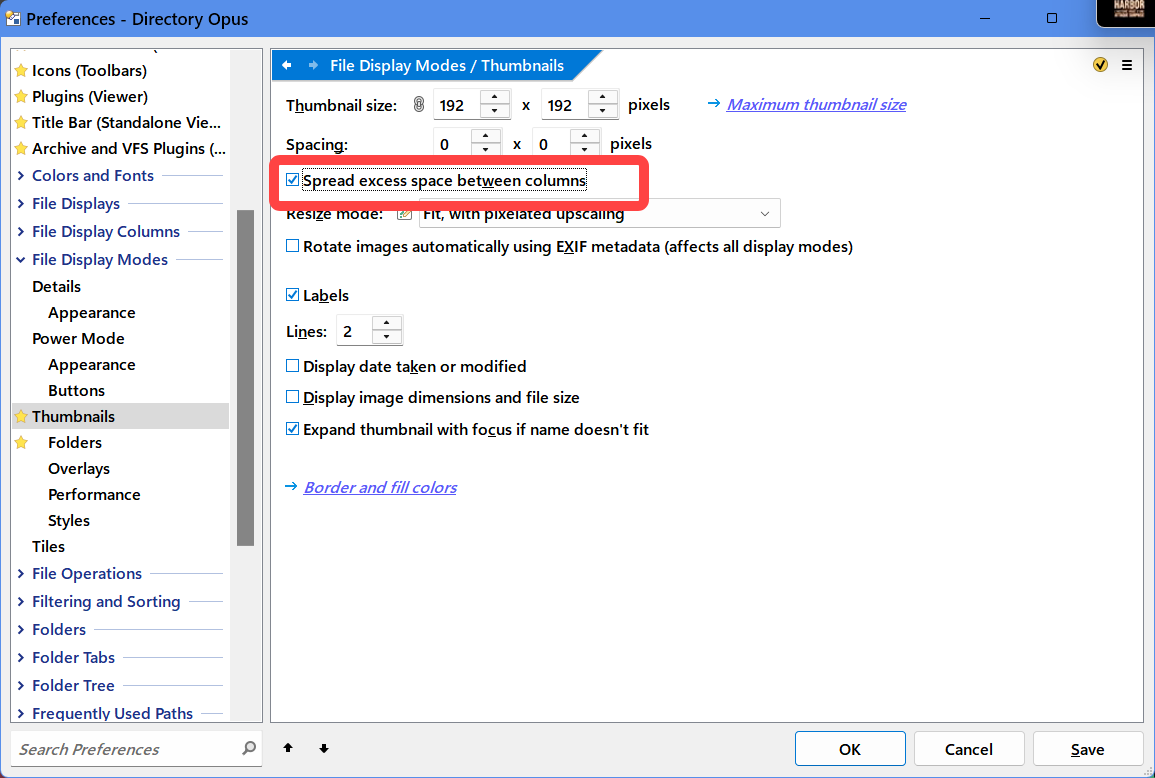
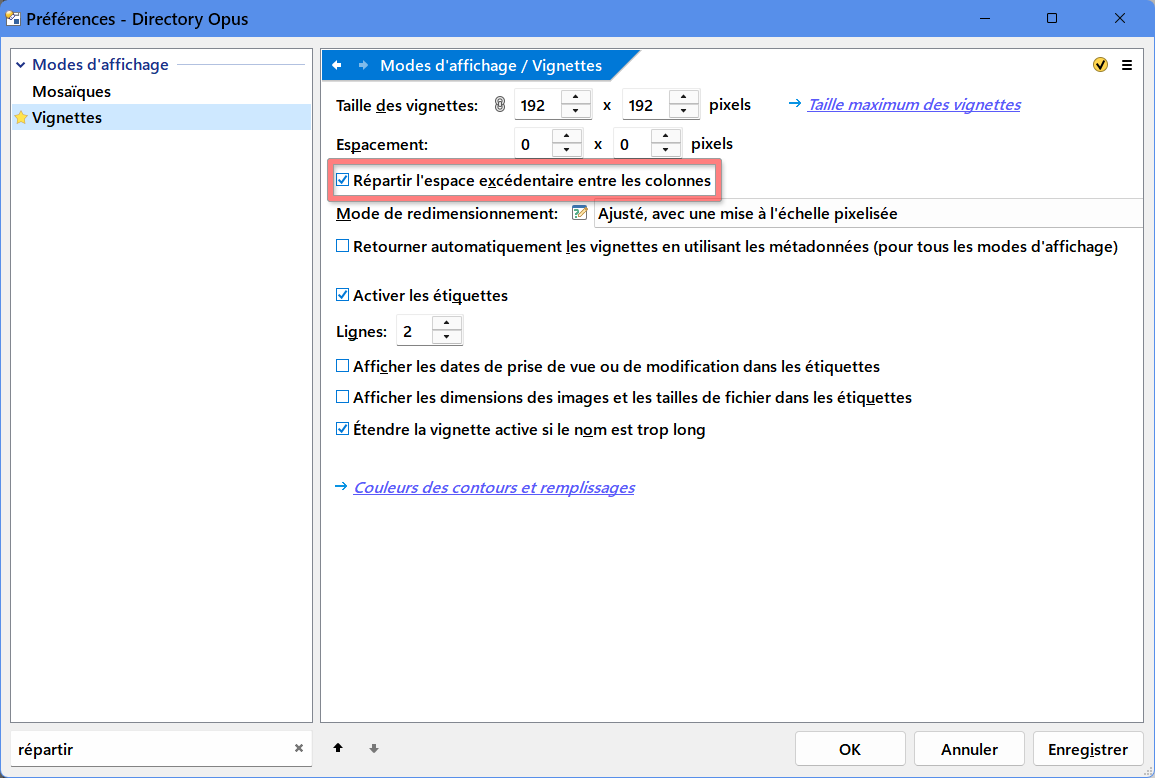

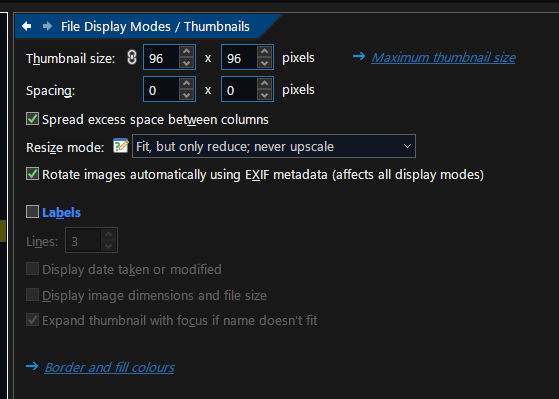
Could you send full capture screen of you DOpus interface ?
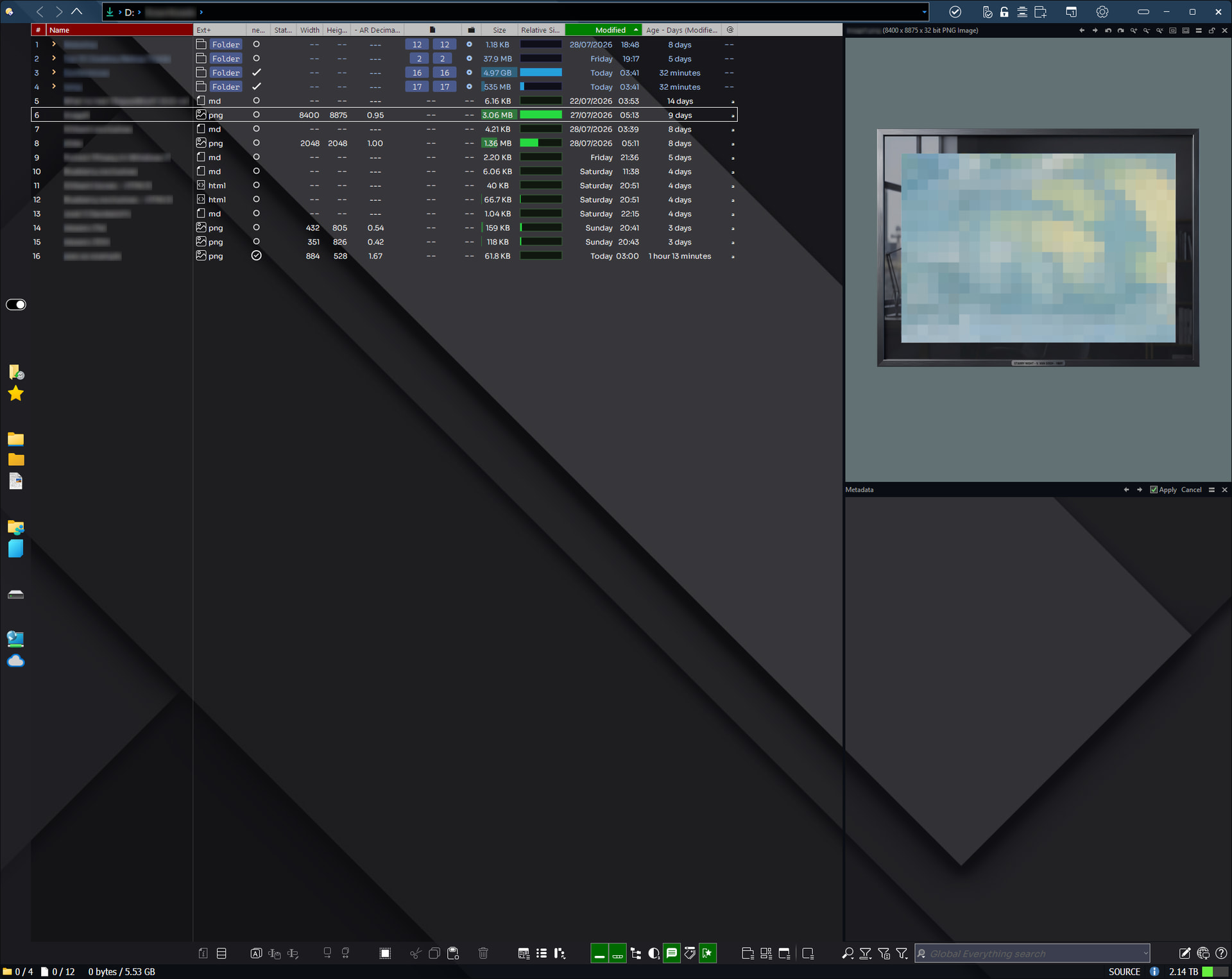
A full capture showing ... thumbnails 
sorry no, very shy about showing of my awesome artwork, i do occasionally upload partial screenshots.
I simply need a screenshot with your thumbnails misaligned on the Directory Opus interface in order to have all the elements to try to find a solution to your problem.
No further news from you, @galaxyhub—perhaps you’ve found a solution to your issue.

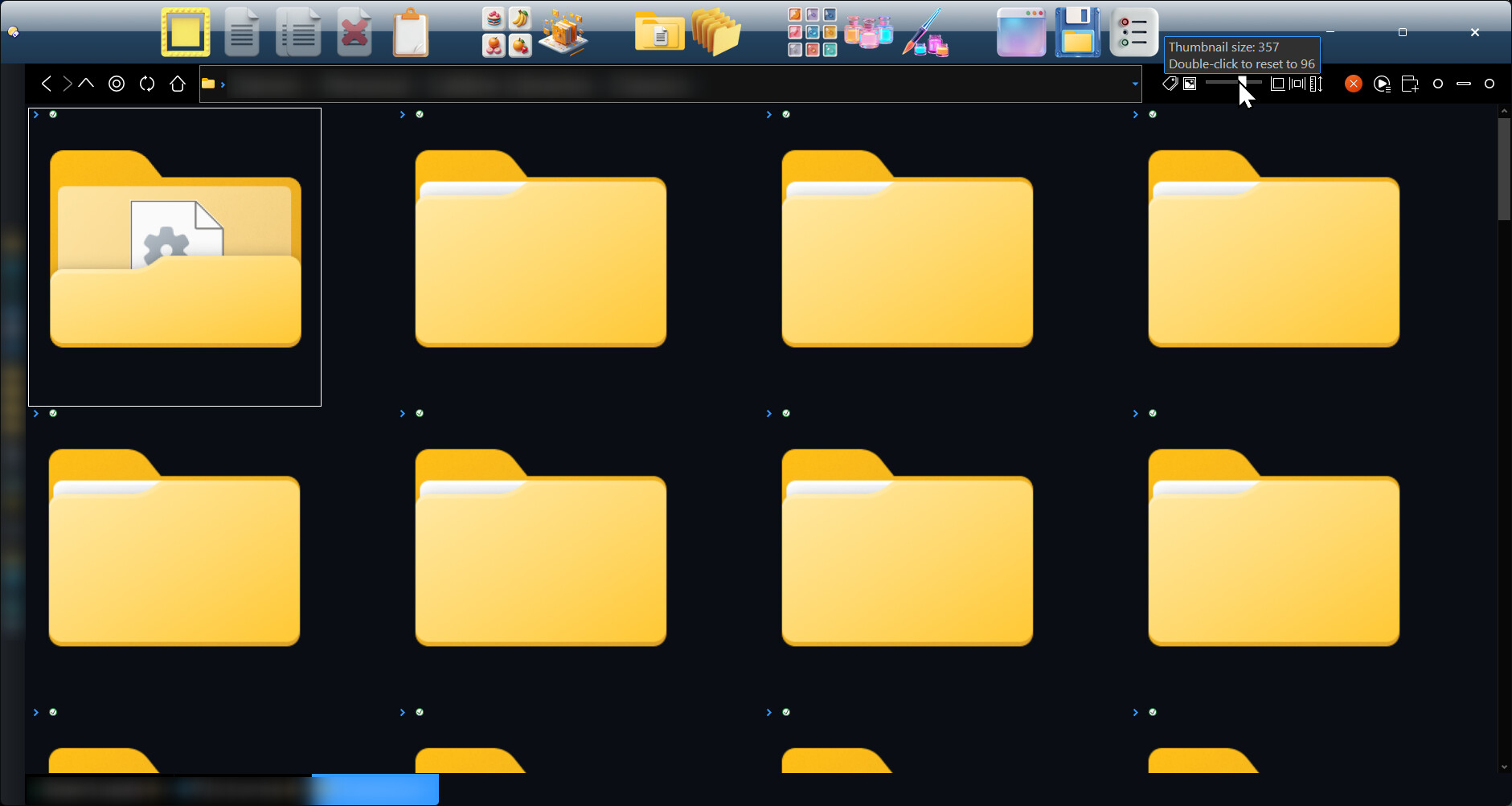
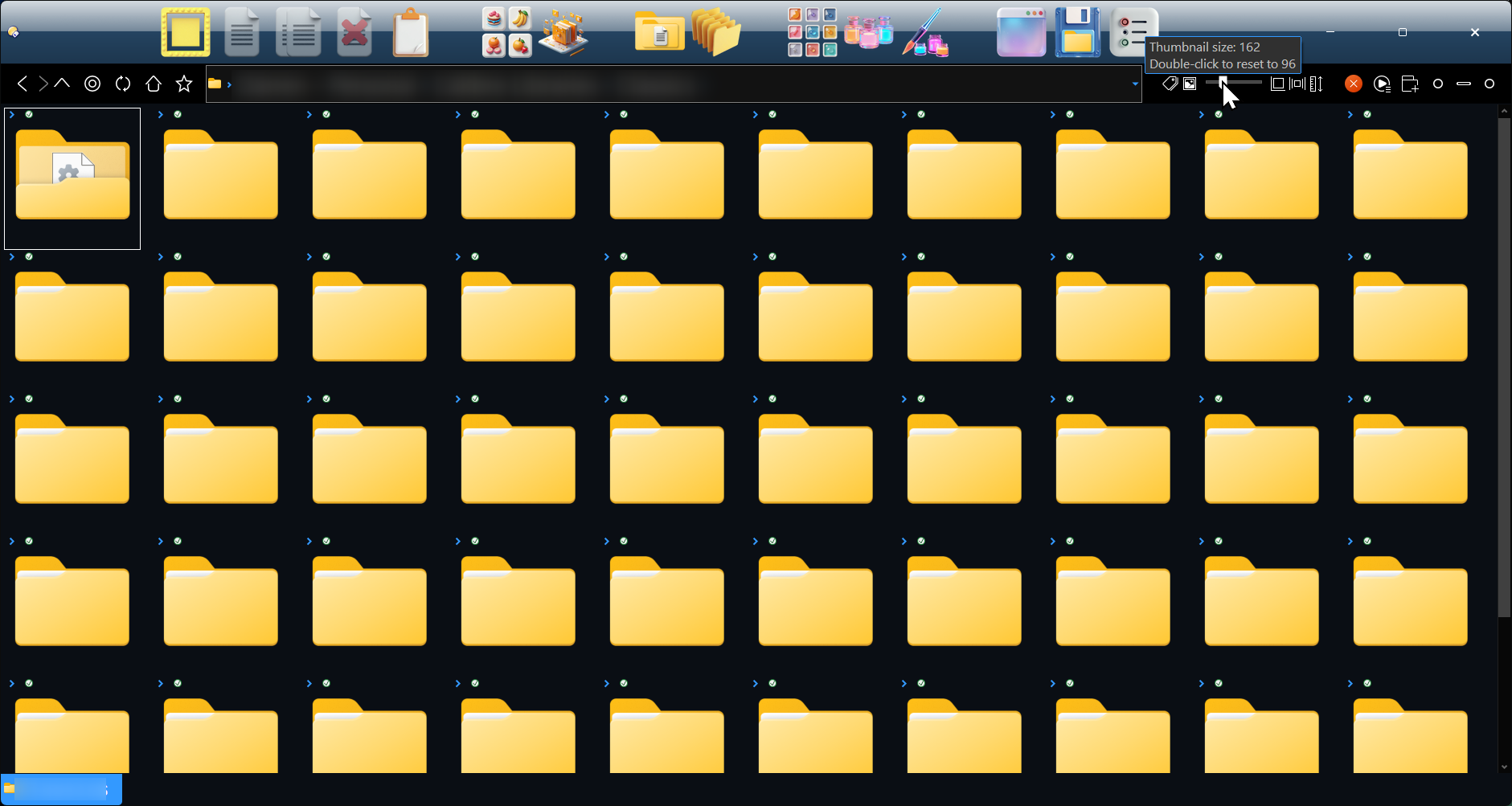
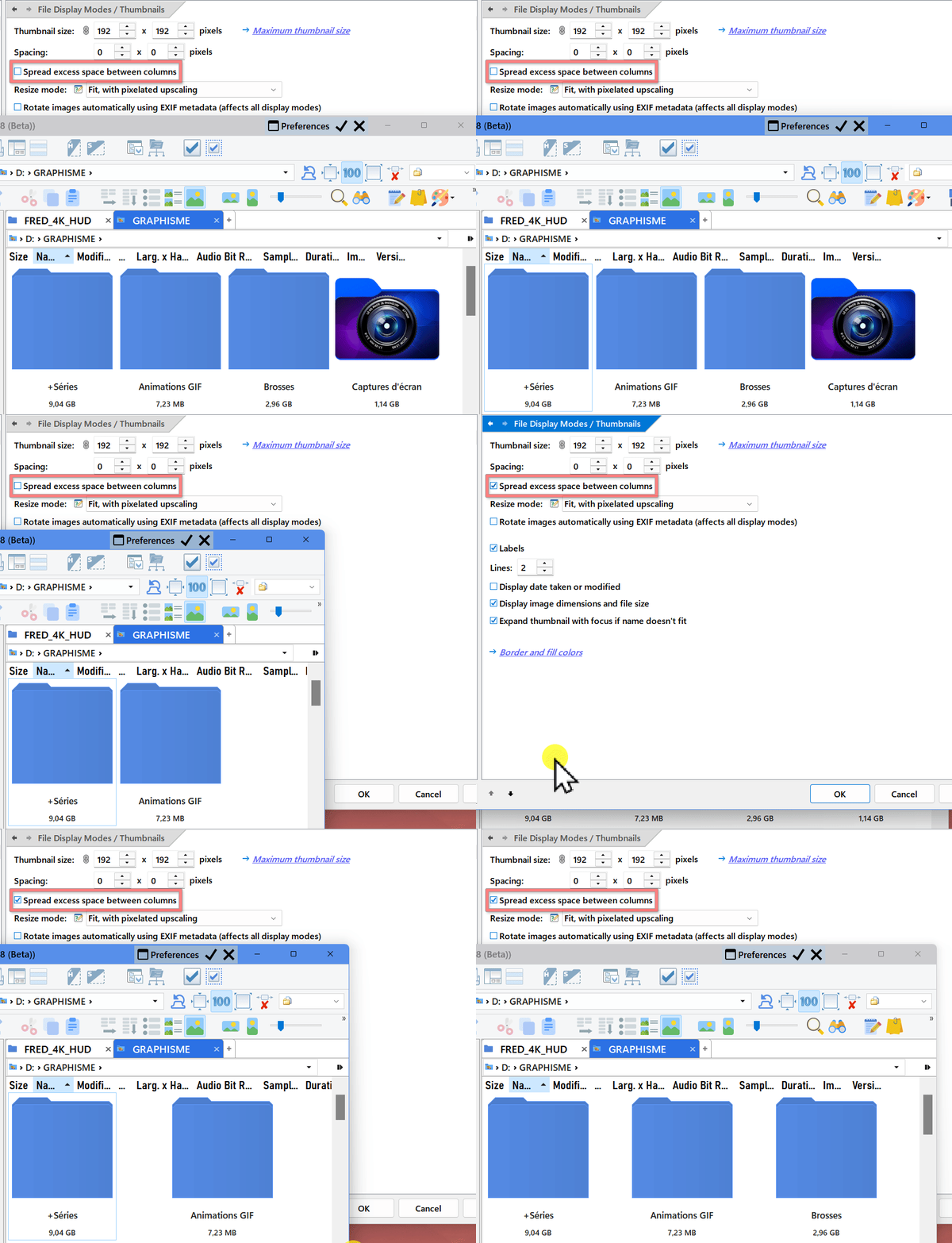
The “Spread excess space between columns” option does not center the thumbnails within the window. It only distributes the remaining horizontal space between the grid columns, increasing the spacing between them evenly.
The number and position of the columns are calculated for the entire display area, and each thumbnail remains assigned to one of those columns. As a result, when a row is incomplete—particularly the last one—its thumbnails simply occupy the first available columns on the left: the row itself is neither centered nor justified across the full width. In other words, this option distributes the available space within the overall grid, but does not recalculate the spacing separately for the thumbnails present on each individual row.
I admit that this is somewhat counter-intuitive, because one might expect the first thumbnail on each row to be placed against the left edge, the last one against the right edge, and the remaining space to be distributed evenly between all the thumbnails in between. That would amount to true horizontal justification of each row. Unfortunately, this option does not currently work that way, as shown in my video.
Perhaps in a future update  .
.
hmmmm!


Do you think my GIF are AI created ??
Not the gif, but the text is full of signs of being generated by AI.
Machine translation is fine, but please speak with your own voice and don't have an AI re-write things.
Using AI to "improve" text has the opposite effect.
 Thanks for the advice. I’ll try to be careful not to ask for rewording and translation at the same time.
@galaxyhub Your problem is resolved with v13.24.9 of DOpus Directory Opus 13.24.9 (Beta)