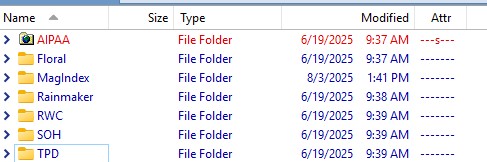
Why is the top folder diifferent than the rest? It is red and has a different icon. They are all the same types of folders. Thanks.
It has the 's' attribute set (see the Attr) column which marks it as a system folder. Opus shows those as red by default, although you can disable it if you want.
The icon is probably set by a hidden desktop.ini file within the folder itself.
I temporarily moved the desktop.ini file out of the directory and nothing changed. What else should I look for to make this folder like the others?
Also, how do I fix the widths of the columns. Like File Type is way too wide. I can change it on the fly but it quickly reverts next time I start Opus. Thanks.
You may need to restart Opus if you move/edit the desktop.ini by hand (instead of via the Properties dialog).
Note that this is more a Windows thing than an Opus thing. File Explorer should show the same icon for that folder that Opus shows, if they both first show it at the same time.
I guess I’m just not going to do anything with it. OTOH how do I fix the width of the columns so that they don’t change by default when I restart Opus?
Probably set the column widths the way you want them then click Set Lister Defaults in Settings.
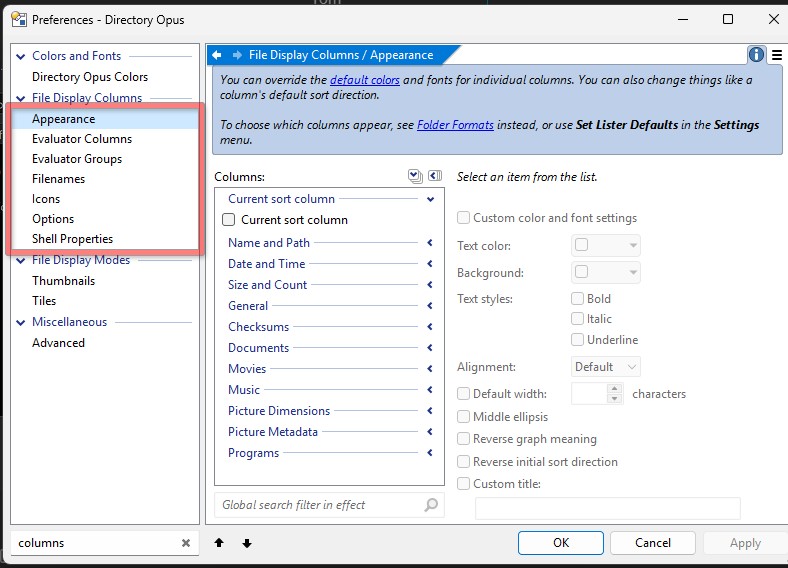
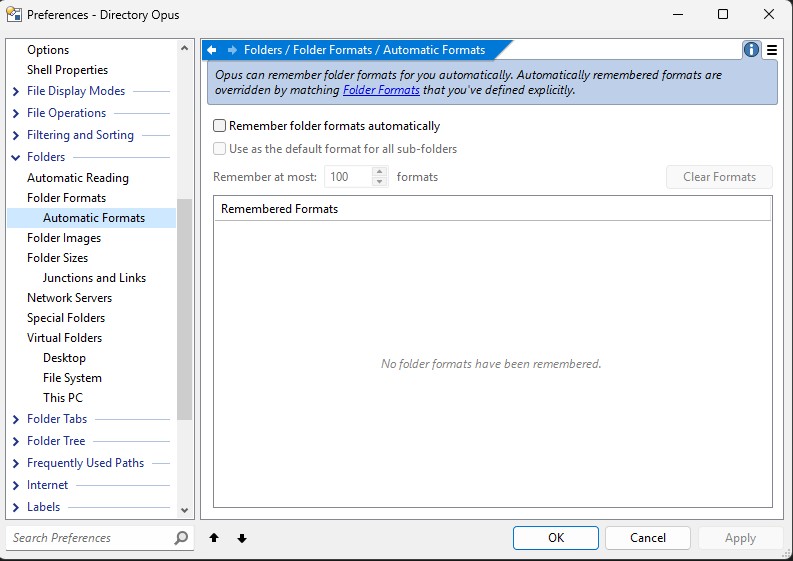
If they're set to auto-size, turn that off in the Folder > Folder Format dialog (or via Preferences / Folders / Folder Formats), resize them to what you want, then use Settings > Set Lister Defaults.
Please Ask one question per thread.
 can’t get this to work. I can go into a subdirectory and change the width of the column in a lister, but if I save the default lister it saves the directory I’m in but doesn’t save the column width. I go into Folder Format and I’ve tried unchecking both boxes and checking them both. Doesn’t help. Please walk me through this step by step like I’m 5 years old . . .
If I change the column widths, then choose to set lister defaults it doesn’t save my changes. It saves the directories I start with just not the column widths. If I go to Folder formats, no matter what I check or don’t check it doesn’t make a difference.
Make sure the Auto-size all columns option is turned off at the bottom of the Columns tab.
when i go to column size and uncheck auto it doesn’t make a difference. when i set the column widths then choose save lister defaults it doesn’t make a difference. I don’t really see a columns tab. I right click on a column header and choose columns size and again unchecking the auto option doesn’t make a difference.
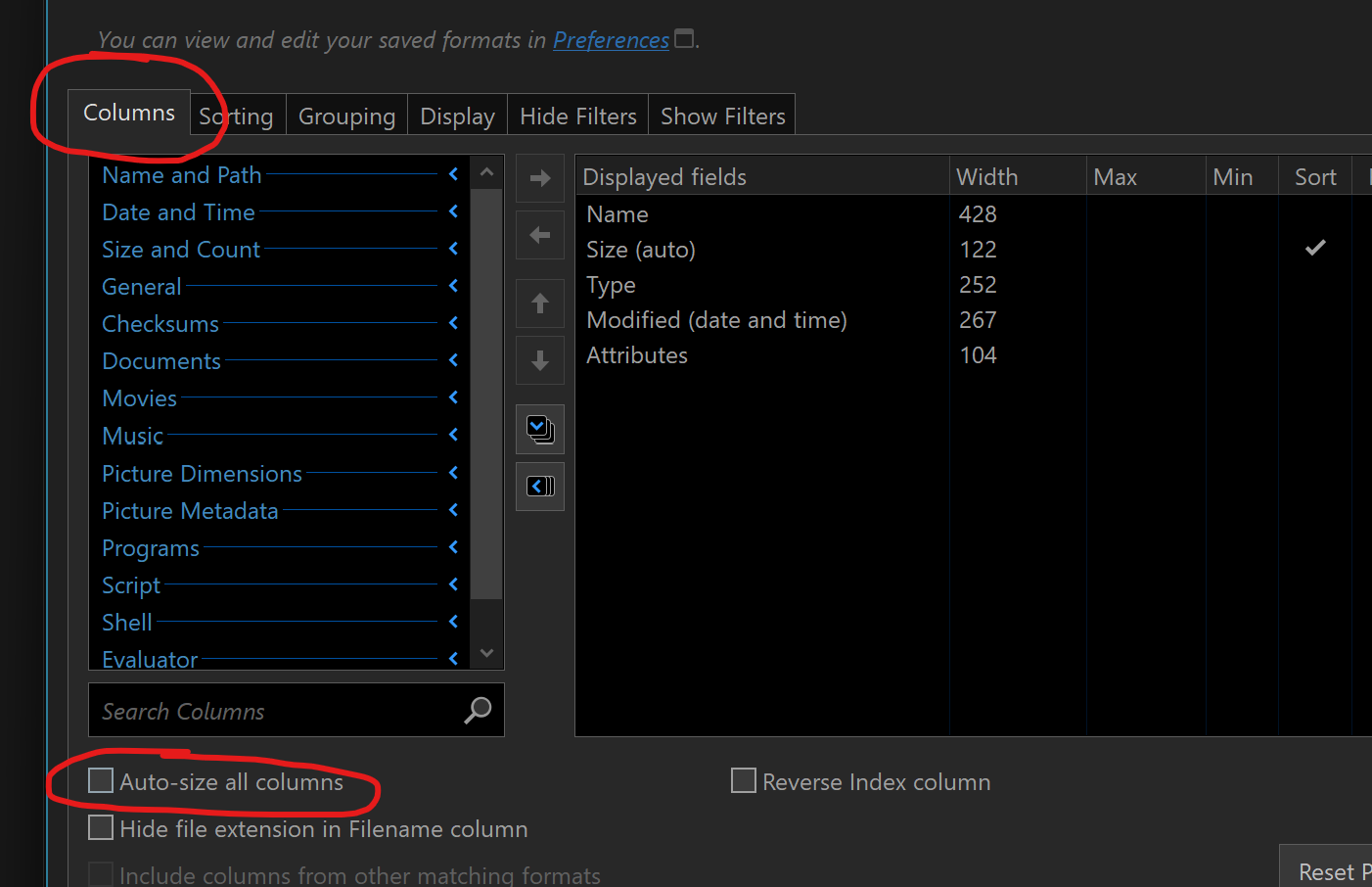
Right click the column headers and choose Edit folder format.
Thanks. That worked. After using a variation of PowerDesk for nearly 2 decades, Opus has taken some getting used to but it’s a really nice file manager.