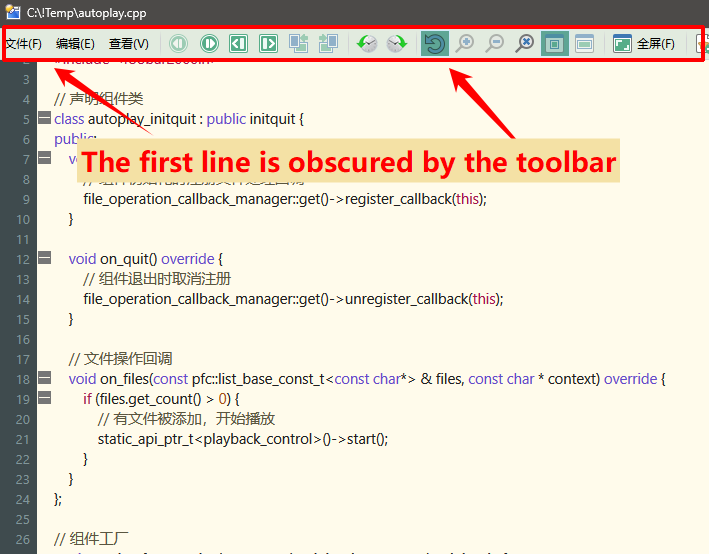
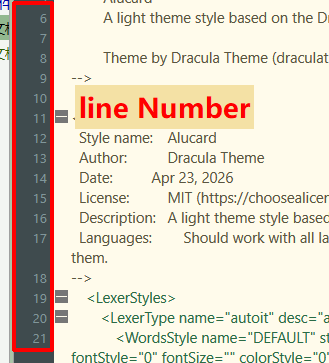
There was an issue with the order in which the settings were applied. I've already fixed it. The new version is in the first post of this thread.
Regarding this situation: For some reason, my contlol isn’t receiving all notifications about resizing. If we resize the window manually, everything returns to normal. I need a little time to figure this out.
I usually don't touch the lexer configuration files. I'm content to provide notepad++) it would be great if you issued a pull request on github. there is a special tool for creating default config resources.
Folders below ConfigFiles\Plugins aren't backed up, no. Plugins shouldn't make subdirs there, but could put the same files directly into ConfigFiles\Plugins with a prefix/suffix on the filenames to separate them and allow the plugin to find them by listing the directory (e.g. for a list of user-installed themes as in the example).
The User Data config folder (sibling of ConfigFiles) can also be used if needed. That is backed up and restored recursively.
Therefore, if I save the plugin settings in %DOPUSUserData%\dosrcvwr\ directory, their backup will be created automatically?
How do I access it through the DO api? This way is reliable? %DOPUSUserData% = GetConfigPath(OPUSPATH_CONFIG) + '\..\..\User Data\'
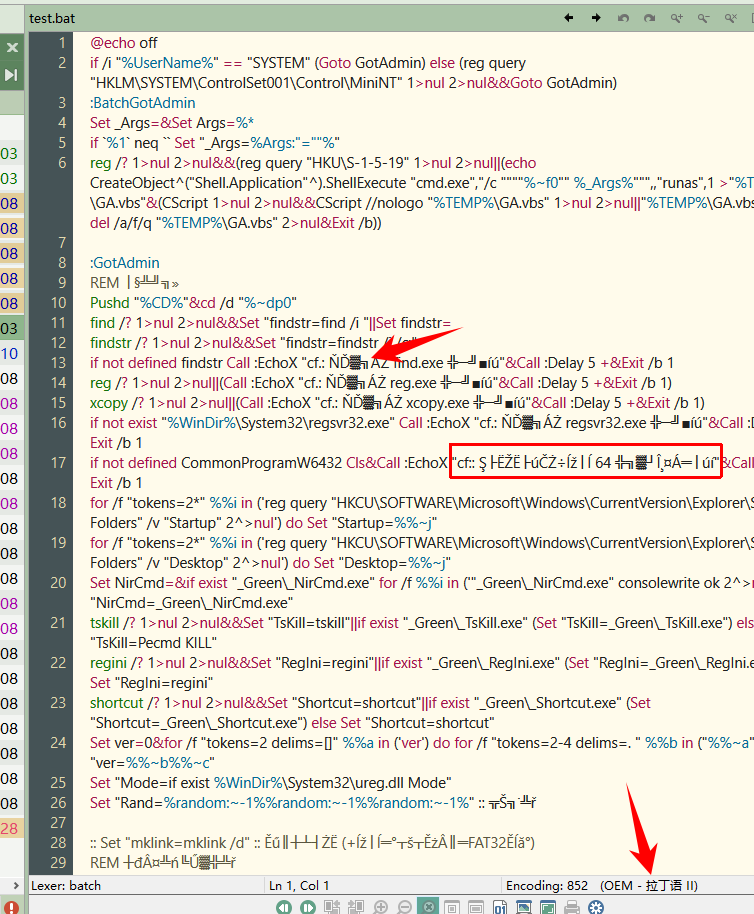
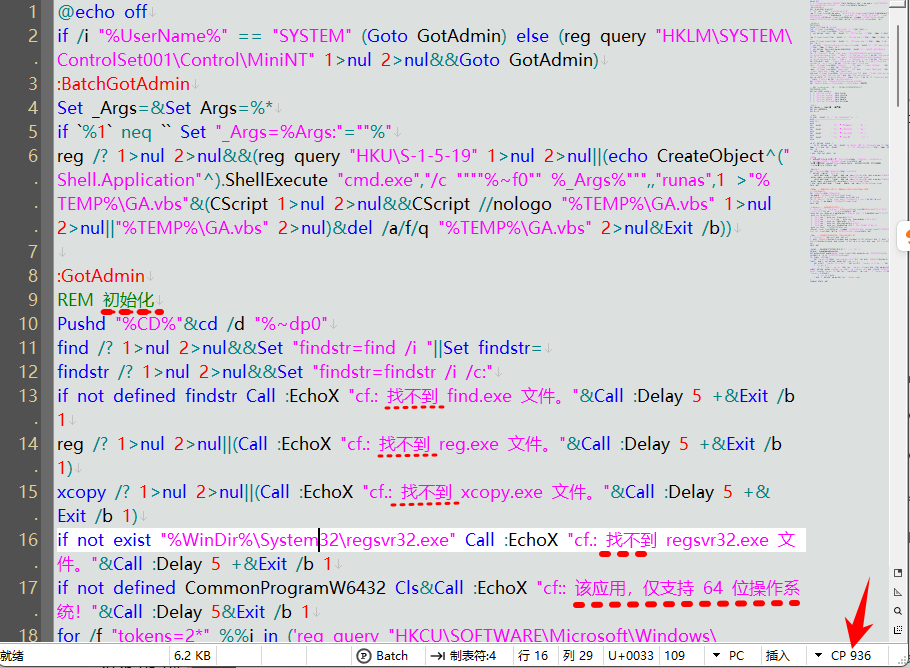
The file encoding is determined using the chsdet library. I have added basic support for recognizing pseudographics there.
first post has been updated.
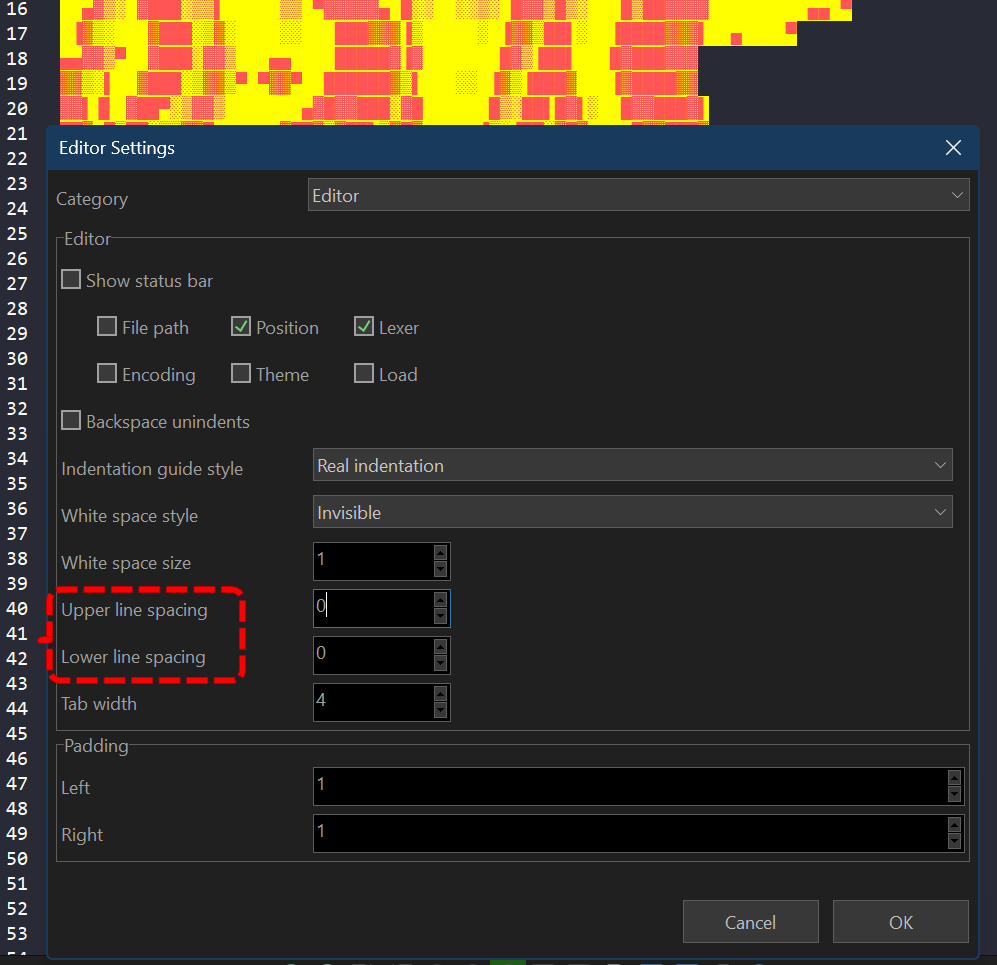
Scintilla doesn't have a separate LineSpacing property as a coefficient. The line spacing is set by adding an extra value to the ascent/descent of the line.
There is no separate property for this in Notepad++ themes format (specifically in dracula, I have not looked at others). Notepad++ theme format sets colors and style parameters through WordsStyle / WidgetStyle: fgColor, bgColor, fontName, fontStyle, fontSize, colorStyle, keywordClass; there is no separate field for SCI_SETEXTRAASCENT / SCI_SETEXTRADESCENT.
In the DScintilla control visual settings, you need to set the Upper line spacing / Lower line spacing:
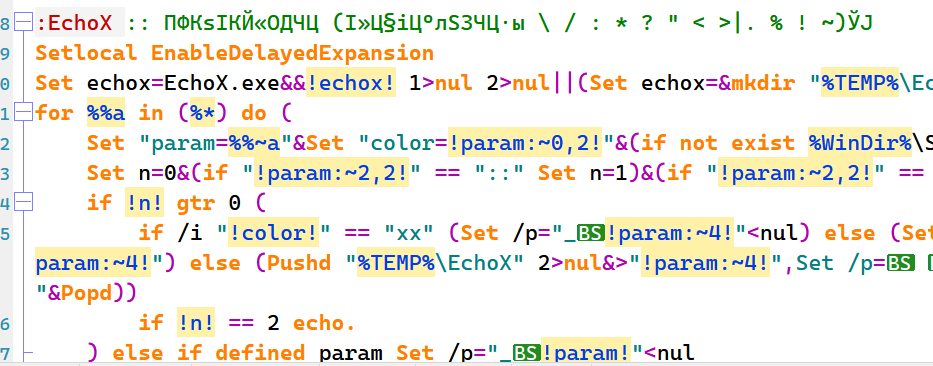
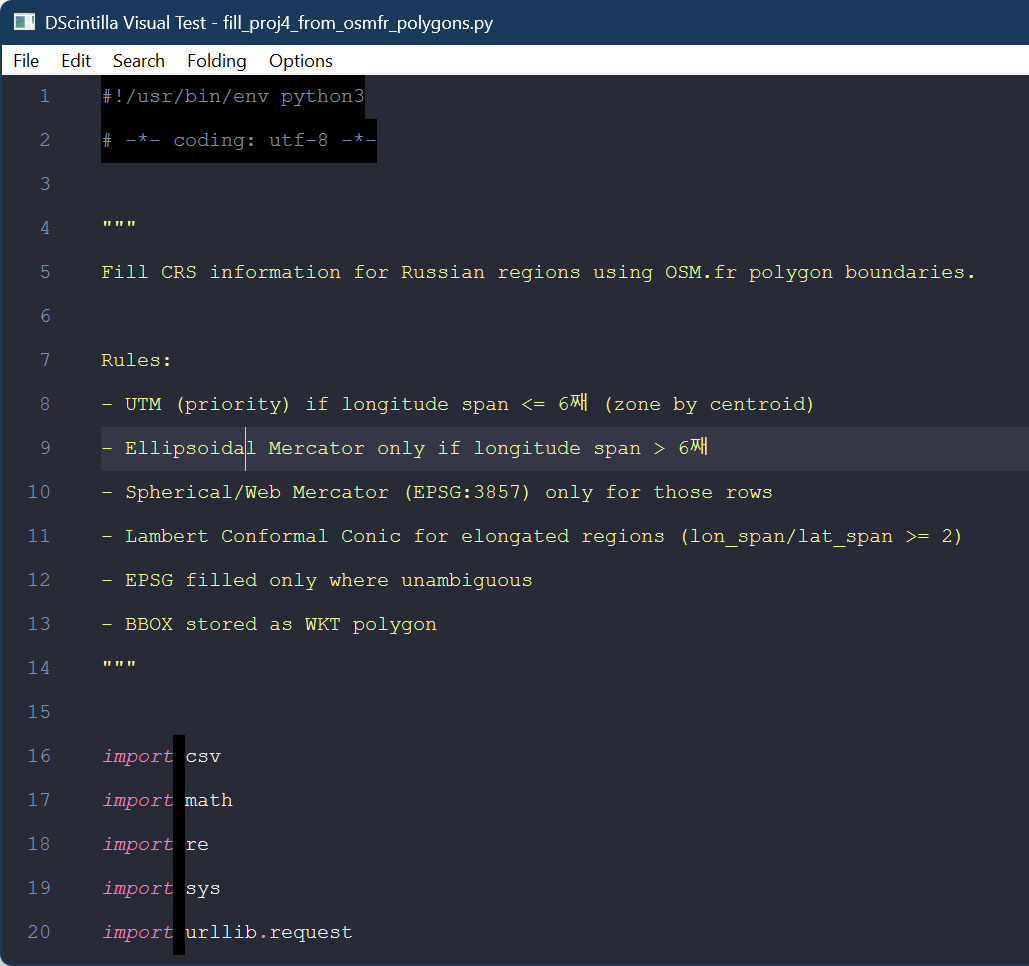
But here's what's interesting. for example, in my notepad++ and notepad4, distorted characters are displayed when opening your example. I think it all depends on the current system locale.
To be honest, I haven't tested chsdet in situations where a multibyte structured stream contains bytes with OEM/legacy signatures. It turns out that these signatures overlap, which leads to incorrect encoding detection.
@alexeydott
可以在xml配置文件中增加一个控制每种语法高亮的行距、缩进线的设置项么?
Can we add a setting item in the XML configuration file to control the line spacing and indentation of each syntax highlight?
Unfortunately, no.
The UpperLineSpacing / LowerLineSpacing parameters currently relate to the editor configuration, not to Lexer (). Theoretically, if they are in the node, they can be read and changed Editor`s UpperLineSpacing / LowerLineSpacing parameters. but it's ugly.
Have I understood correctly what you want me to do: if the theme attributes include UpperLineSpacing and LowerLineSpacing, we simply apply them to the control. The same applies to the global and default attributes, with the former overriding the global setting and the latter applying to all.
Since NPP should ignore this, the result is an extension to the NPP theme format that ensures backwards compatibility. I right?
But unfortunately it turns out badly. in the scintilla control architecture, it is not possible to depict lines of different heights. All lines must be the same height
All lines of text in Scintilla are the same height, and this height is calculated from the largest font in any current style. This restriction is for performance; if lines differed in height then calculations involving positioning of text would require the text to be styled first.
DOSrcVwr-test.zip (2.2 MB)
I'm attaching a version, but I don't think I'll leave this code. to maintain lineSpacings by style, we need to modify scintilla control itself by adding extraAscent/extraDescent to the Style class
Something like:
class Style : public FontSpecification, public FontMeasurements {
public:
    ColourRGBA fore;
    ColourRGBA back;
    bool eolFilled;
    bool underline;
    ...
    int extraAscent = 0;
    int extraDescent = 0;
};
But it affects too much. I don't think the higher-level Scintilla will accept such a patch without much discussion: the changes affect the layout model and change the API.
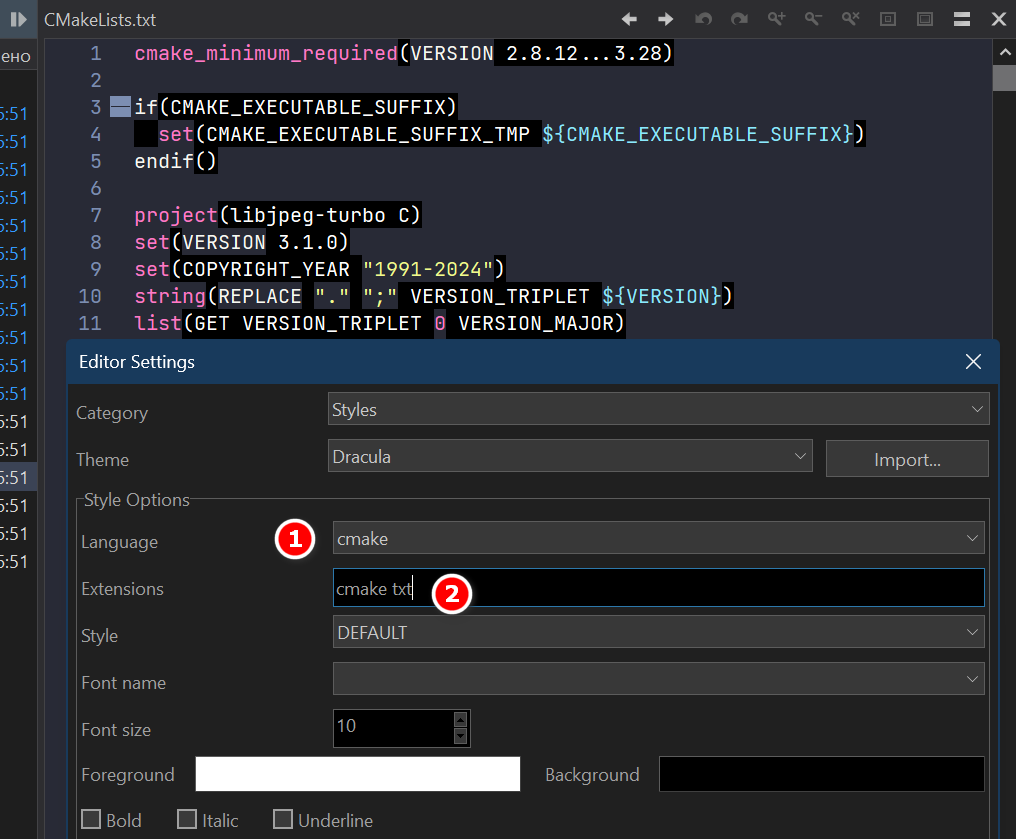
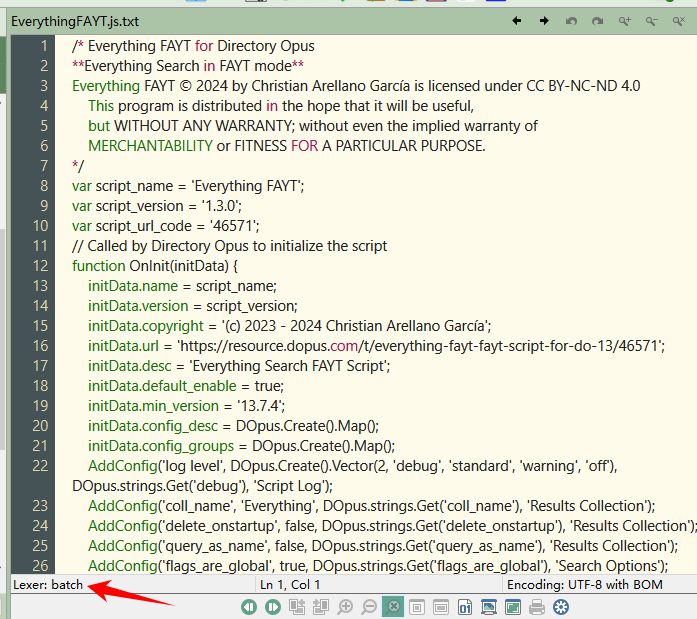
Can you add .txt to the preview list?
Because the default common text previewer cannot show line numbers,and its encoding detection is not very comprehensive.