Are you using the latest version? I updated it today. Now complex extensions are better supported. Download the DLL from the repository
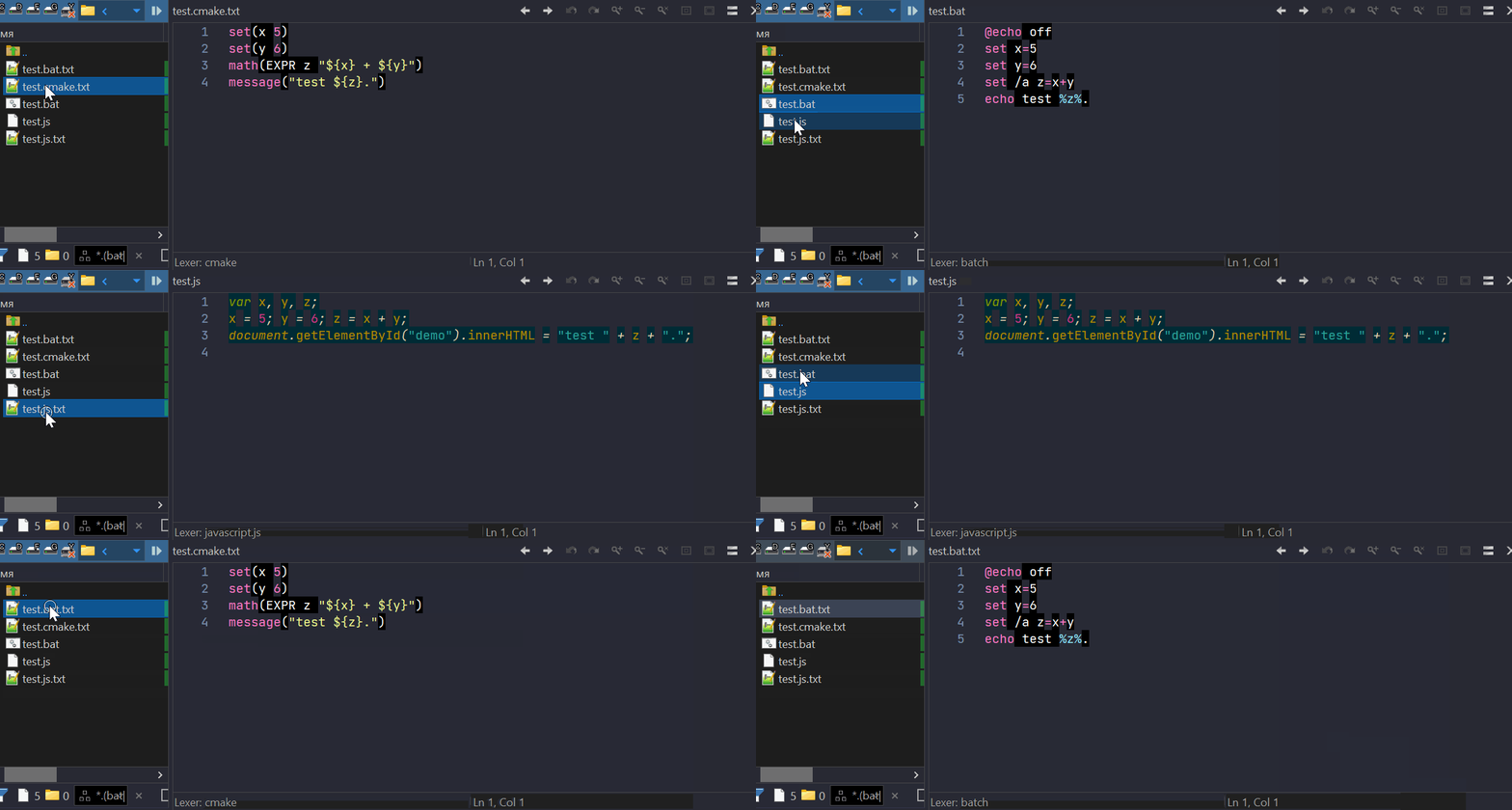
strange. I have these results:
you download plugin DLL from the repository?
take a look at these files:
ext.test.zip (1.0 KB)
After deleting "Directory Opus\ConfigFiles\Plugins\dosrcvwr\dosrcvwr.config.xml"
and restart DOpus, Now it works as expected.
thank you!
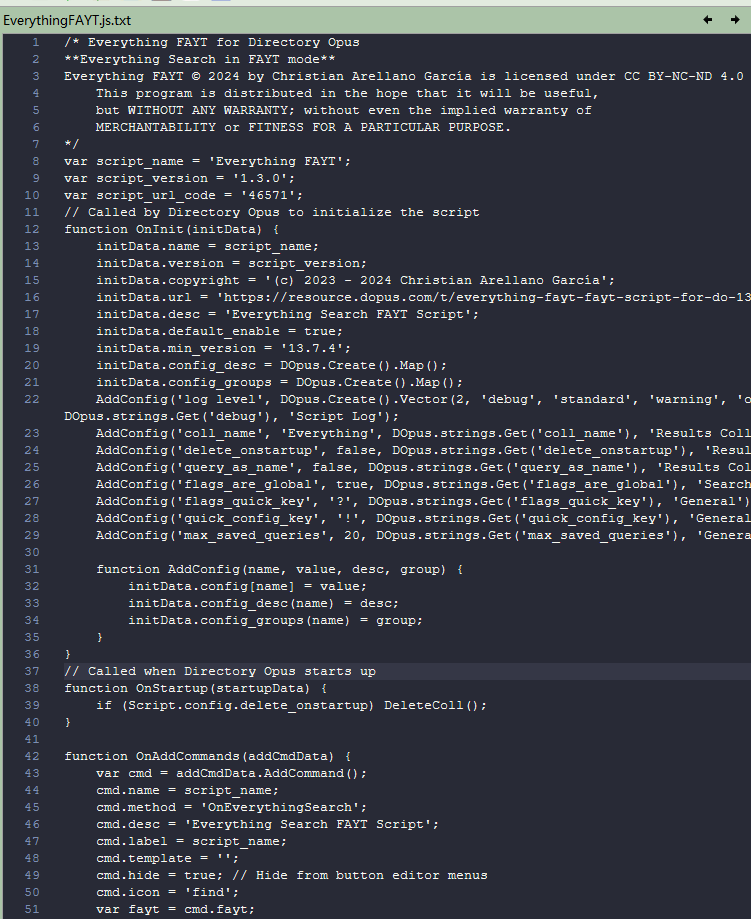
I found the js lexers does show any highlight color of any keywords.
All texts are of the same color.
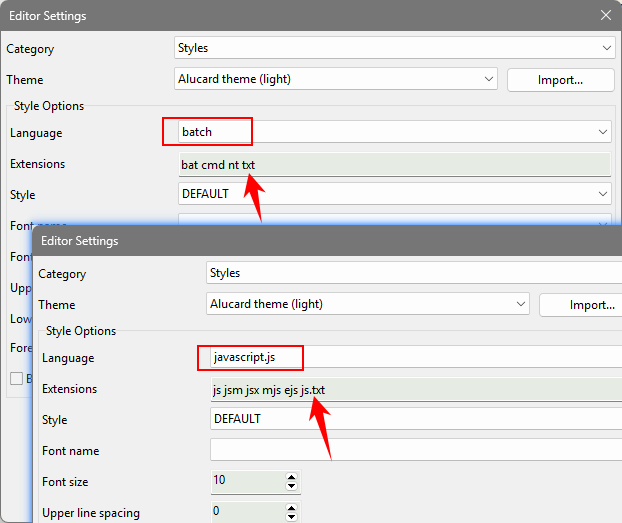
I see 2 lexers have the same ".js" extension: one is named "javascript" and the other is "javascript.js". But the "javascript" node has no correct styles settings, so "javascript" appears before "javascript.js", and as a result, syntax highlighting doesn't work in files with the "js" extension.
The problem in the ConfGen application; when generating the default configuration, the lexers are combined incorrectly. That’s what I think. I’ll fix this later. For now, you can change the extension of the "javascript" lexer to something else. or remove it and rename "javascript.js" to "javascript".
The attachment is my modified themes,
in earlier version, it displayed normally using Alucard theme (light).xml theme .
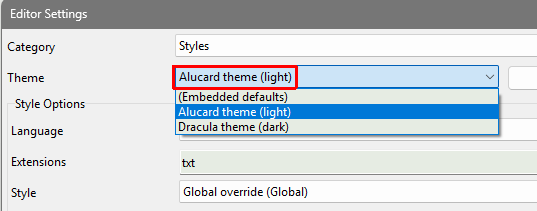
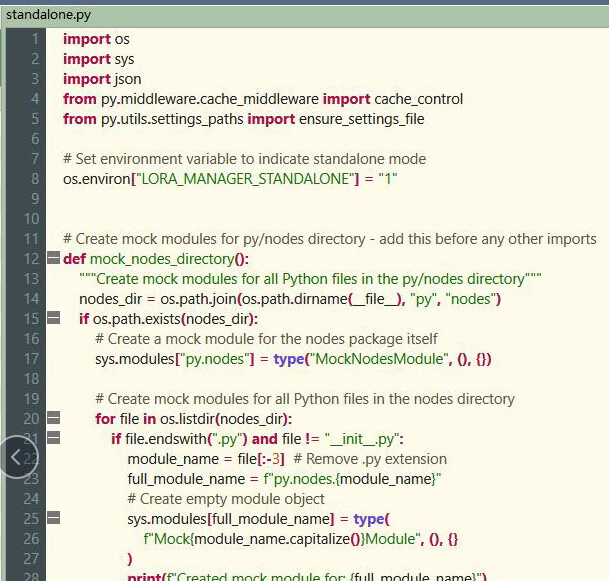
But now it seems chaotic. Look this:
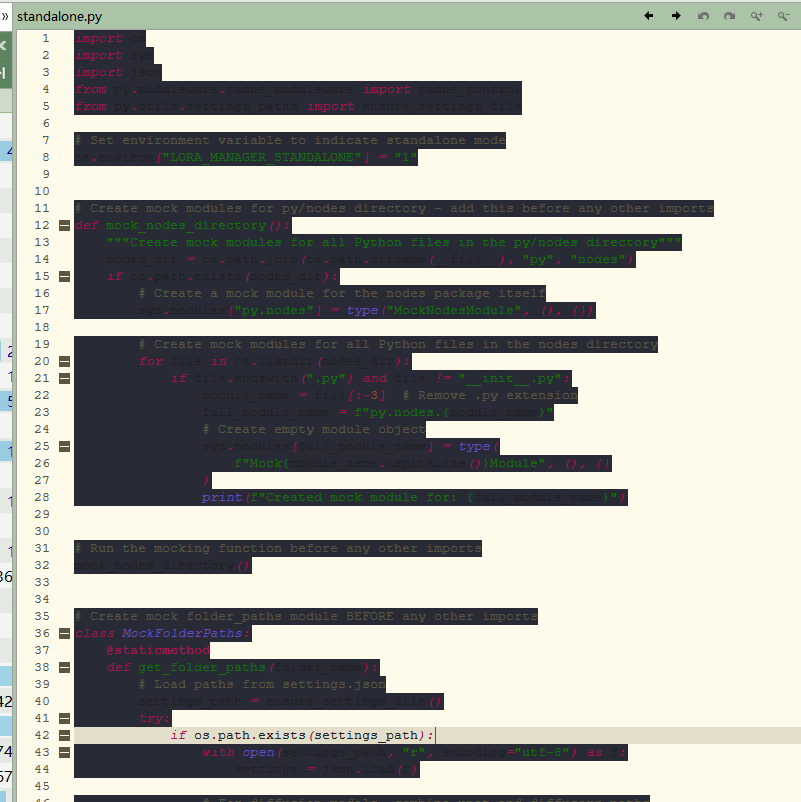
dosrcvwr.rar (14.1 KB)
A suggestion:
on the setting GUI, press ESC key to close the window.
bump!
Scintilla control has been updated to version 5.6.7; Lexilla has been updated to version 5.5.4
Fixed several crashes related to the lifecycle and layout
Fixed issues with unloading, ESC key handling, and toolbar overlay
Settings have been moved to the DO User Data directory (this occurs automatically)
Support for exporting via USB using via manifest (DO10+).
A separate installer has been added
2 Likes