I’m fairly new to Directory Opus, so this may simply be a beginner mistake. The Metadata Pane (F9) is supposed to show supported metadata fields, and the help file lists all available keywords here: Keywords for SetAttr META [Directory Opus Manual])
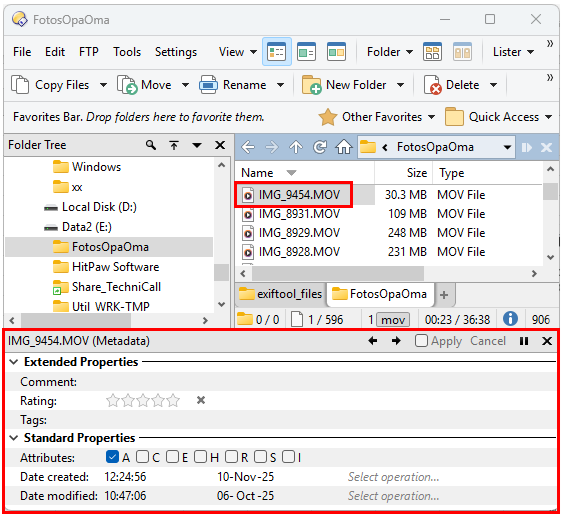
However, when I select a *.MOV file, I only see "Two extended" and "Two standard" metadata properties (see screenshot 1).
Is there a setting I may have overlooked that enables D-Opus to show the full set of metadata fields listed in the documentation—for MOV files in particular?
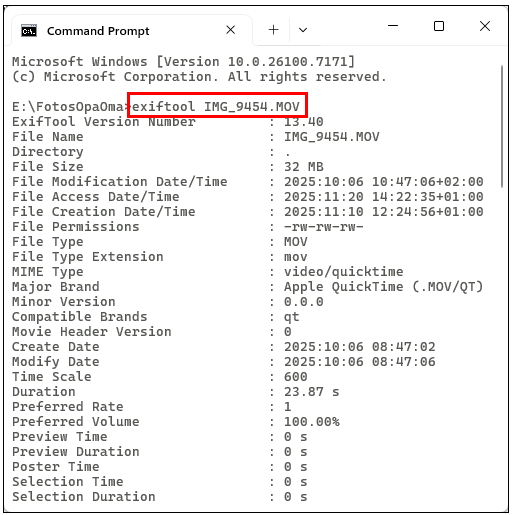
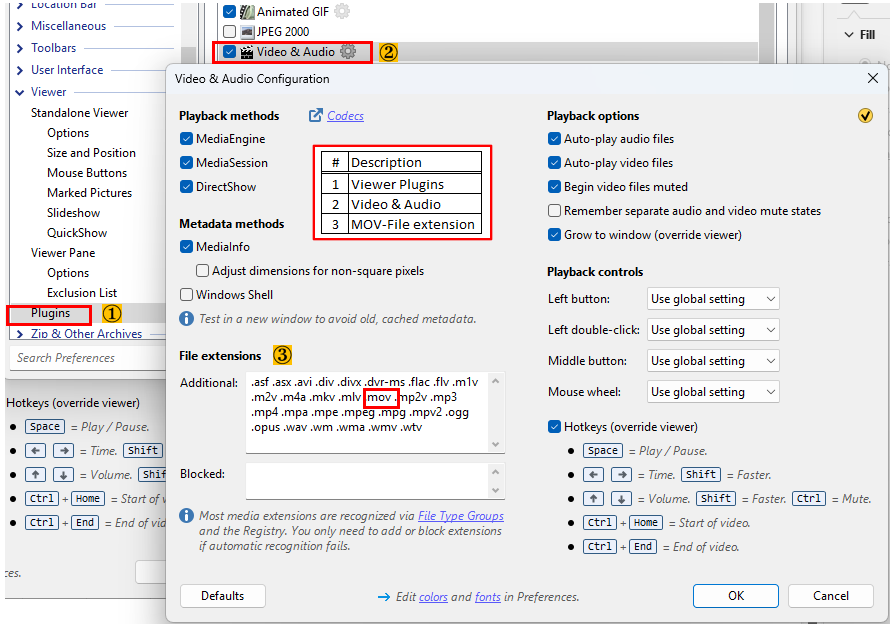
I’ve read that ExifTool can be integrated as a plugin. Is there a step-by-step guide (“monkey-see, monkey-do”) for configuring this and associating ExifTool with .MOV files?*
There isn't much built-in support for editing .MOV metadata, I think due to our metadata library not knowing about the format.
You should be able to display at least some metadata in columns, although I don't have any tagged .MOV files to test with and Windows seems to only have read-only support for .MOV so I can't easily tag the files I have to try them. AFAIK it should work, though.
If none of the built-in columns show what you need, you may find a suitable column under Preferences / File Display Columns / Shell Properties which you can turn on in Opus. That lists File Explorer's columns and lets you use them within Opus.
If you want to use ExifTool to display information in columns: